
Relist
Overview
When a listing expires without selling, the seller can relist it to make it available again. PHP Pro Bid supports both automatic relisting (configured when the listing is created) and manual relisting from the seller’s listings page.
Auto Relist
When creating a listing, the Publishing tab includes auto relist options. Enable Auto Relist to have the listing automatically relist when it expires:
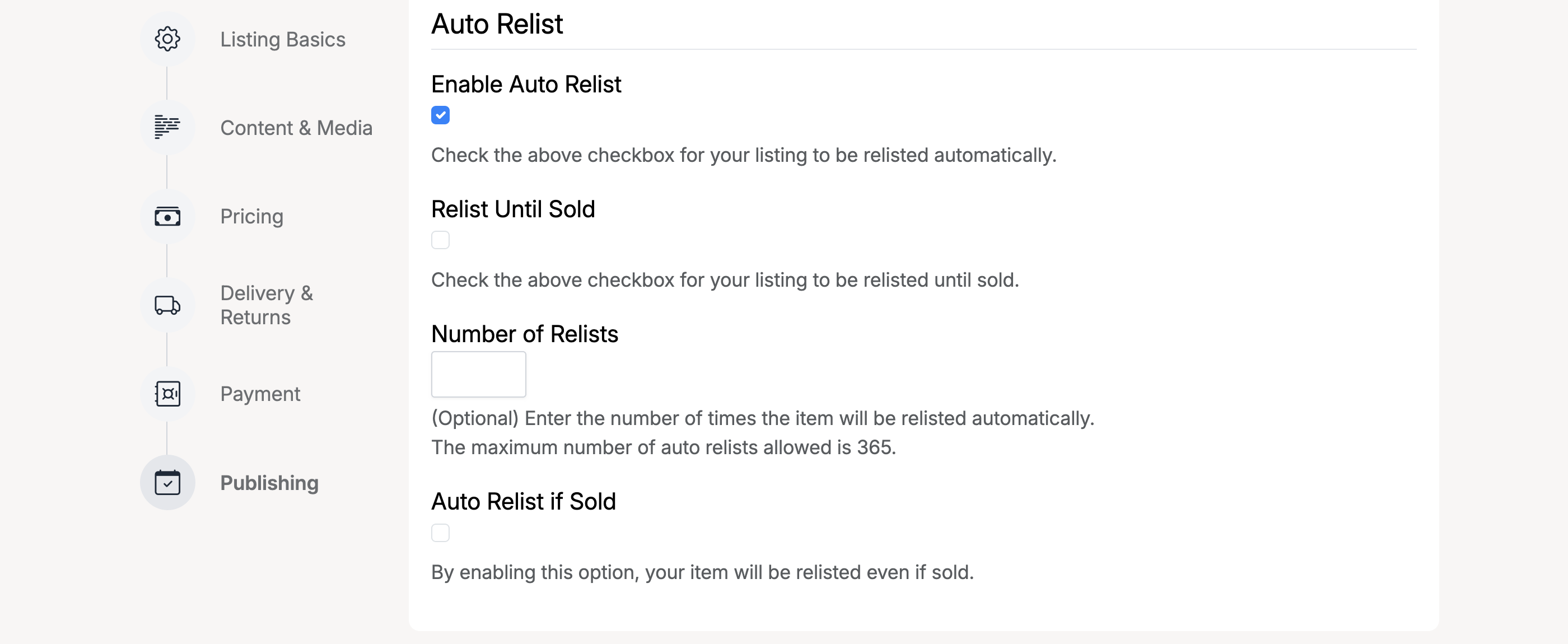
- Enable Auto Relist — automatically relist the listing when it expires
- Relist Until Sold — keep relisting until the item sells
- Number of Relists — set a specific number of times to relist (max 365)
- Auto Relist if Sold — relist even after the item has sold (useful for items with stock)
Manual Relist
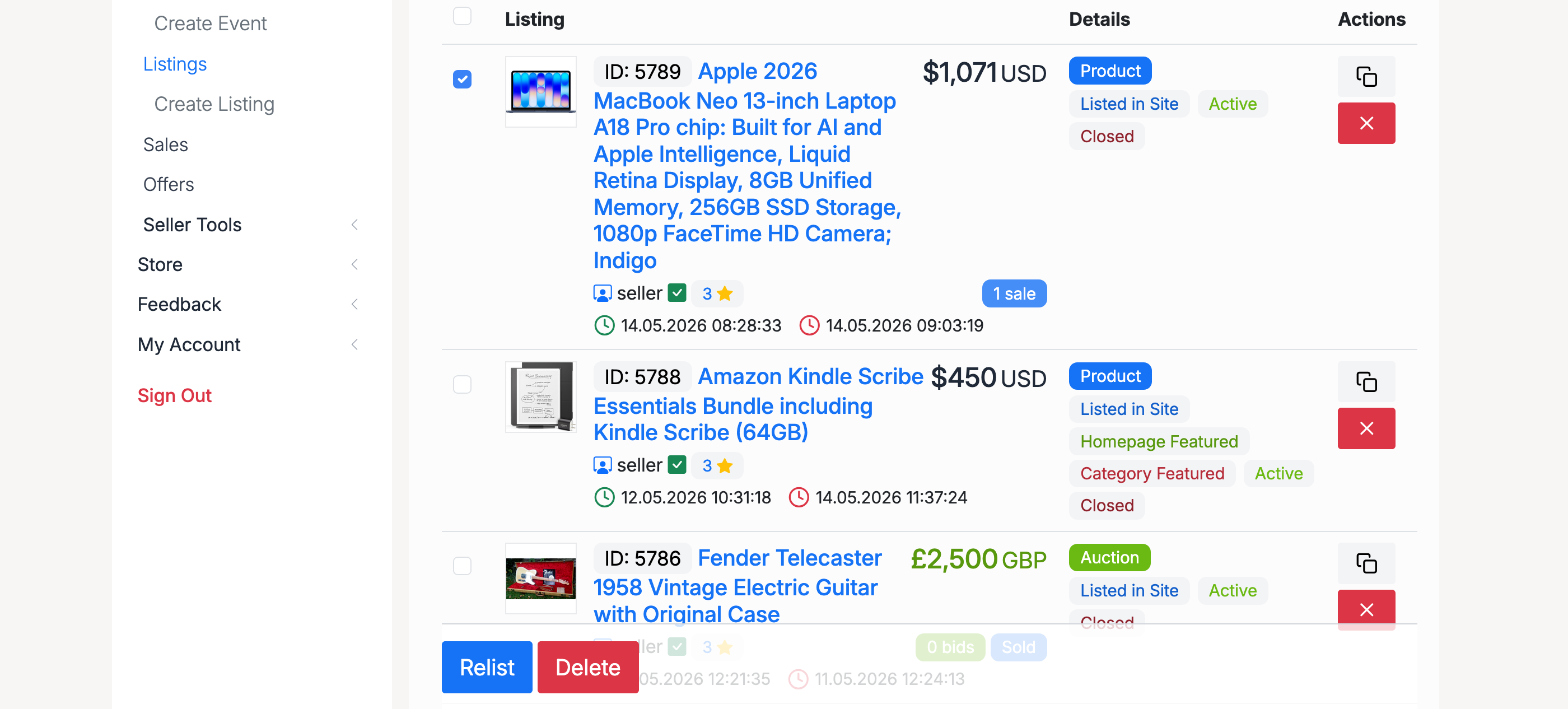
To manually relist a closed listing, go to Selling → Listings, select the listing, and click the Relist button:
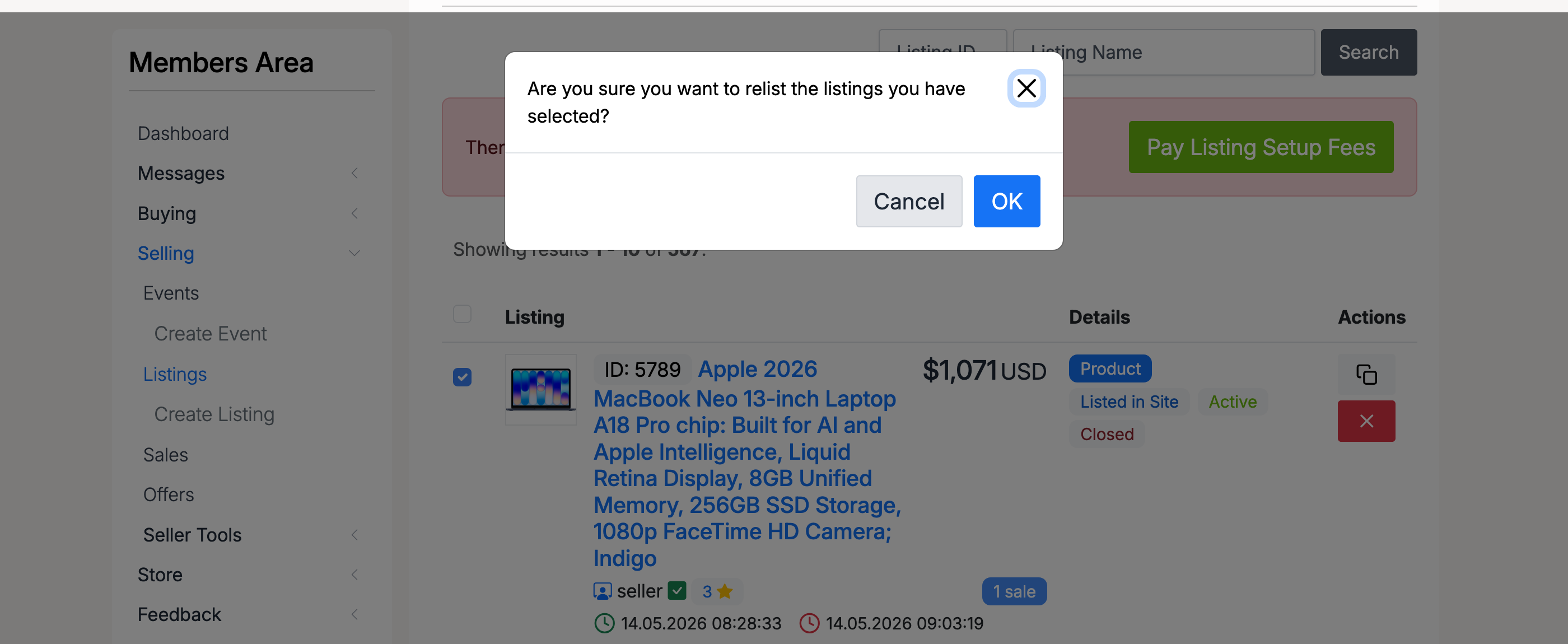
A confirmation dialog asks you to confirm the relist:
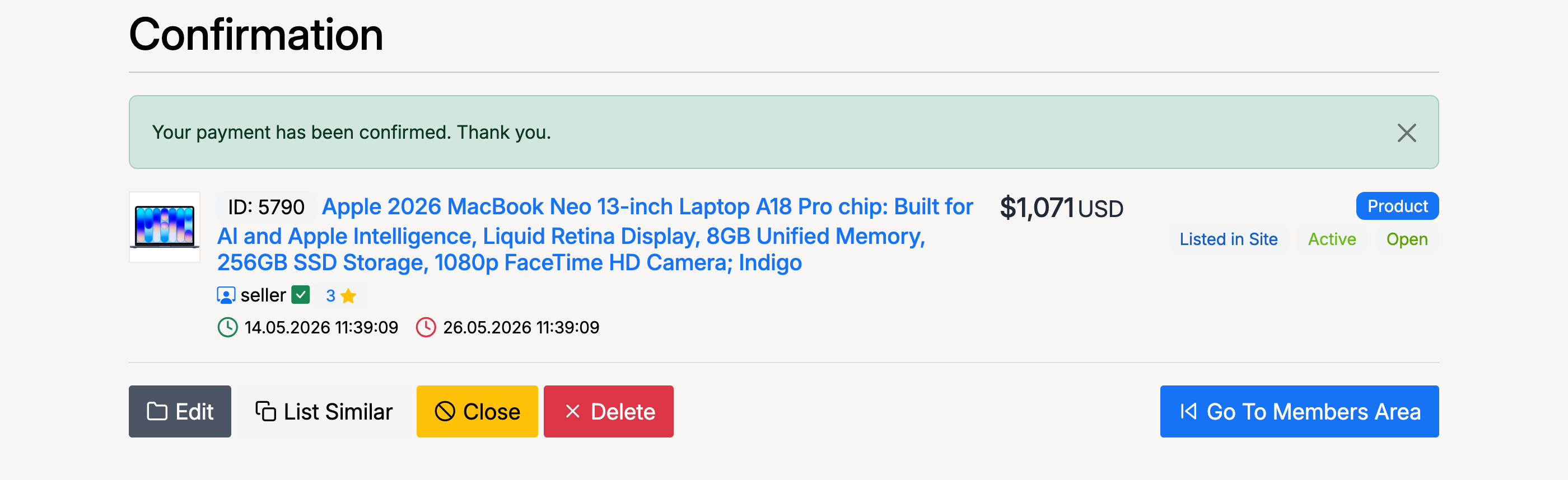
After confirming, the relisted listing appears as active and open with new start and end dates:
Admin Settings
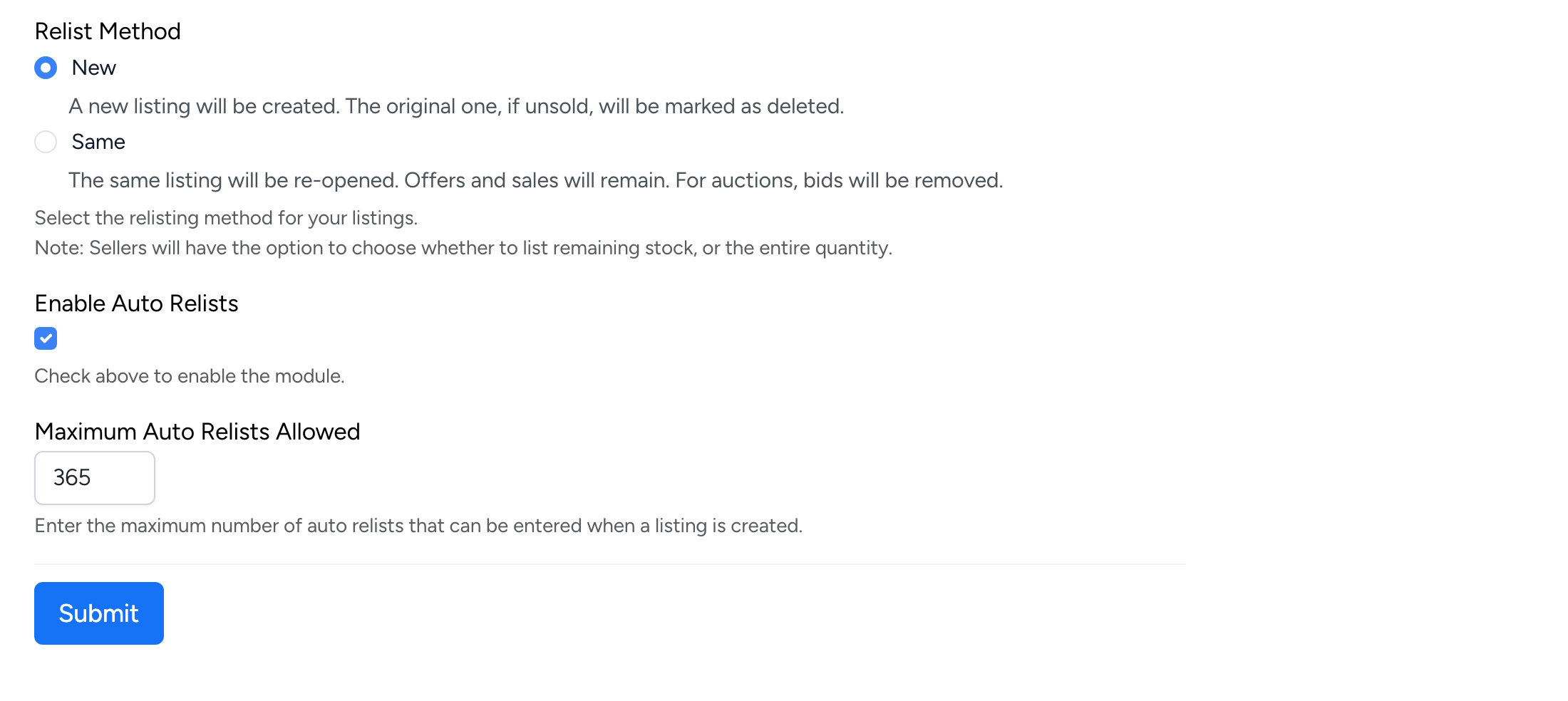
Relist settings are managed at Admin → Listings → Settings → Relist Settings:
Relist Method

- New — a new listing is created and the original (if unsold) is marked as deleted
- Same — the same listing is re-opened. Offers and sales remain, but auction bids are removed
Enable Auto Relists

- Enable Auto Relists — when checked, sellers can configure listings to automatically relist when they expire
Maximum Auto Relists Allowed

- Maximum Auto Relists Allowed — the maximum number of automatic relists a seller can set when creating a listing