
Prefilled Fields
Overview
Prefilled Fields let sellers set default values that are automatically populated when creating a new listing. This saves time by pre-filling commonly used settings. Access this page at Selling → Seller Tools → Prefilled Fields.
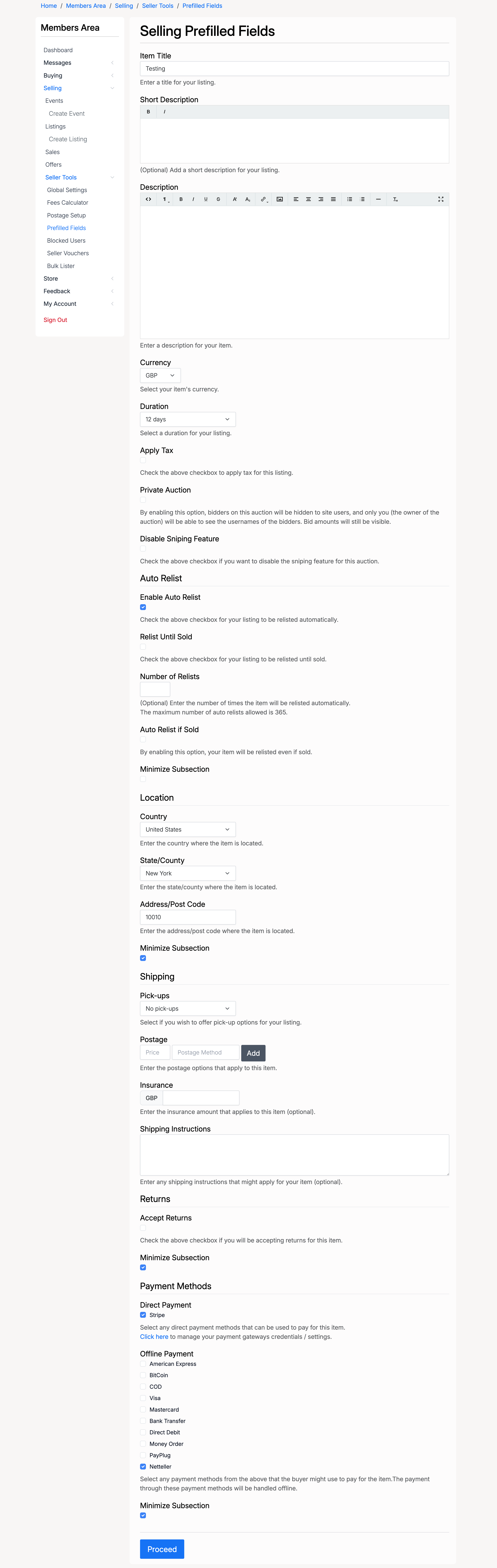
Item Details
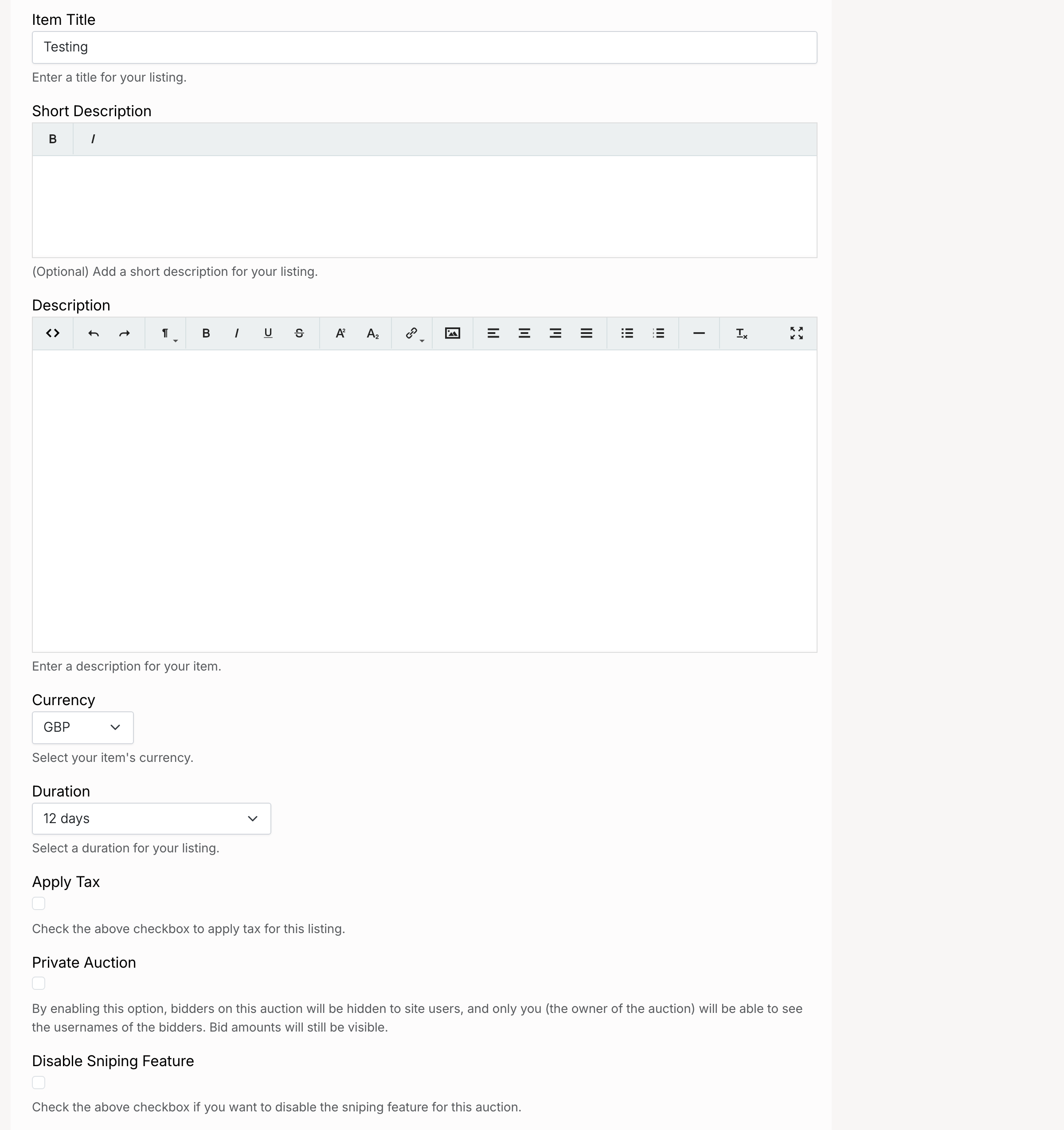
- Item Title — a default title to prefill for new listings
- Short Description — a default short description
- Description — a default full description for the listing
- Currency — the default currency for listing prices
- Duration — the default listing duration
- Apply Tax — when checked, tax is applied to listings by default. A tax type selector appears to choose between available tax profiles
- Private Auction — when checked, new auctions are set to private by default (bidder identities are hidden)
- Disable Sniping Feature — when checked, the anti-sniping time extension is disabled by default on new auctions
Auto Relist

- Enable Auto Relist — when checked, unsold listings are automatically relisted when they expire
- Relist Until Sold — when checked, the listing keeps relisting until it sells
- Number of Relists — if Relist Until Sold is off, this sets how many times the listing will be relisted
- Auto Relist if Sold — when checked, the listing is also relisted after a sale (useful for items with multiple stock)
Location
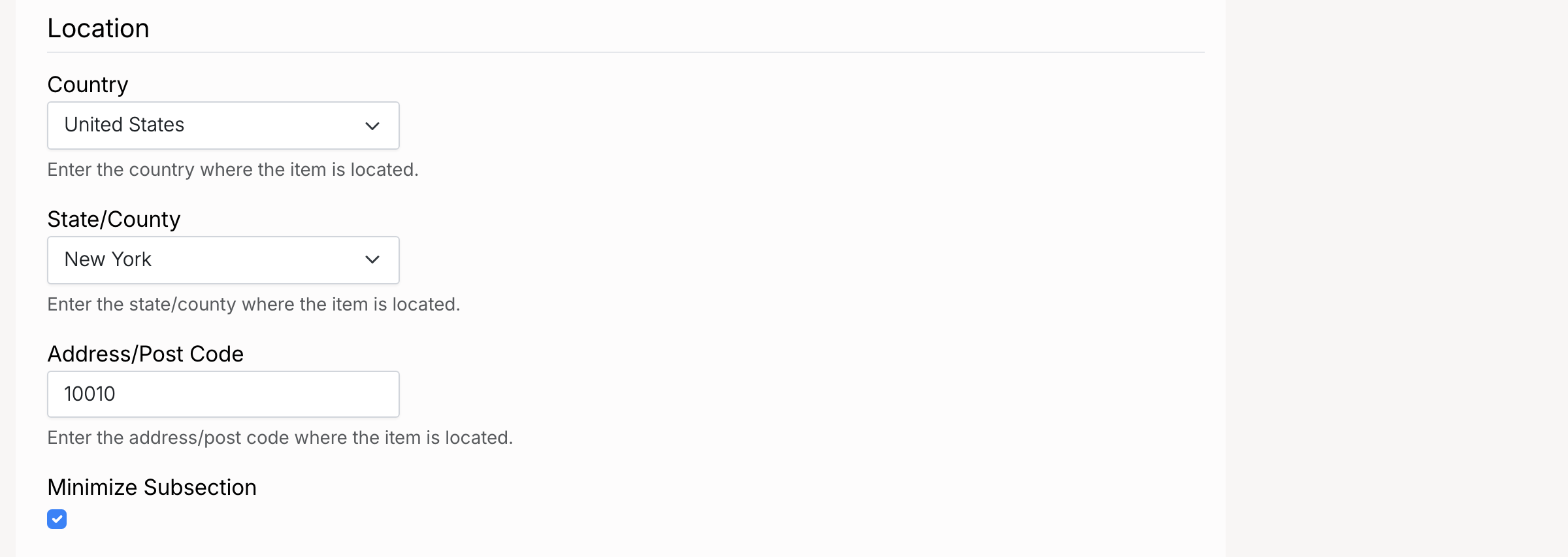
- Country — the default country for item location
- State/County — the default state or county
- Address/Post Code — the default address or post code displayed on listings
Shipping
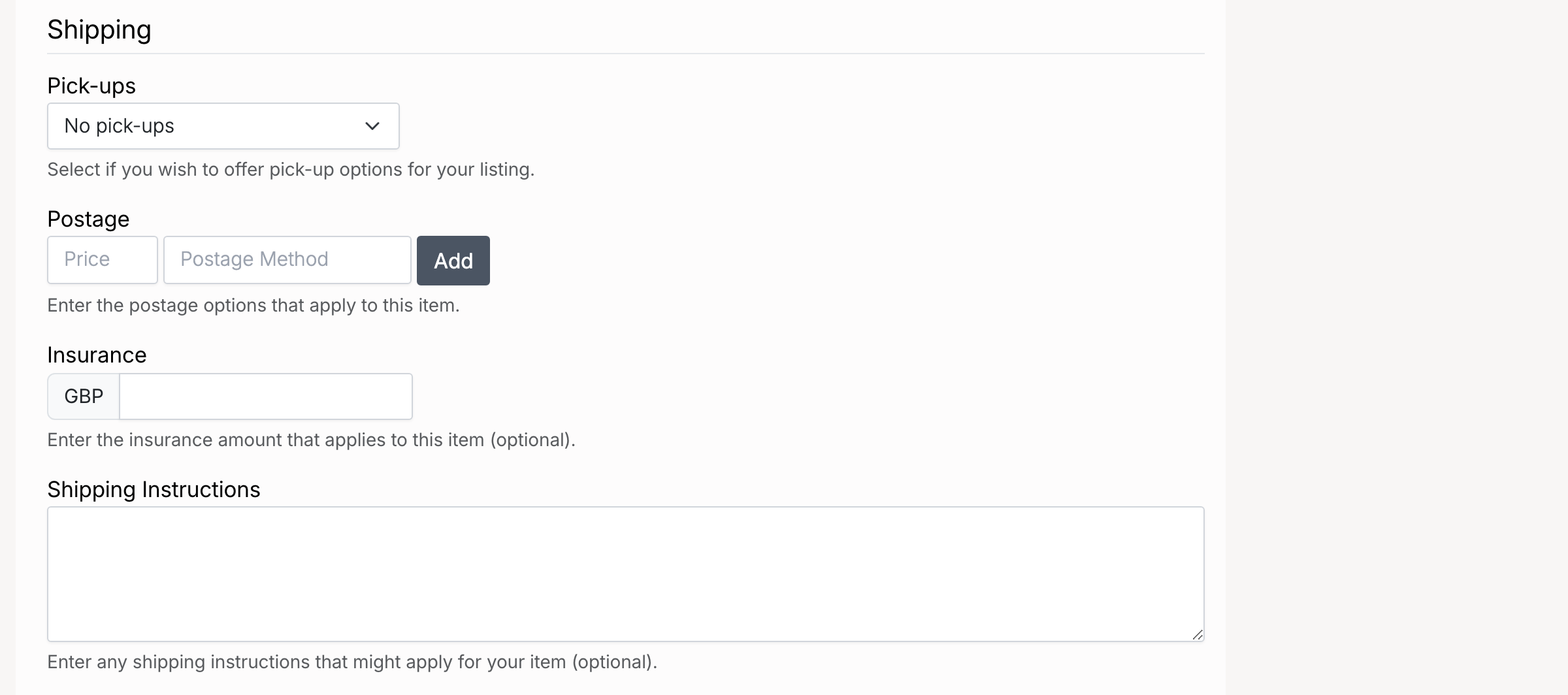
- Pick-ups — whether local pick-up is available as a delivery option
- Postage — a default postage rate and shipping method name
- Insurance — a default shipping insurance cost
- Shipping Instructions — default shipping instructions or notes displayed to buyers after purchase
Returns

- Accept Returns — when checked, listings accept returns by default
- Return Policy Details — default return policy text displayed on listings
Payment Methods
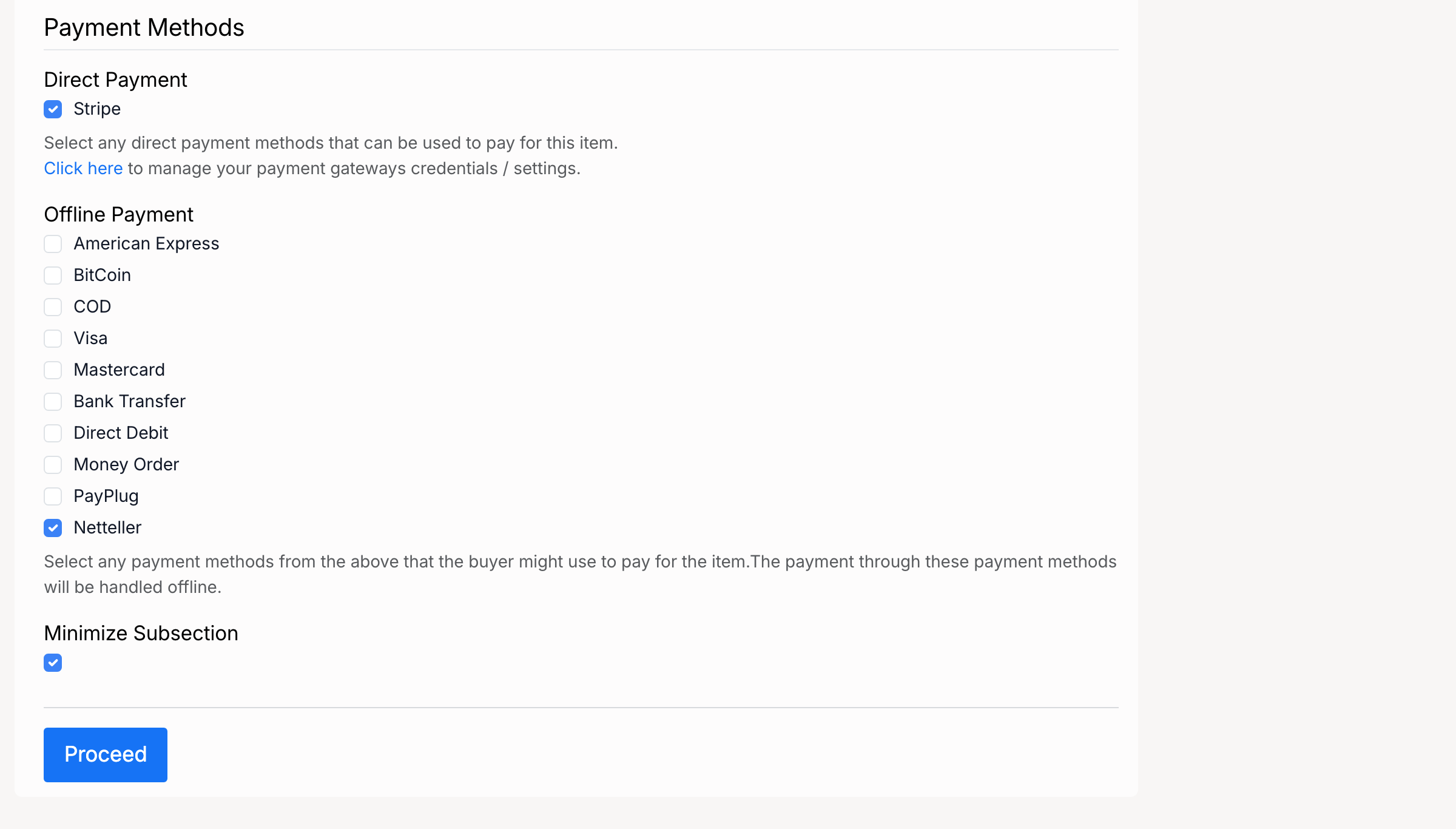
- Direct Payment — online payment gateways (e.g. Stripe) that are enabled by default on new listings
- Offline Payment — offline payment options (e.g. Bank Transfer, Money Order, COD) that are enabled by default on new listings
Prefilled values are defaults only. They can be changed on each individual listing when it is created or edited.