
Offline Payment Methods
Define the payment methods available for offline transactions between buyers and sellers. Manage them at Admin → Tables → Offline Payment Methods.
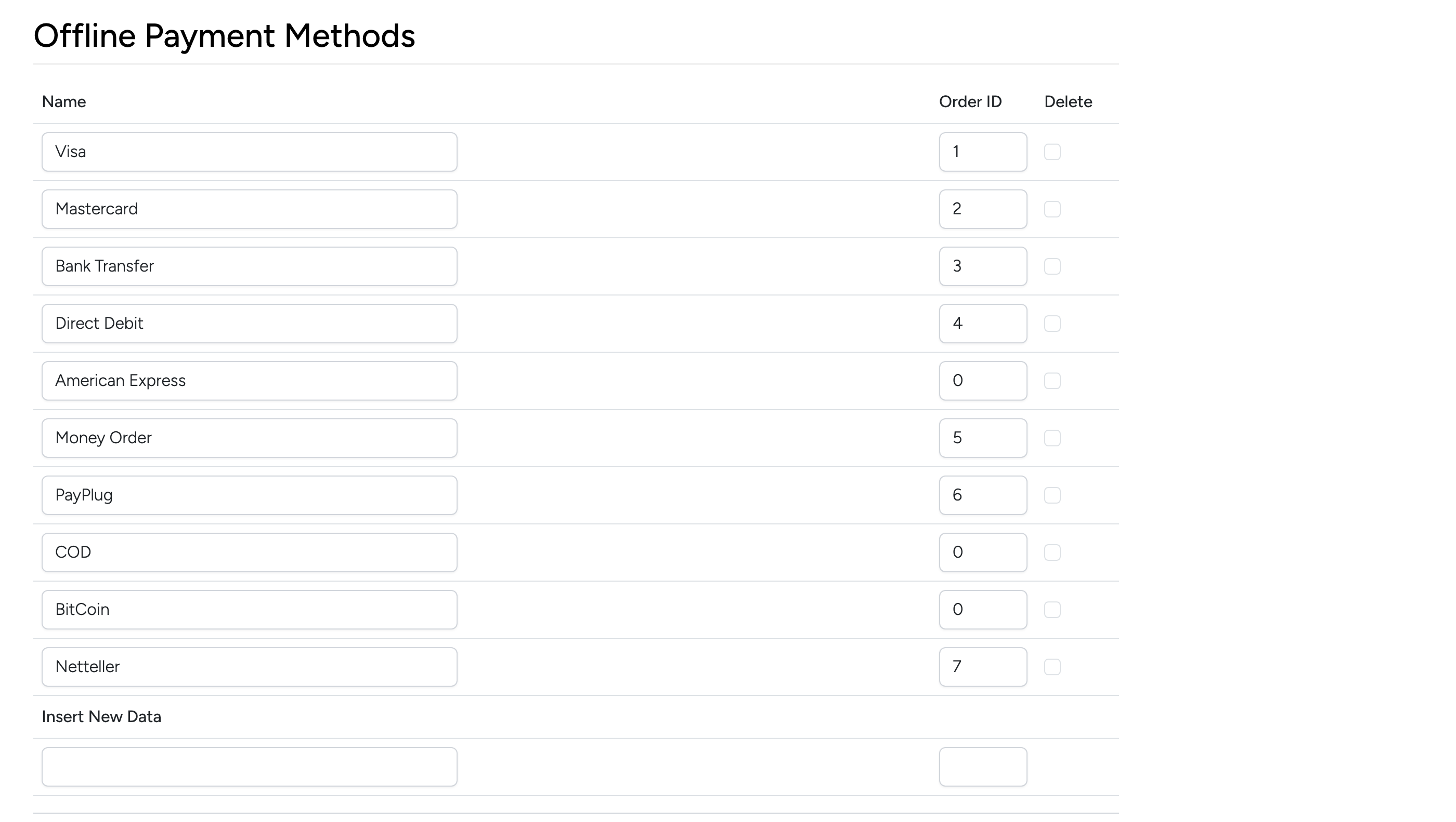
Each row defines a payment method that sellers can offer:
- Name — the payment method label displayed to buyers and sellers.
- Order ID — controls display order. Lower numbers appear first.
- Delete — check the box and click Update to remove a method.
Use Insert New Data at the bottom to add a new payment method. These methods appear as options when sellers configure accepted payments for their listings.