Abuse Reports
Overview
The Abuse Reports feature allows users to report listings or sellers for abusive behaviour. Reports are sent to the site administrator and the seller, ensuring both parties are aware of the complaint.
Reporting a Listing
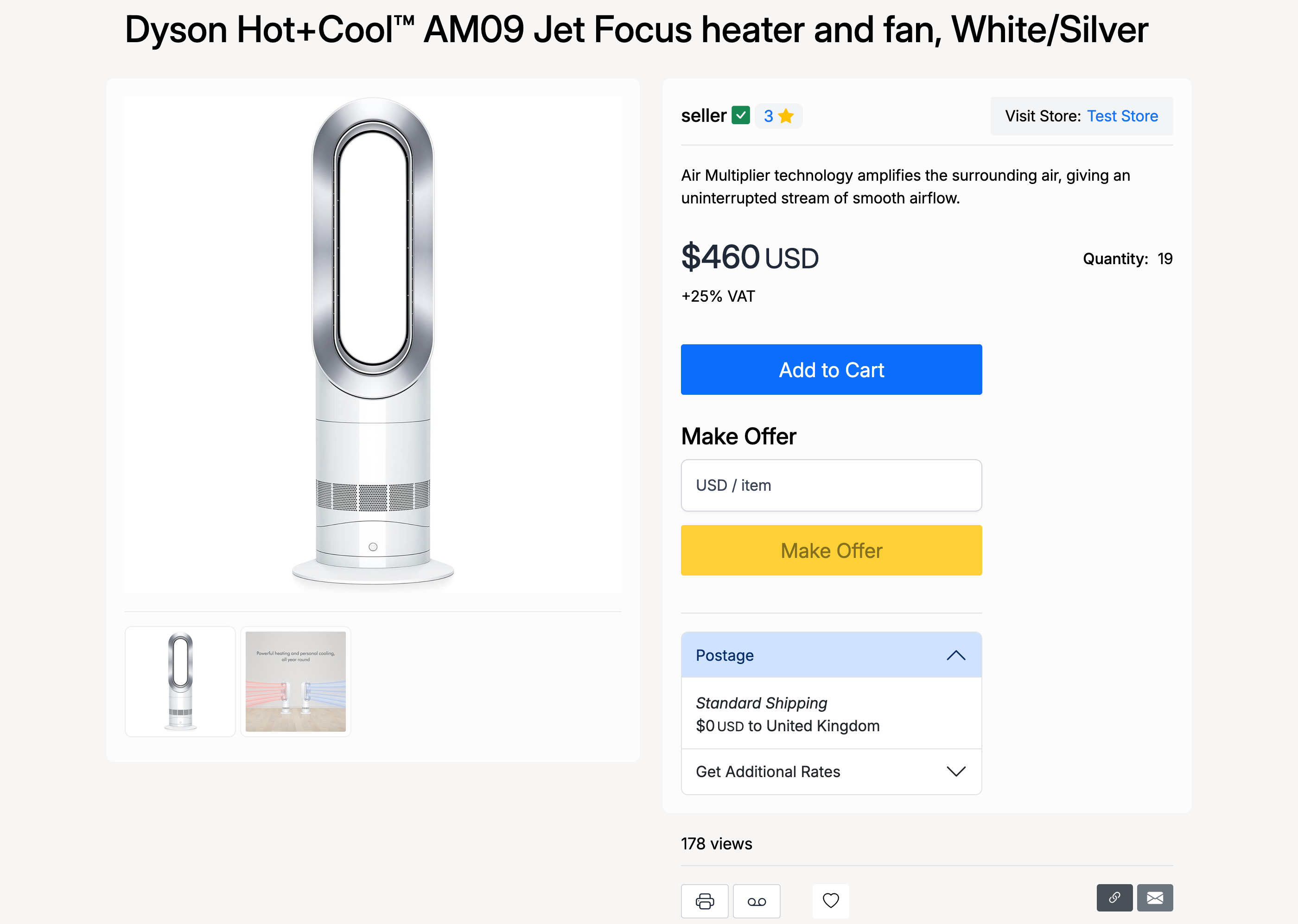
To report a listing, click the Report Abuse button on the listing page.
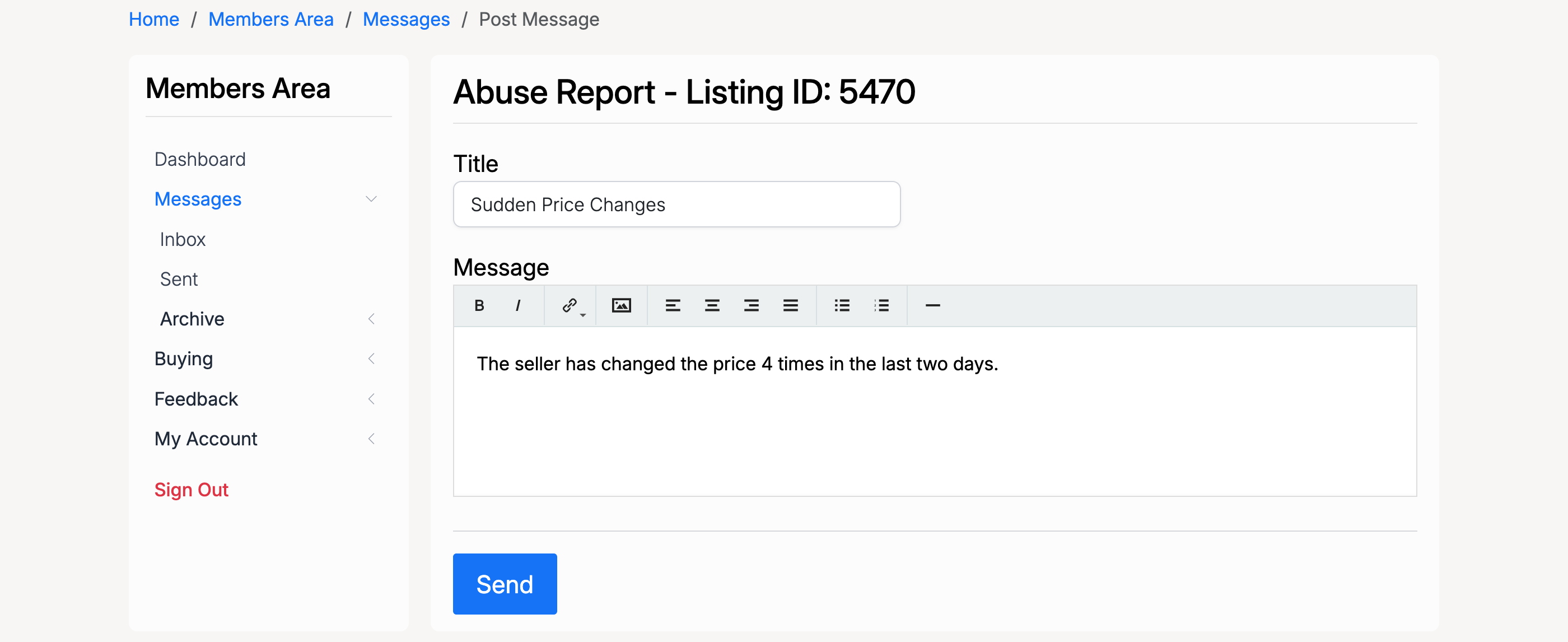
Enter a title describing the issue and a message with the details, then click Send.
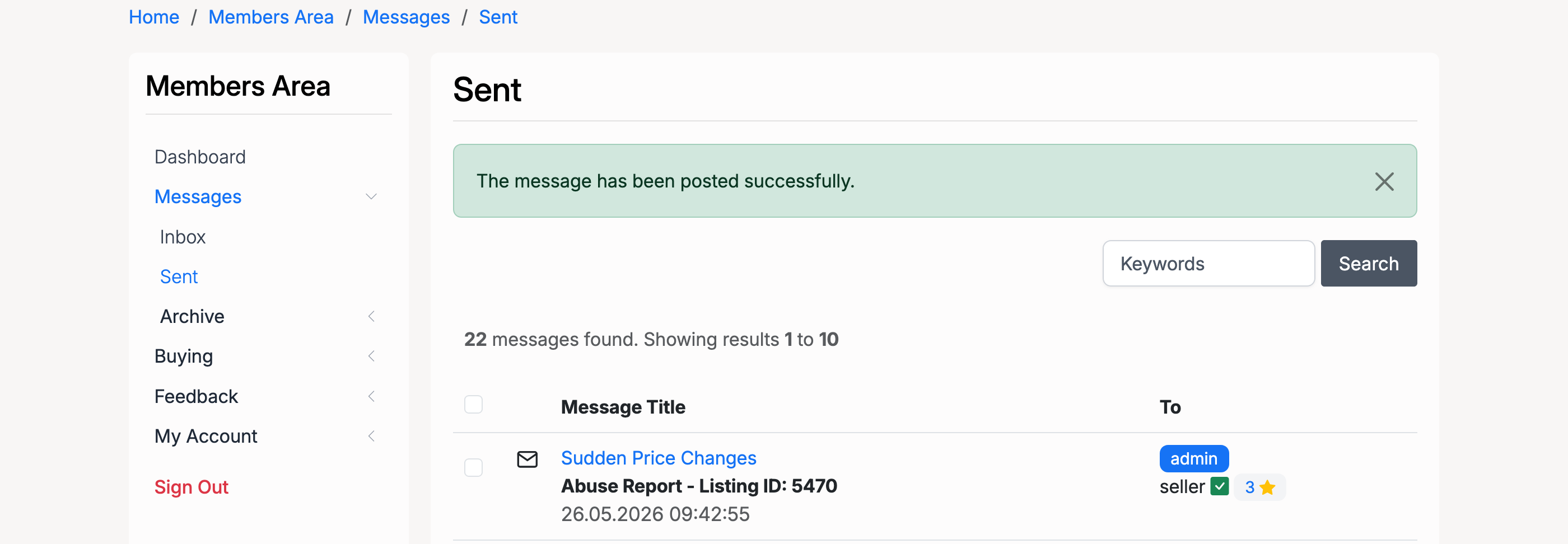
The report is sent to the site administrator and appears in the sender's Sent folder.
Seller Notification
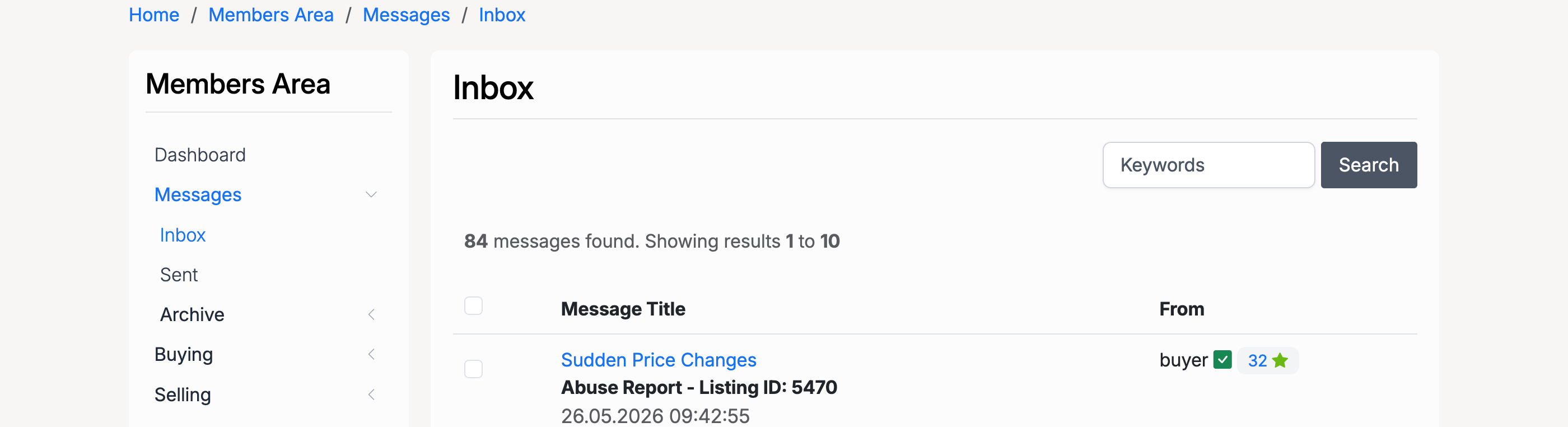
The seller also receives the abuse report in their inbox, so they are aware of the complaint.
Admin: Reviewing Reports
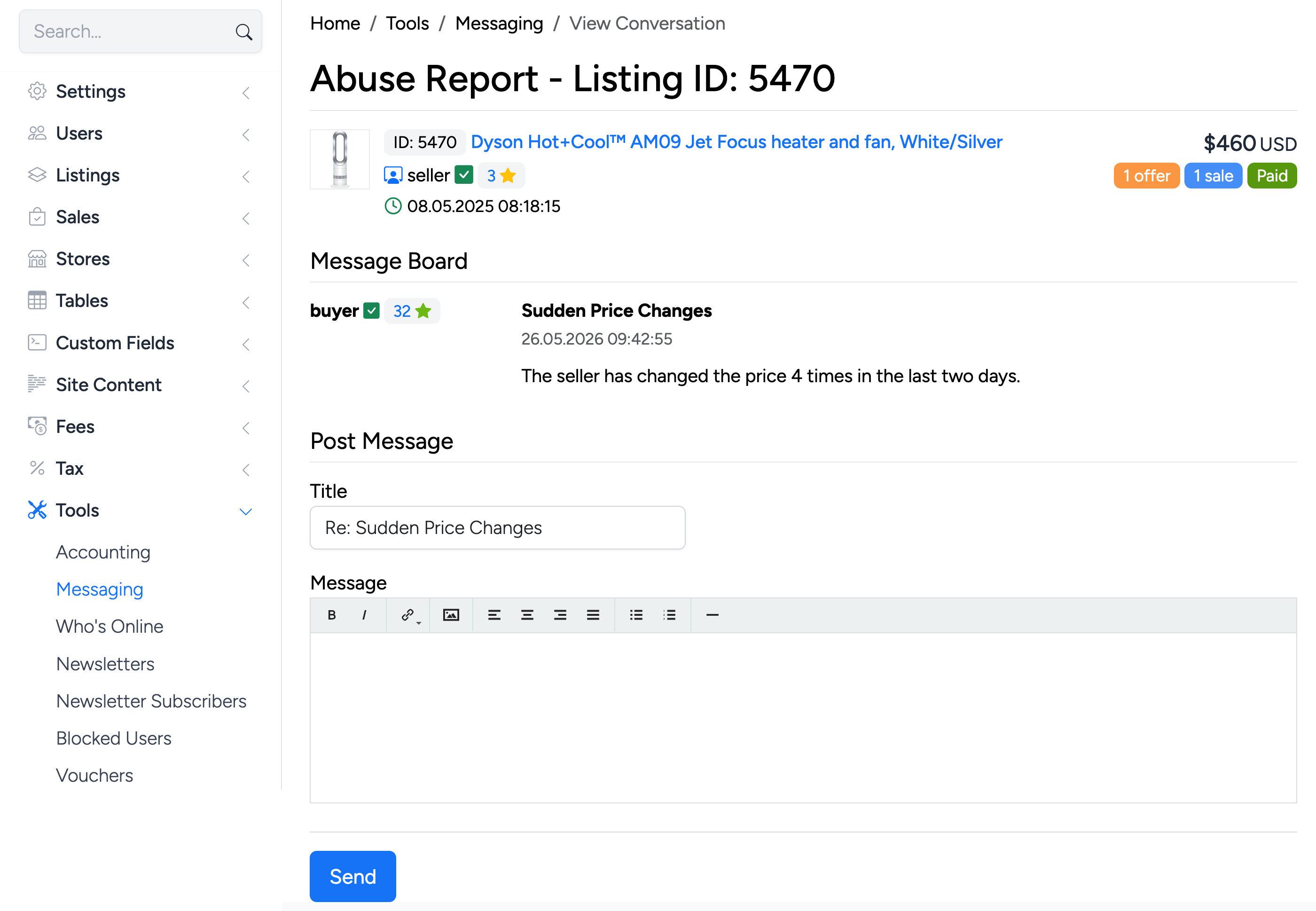
Administrators can review abuse reports from Admin Control Panel → Tools → Messaging, where the report appears in the message list.
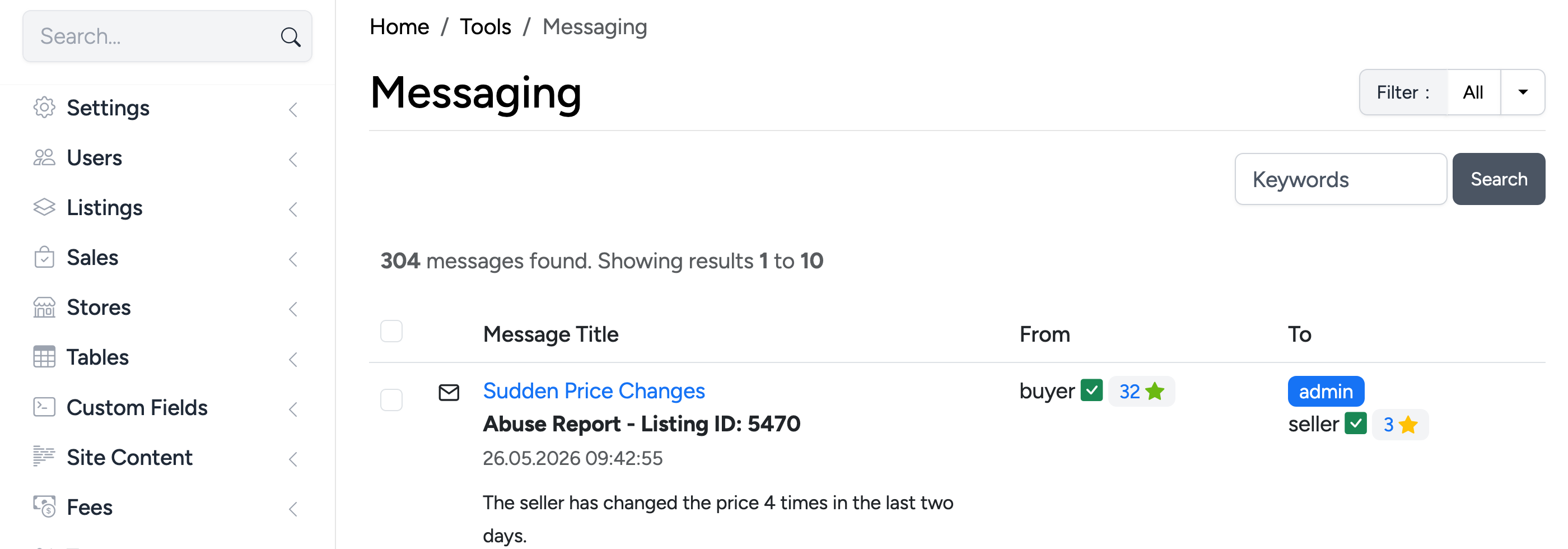
Click the message to view the full report and reply to the user.