
Listings Durations
Define the duration options available to sellers when creating a listing. Manage them at Admin → Tables → Listings Durations.
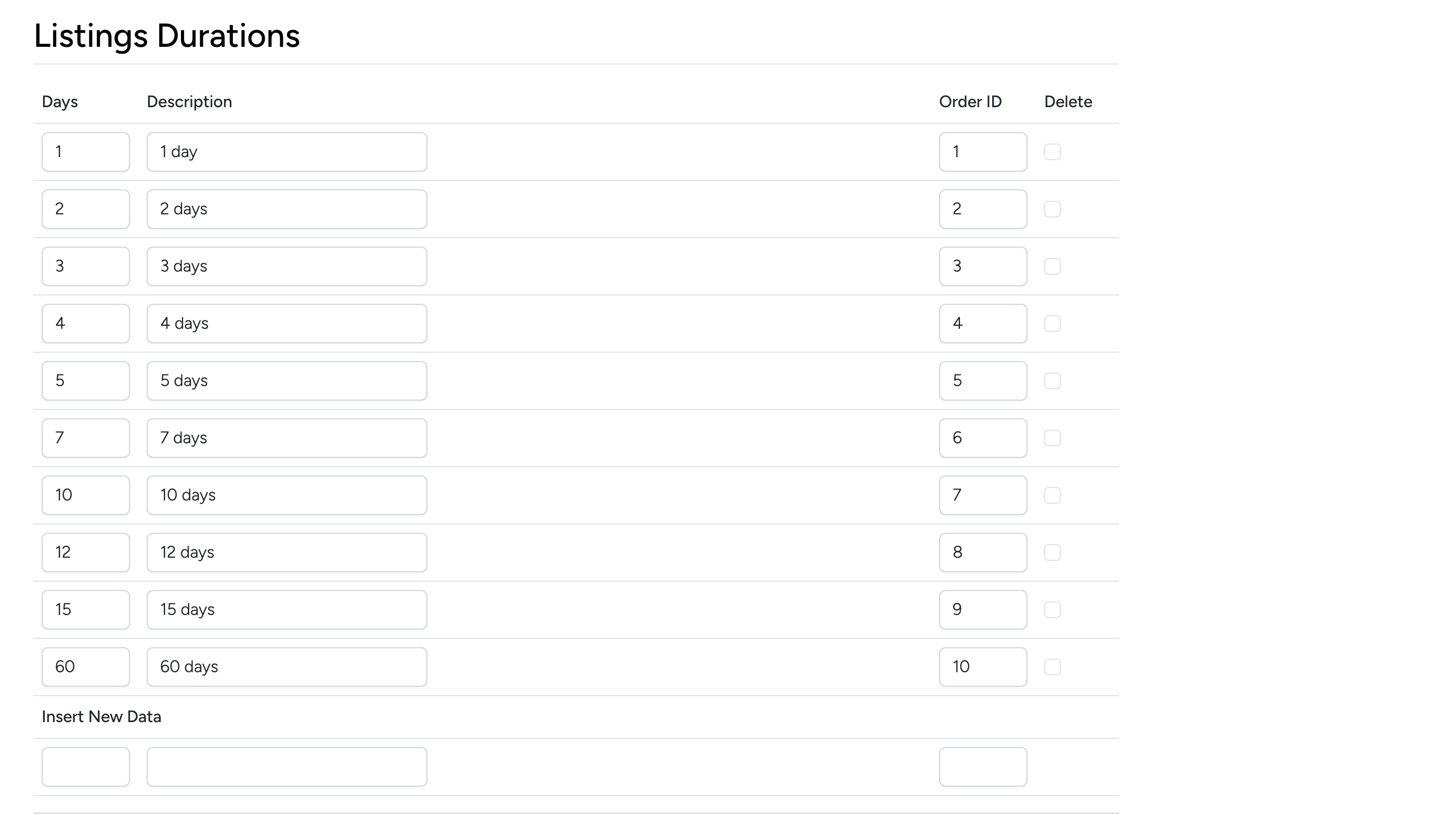
Each row defines a duration option:
- Days — the number of days the listing will remain active.
- Description — the label shown to sellers in the duration dropdown (e.g. “7 days”).
- Order ID — controls display order in the dropdown. Lower numbers appear first.
- Delete — check the box and click Update to remove a duration.
Use Insert New Data at the bottom to add a new duration option. Sellers will see these options when setting the duration for their auction or fixed-price listing.