Browse & Bid on Events
Events on the Homepage
Active and scheduled auction events are promoted in the Auction Events section on the homepage. Each event shows its thumbnail, title, lot count, start date, and location.
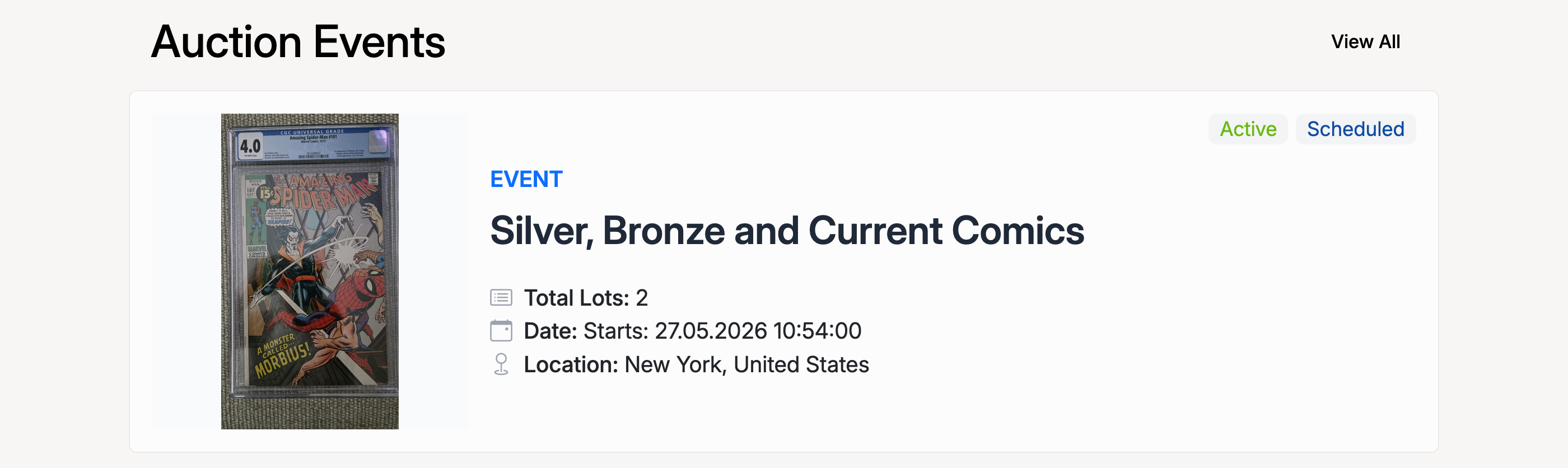
Click on an event to view its full page with all lots.
Event Page
The event page shows the event details at the top (image, title, status, lot count, dates, location) with tabs for Description, Payment, Shipping & Returns, and Questions & Answers. Below, the Browse Listings section displays all lots in the event.
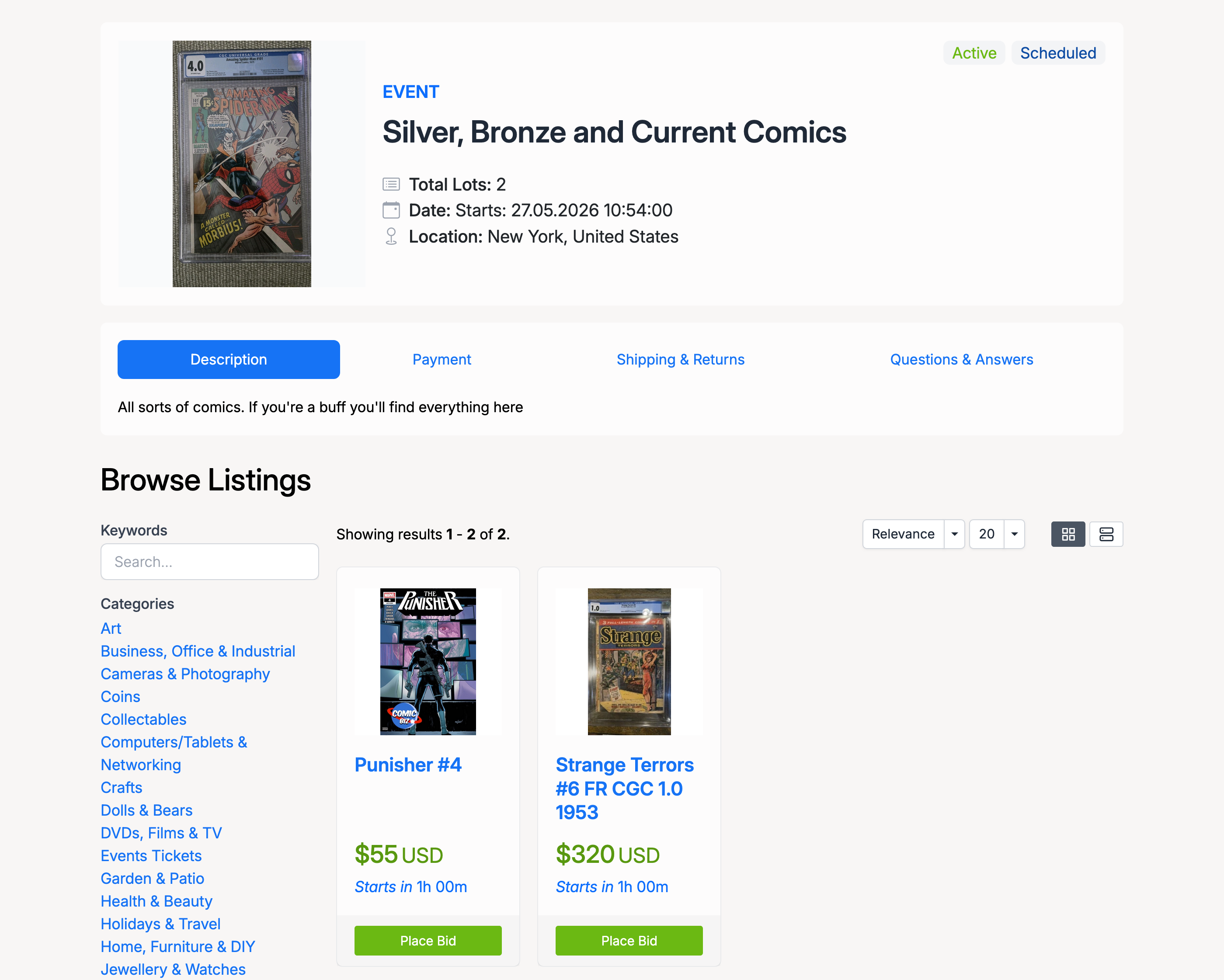
Lots are displayed in a grid with thumbnails, titles, prices, and countdown timers. You can filter lots by keyword or category using the sidebar, and switch between grid and list views. Click Place Bid to bid directly from the event page, or click a lot title to view its full detail page.
Lot Detail Page
Each lot has its own listing page showing the full item details. The event information panel appears on the right, with links to navigate between lots using Previous Lot and Next Lot.
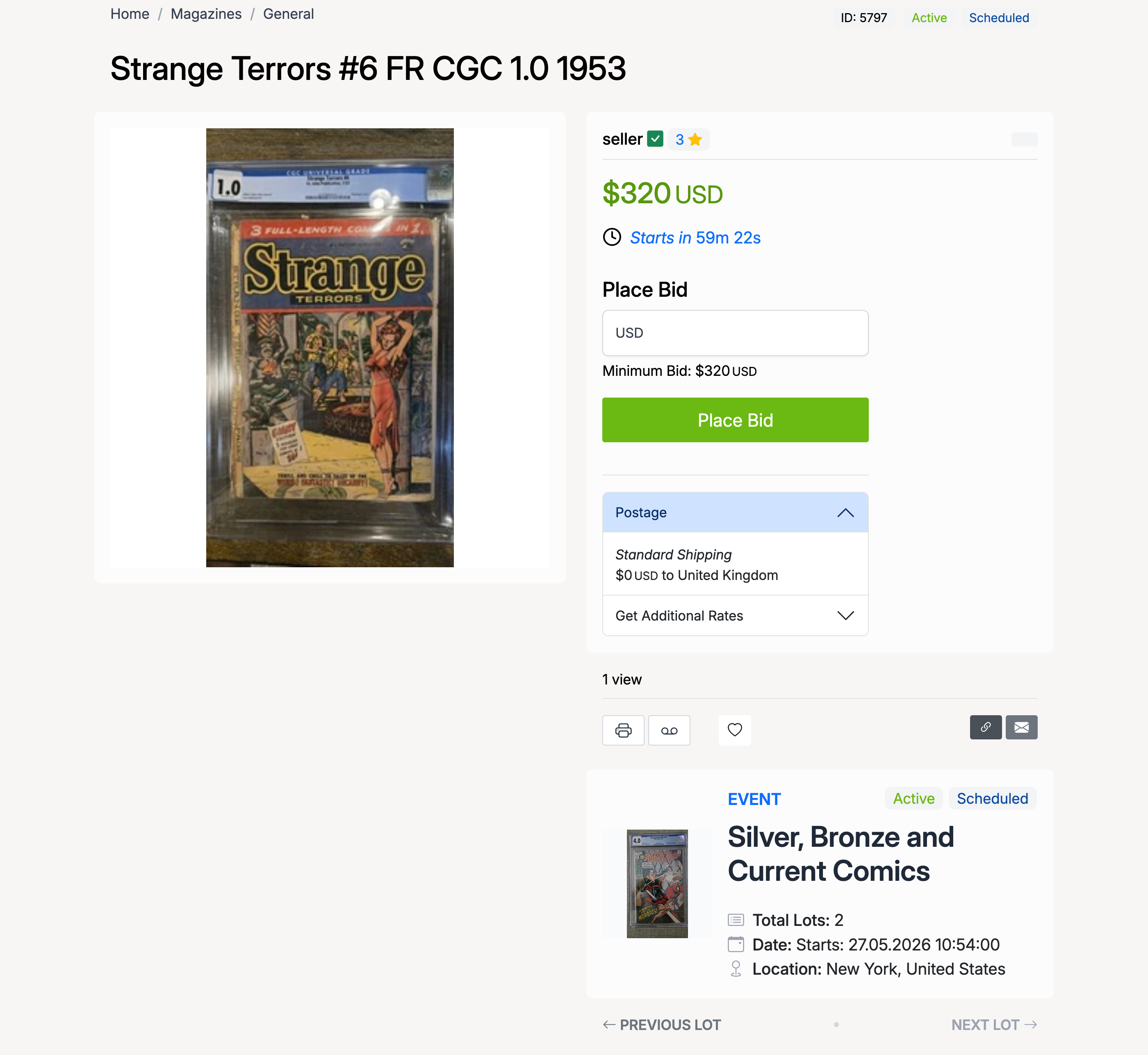
The lot page includes:
- Item image, price, and countdown timer (or “Starts in” if the event hasn’t begun).
- Place Bid form with the current minimum bid amount.
- Postage details with shipping rates.
- Event panel — the event name, status, lot count, dates, and location, plus navigation between lots.
Placing a Bid
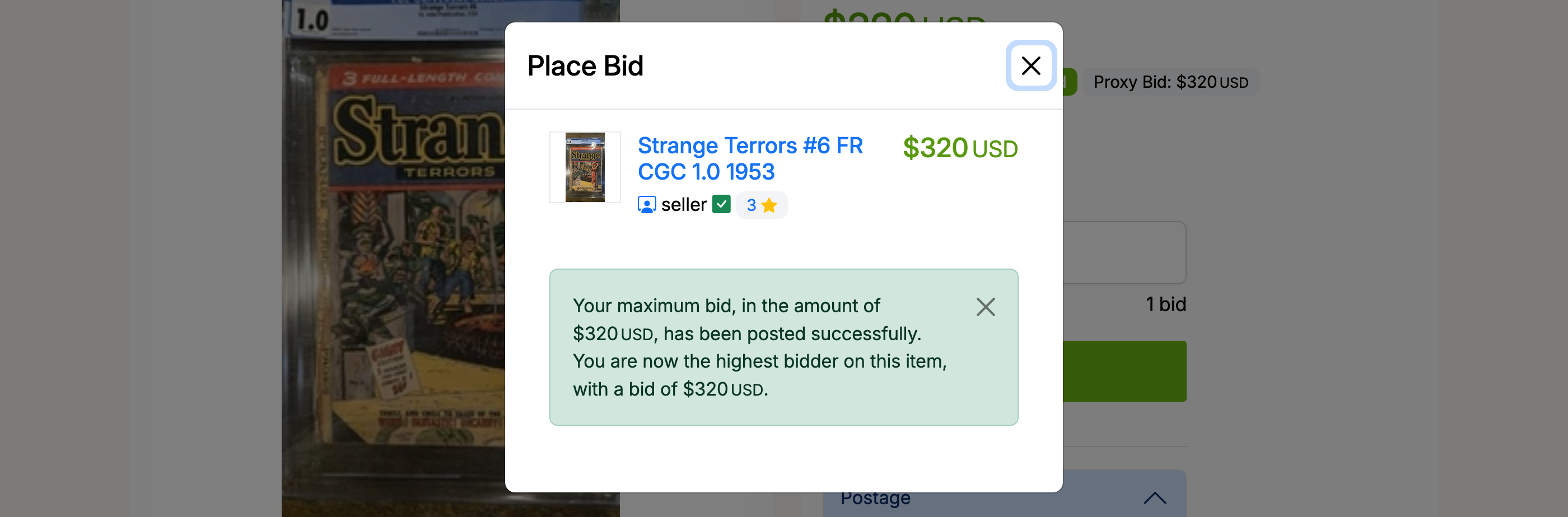
Click Place Bid to open the bid modal. Enter your bid amount and confirm.
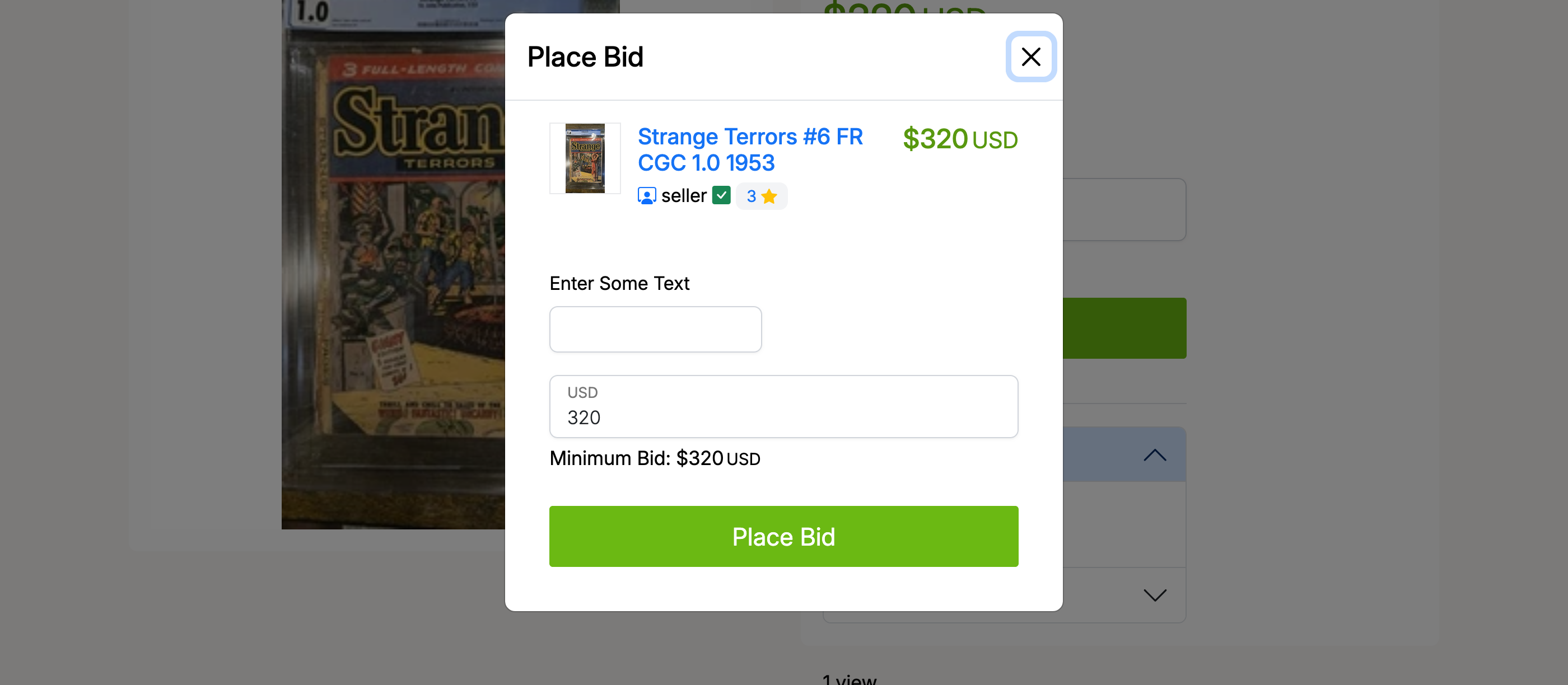
After your bid is placed, a confirmation message appears showing you are the highest bidder.