Bring your lots together in one named sale. Set the event schedule and the gap between closing times, then let buyers browse the catalog and bid on individual lots.
Adding items continuously, each on its own schedule? See Online Timed Auctions. Both formats run on the same site.
Group lots under a name, date and location.
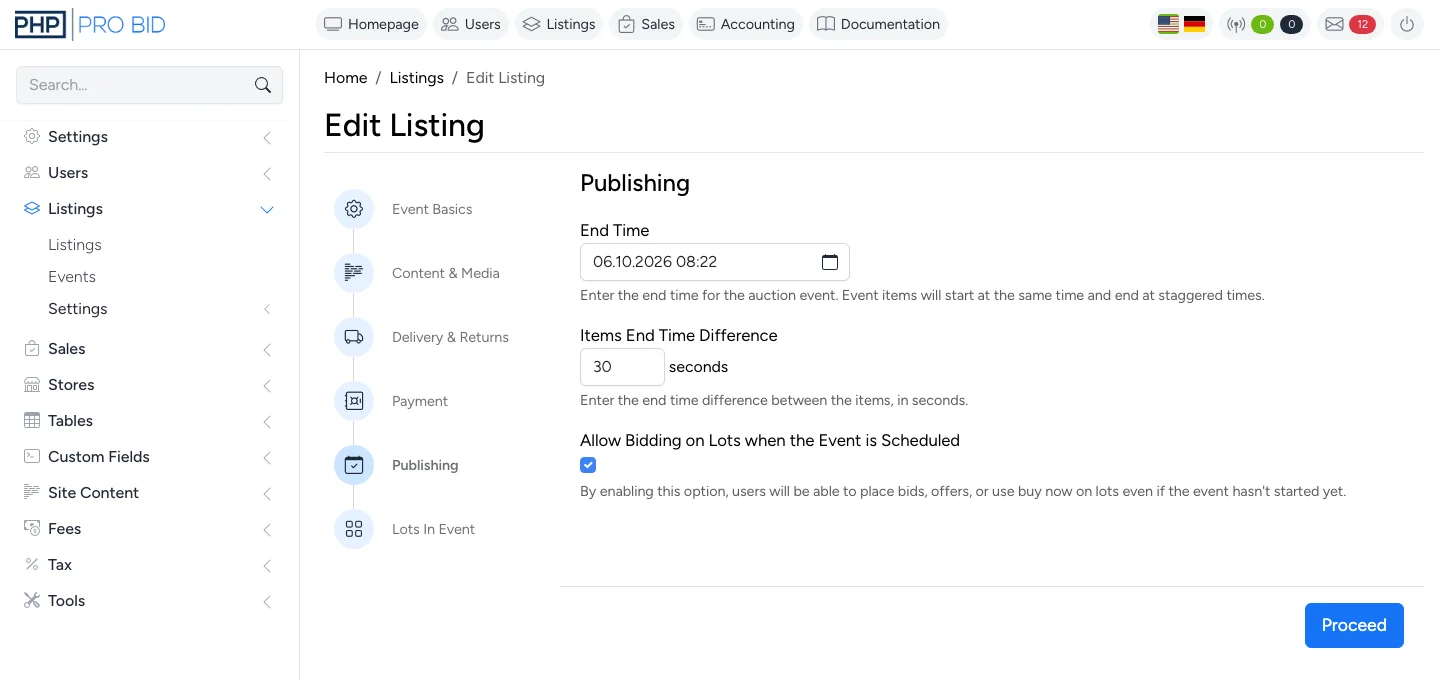
Choose the interval between lots.
Run several sales under your own brand.
Follow the actual screens: choose a category, enter the details, add an image, set the schedule and review the event.
Read the setup guideSilent setup demonstration; no lots have been added yet. Use full screen for the form details. Watch on YouTube.
Add the title, category, images and sale details.
Add individual lots or use the CSV bulk lister.
For example, a 3-minute gap gives closing times of 14:00, 14:03 and 14:06.
Publish the catalog, manage lots and handle winning buyers’ invoices.
Set the sale rules before bidding opens and manage the lots from the same installation. If enabled, buyers can bid on scheduled lots before the event starts.
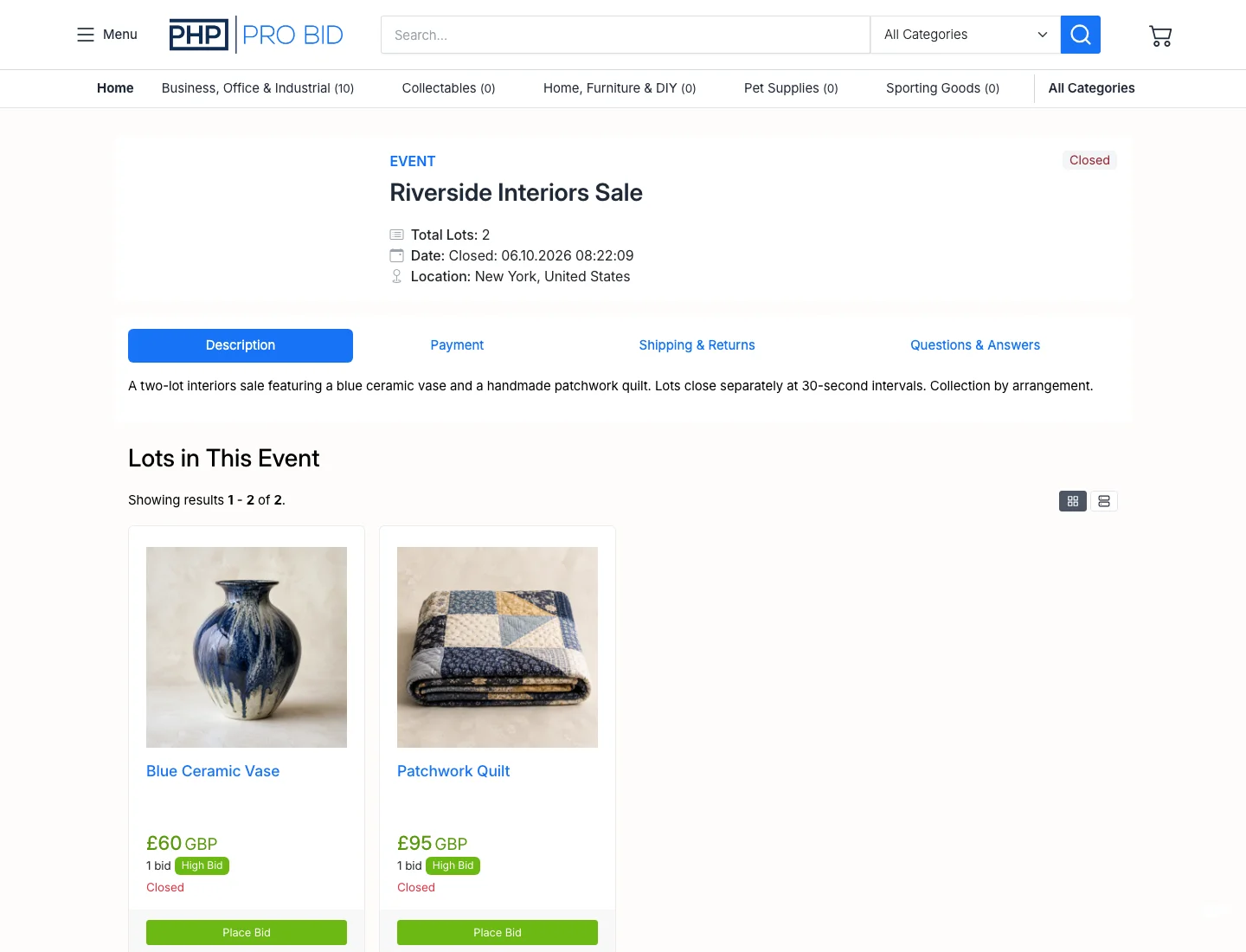
Explore all platform featuresEvent lots share an opening time and close at the interval you set. View the closed lots.
Configure extensions so a late bid gives other buyers time to respond.
Buyers set a maximum bid. The system bids for them up to that limit.
Use a CSV file to prepare listings with opening bids, reserves and images. See the import fields and sample file.
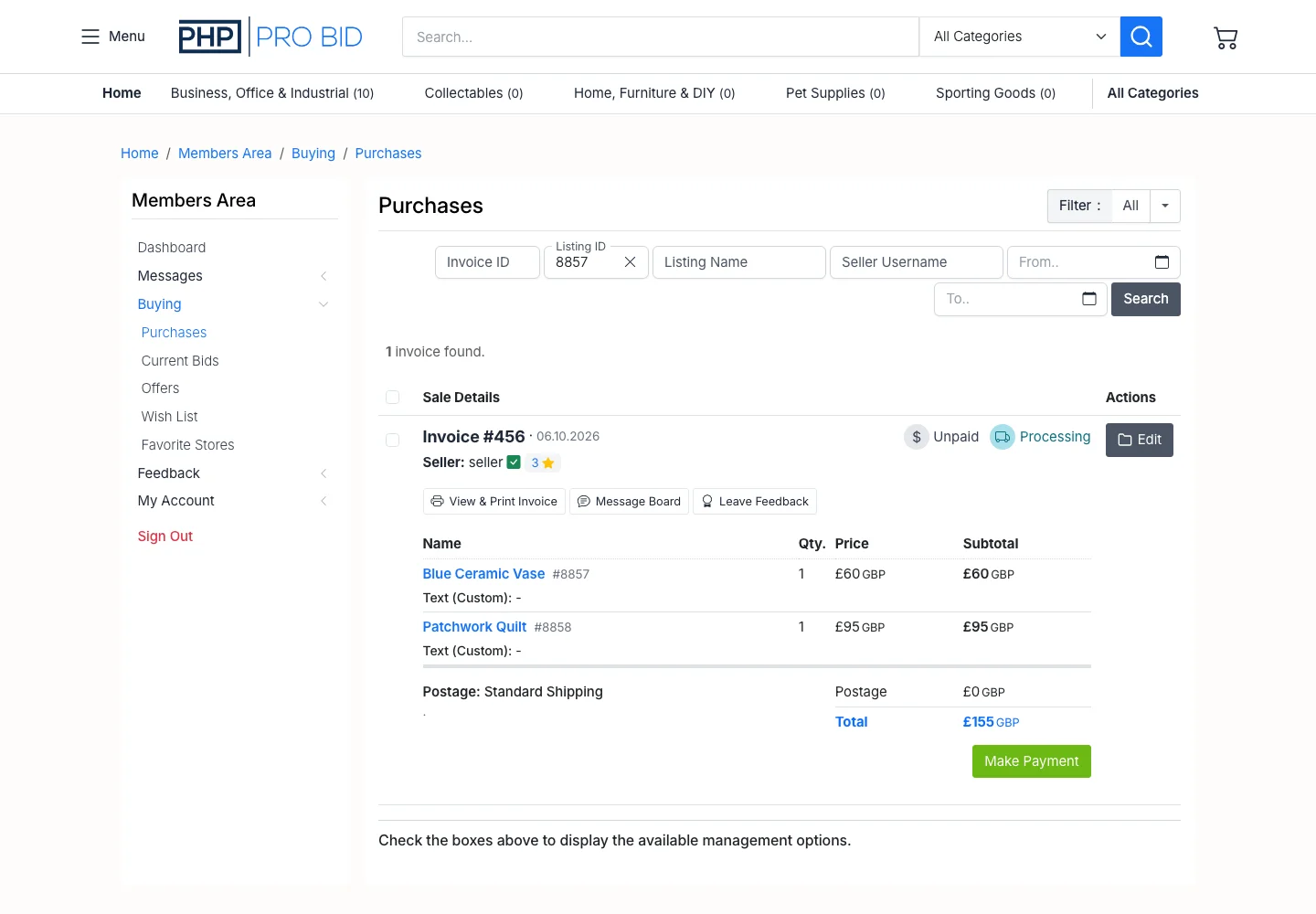
Invoices are generated after completed purchases. Buyers find them under Buying → Purchases. Read the invoice guide.
Choose payment methods, pickup or postage options, and sale instructions. See the event settings.
The standard model for auction events software is a monthly subscription plus a per-event fee, plus a percentage of gross sales. That's three layers of cost on top of each other. PHP Pro Bid charges for the software — once, or monthly. Run as many events as you want for the same price.
License £399 one-time · Cloud from £63/mo · VPS from £159/mo · Zero transaction fees on all plans