
Fees Calculator
Overview
The Fees Calculator lets sellers estimate the total listing fees before creating a listing. Access it at Selling → Seller Tools → Fees Calculator. Fill in the listing details and click Calculate to see a breakdown of all applicable fees.
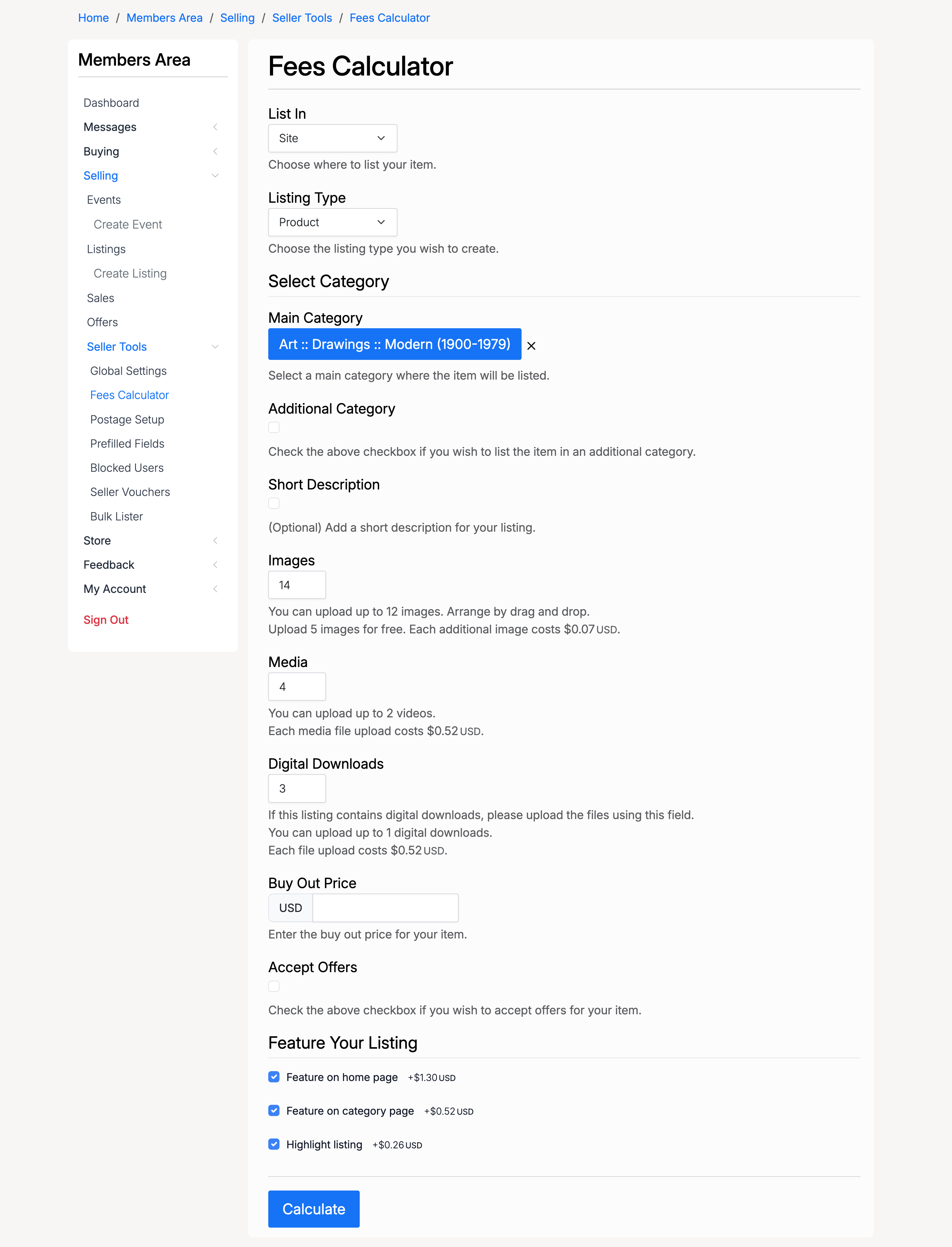
List In

- List In — where to list the item: Site, Store, or Both. Fee structures may differ depending on the selection
Listing Type

- Listing Type — the listing format: Auction, Product, or Classified. Different listing types may have different base fees
Select Category
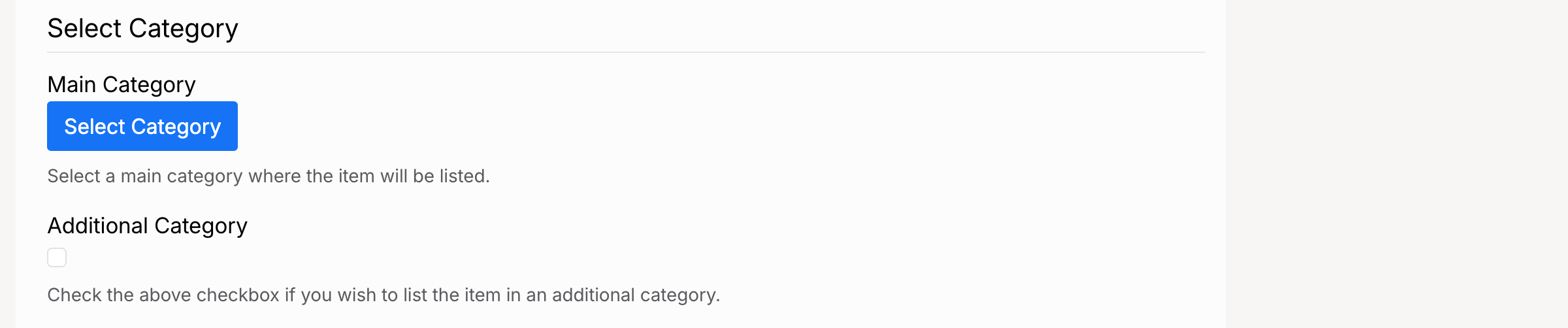
- Main Category — the primary category for the listing. Some categories may have different fee structures
- Additional Category — check this to list the item in a second category. Listing in an additional category may incur an extra fee
Short Description

- Short Description — check this if you plan to add a short description to the listing. Adding a short description may have an associated fee
Images

- Images — enter the number of images you plan to upload. The help text shows the free allowance and the cost per additional image
Media

- Media — enter the number of media files (videos) to upload. The help text shows the cost per upload
Digital Downloads

- Digital Downloads — enter the number of downloadable files to include. The help text shows the cost per upload
Buy Out Price

- Buy Out Price — set a fixed buy-out price for the listing. Enabling buy out may incur an additional fee
Accept Offers

- Accept Offers — check this to allow buyers to submit offers on the listing. Enabling offers may incur an additional fee
Feature Your Listing
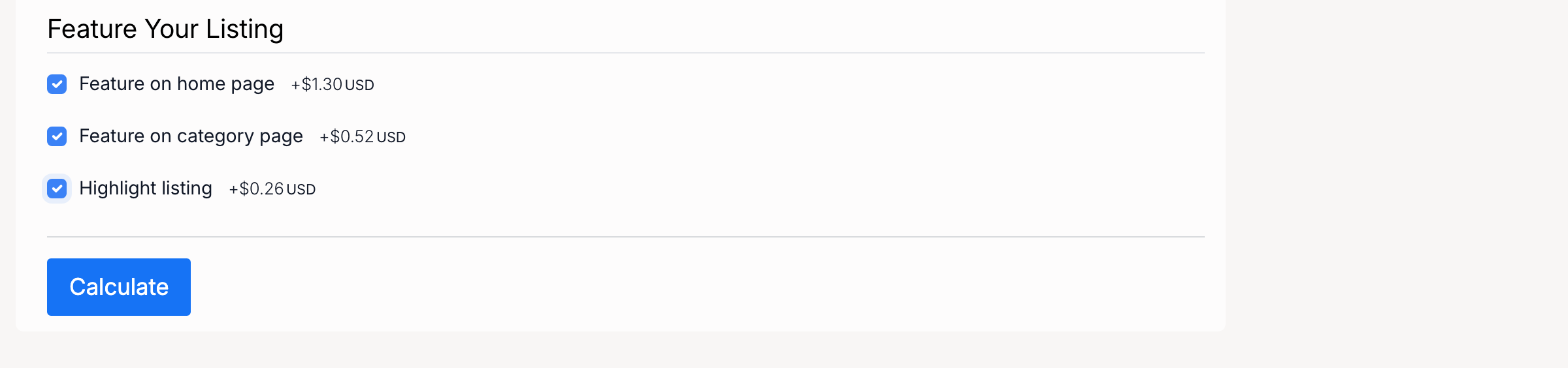
- Feature on home page — displays the listing in the featured section on the home page
- Feature on category page — displays the listing in the featured section on its category page
- Highlight listing — adds a visual highlight to make the listing stand out in browse and search results
Fee Breakdown
After clicking Calculate, the page displays an itemized breakdown of all fees:
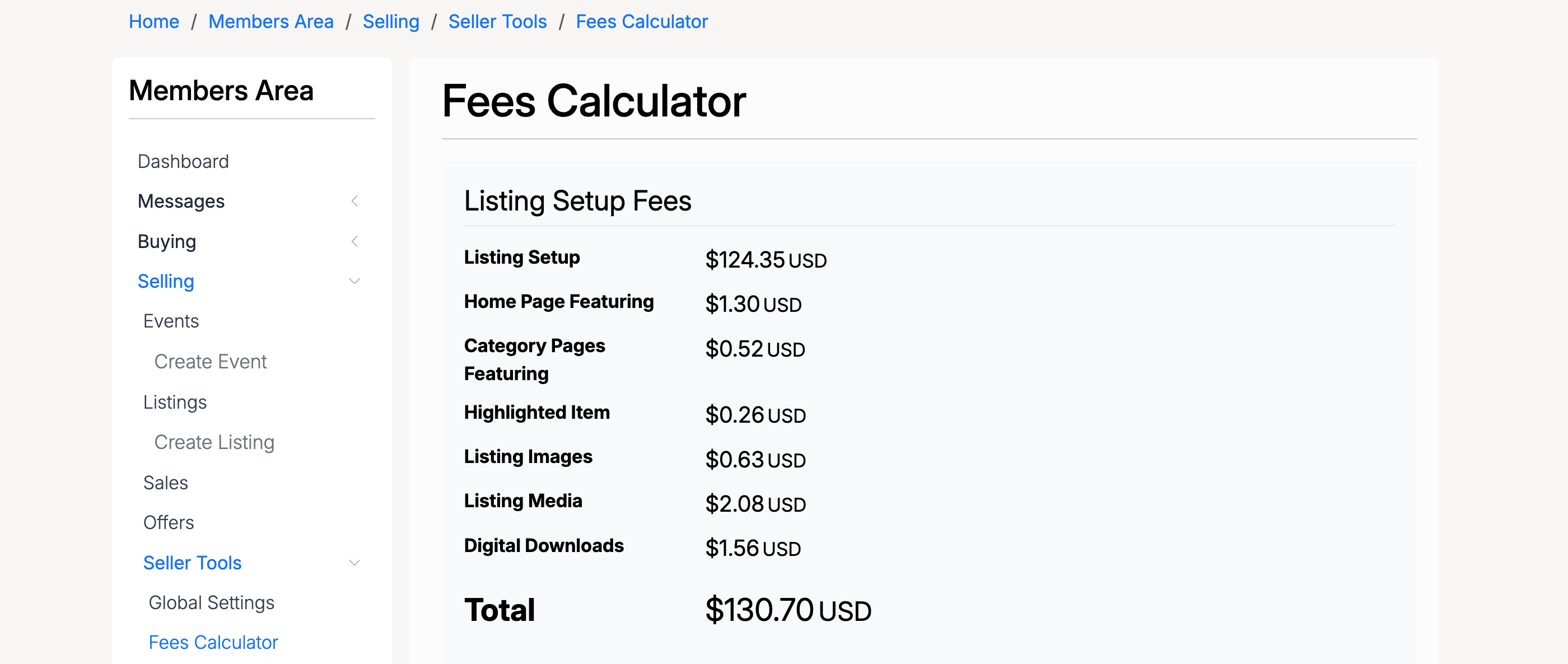
- Listing Setup — the base fee for creating the listing
- Home Page Featuring — fee for featuring the listing on the home page
- Category Pages Featuring — fee for featuring in the category page
- Highlighted Item — fee for highlighting the listing
- Listing Images — total fee for additional images beyond the free allowance
- Listing Media — total fee for media file uploads
- Digital Downloads — total fee for digital download uploads
- Total — the combined cost of all fees for this listing
The fees shown in the calculator are estimates based on the current site fee structure. Actual fees are calculated when the listing is created.