
Products Settings
Products settings are found at Admin → Listings → Settings → Products. This page also contains the shopping cart configuration — see Shopping Cart → Admin Settings for those options.
Enable Products

- Enable Products — check to allow sellers to list products on the site. When unchecked, the Product option is hidden from the listing type selector on the Sell page.
Unlimited Duration

- Enable Unlimited Duration — when enabled, sellers can list products without a closing date. The product stays active until the seller closes it manually or the stock runs out.
- Force Unlimited Duration — when enabled, sellers can only list products with no closing date. The end date field is removed from the listing form.
Force Payment
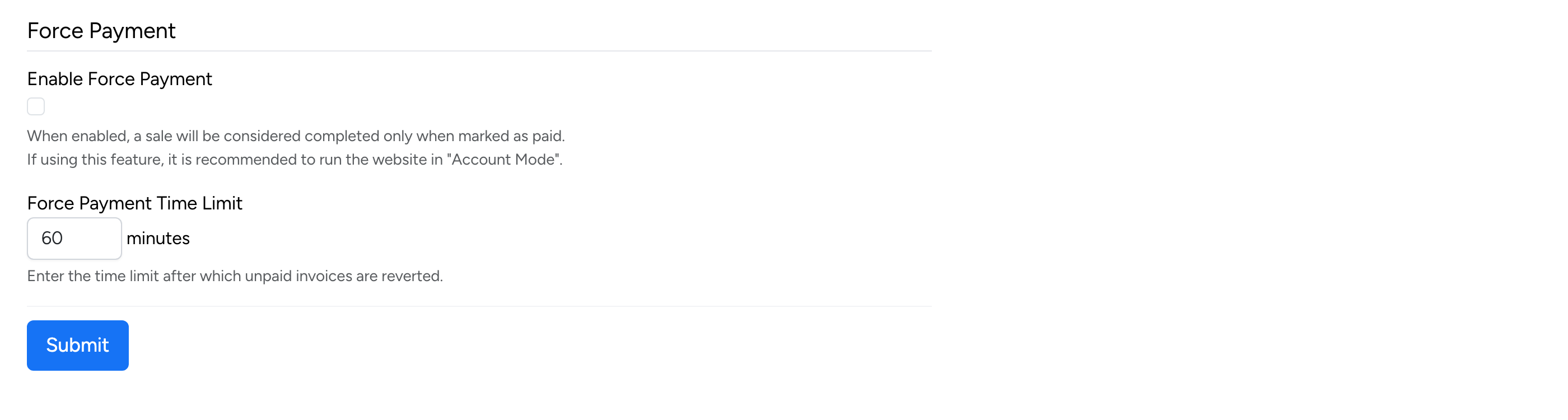
- Enable Force Payment — when enabled, a sale is only considered completed when it is marked as paid. It is recommended to run the site in Account Mode when using this feature.
- Force Payment Time Limit — the number of minutes after which unpaid invoices are automatically reverted. This frees up the stock for other buyers.