Listing & Transaction Fees
Overview
Listing fees are charges applied when sellers create and sell listings on the site. Administrators configure these fees from Admin Control Panel → Fees → Fees Management → Listings.
There are three categories of listing fees:
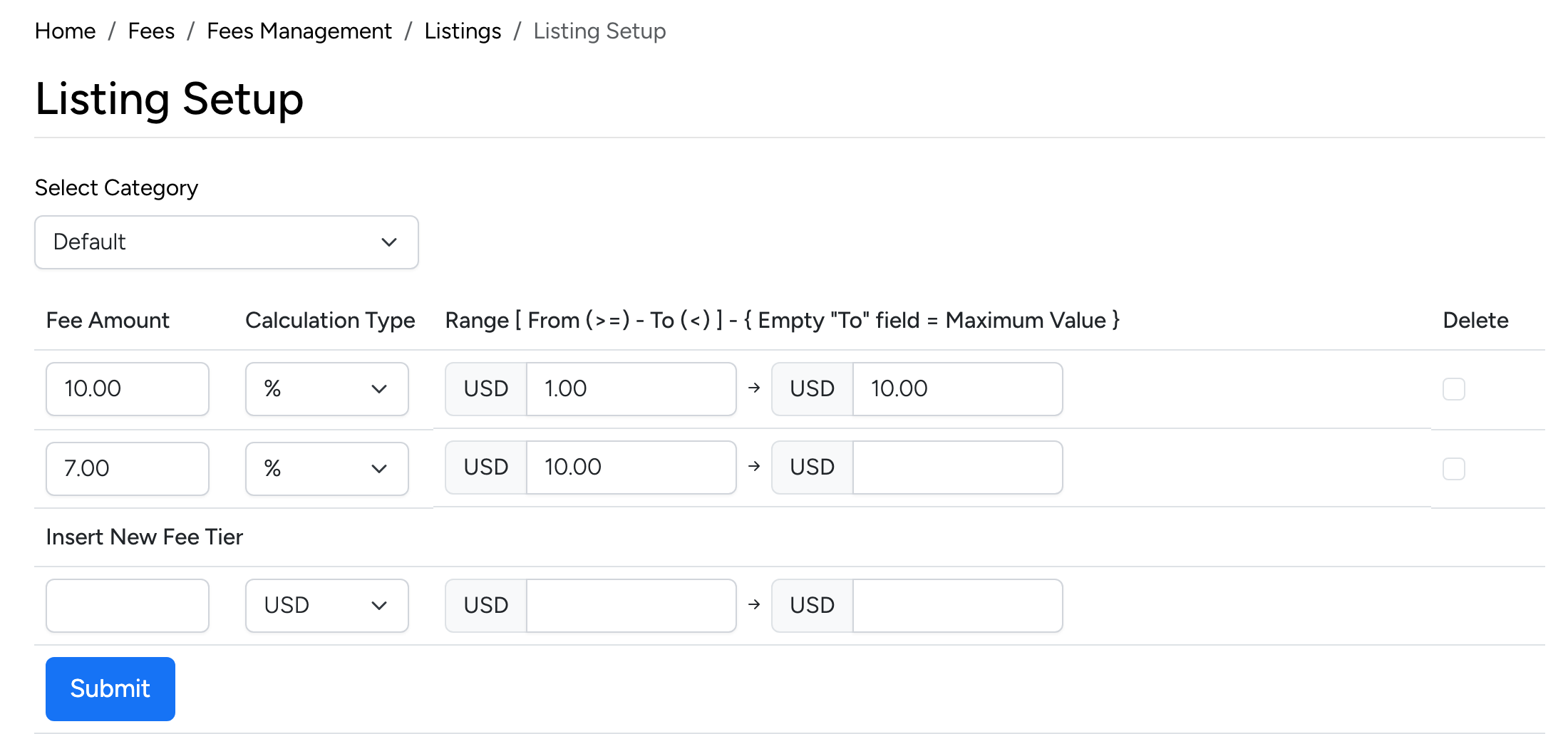
- Listing Setup — a flat fee charged when a listing is created.
- Listing Features — individual fees for optional features such as featuring, images, media, and special options.
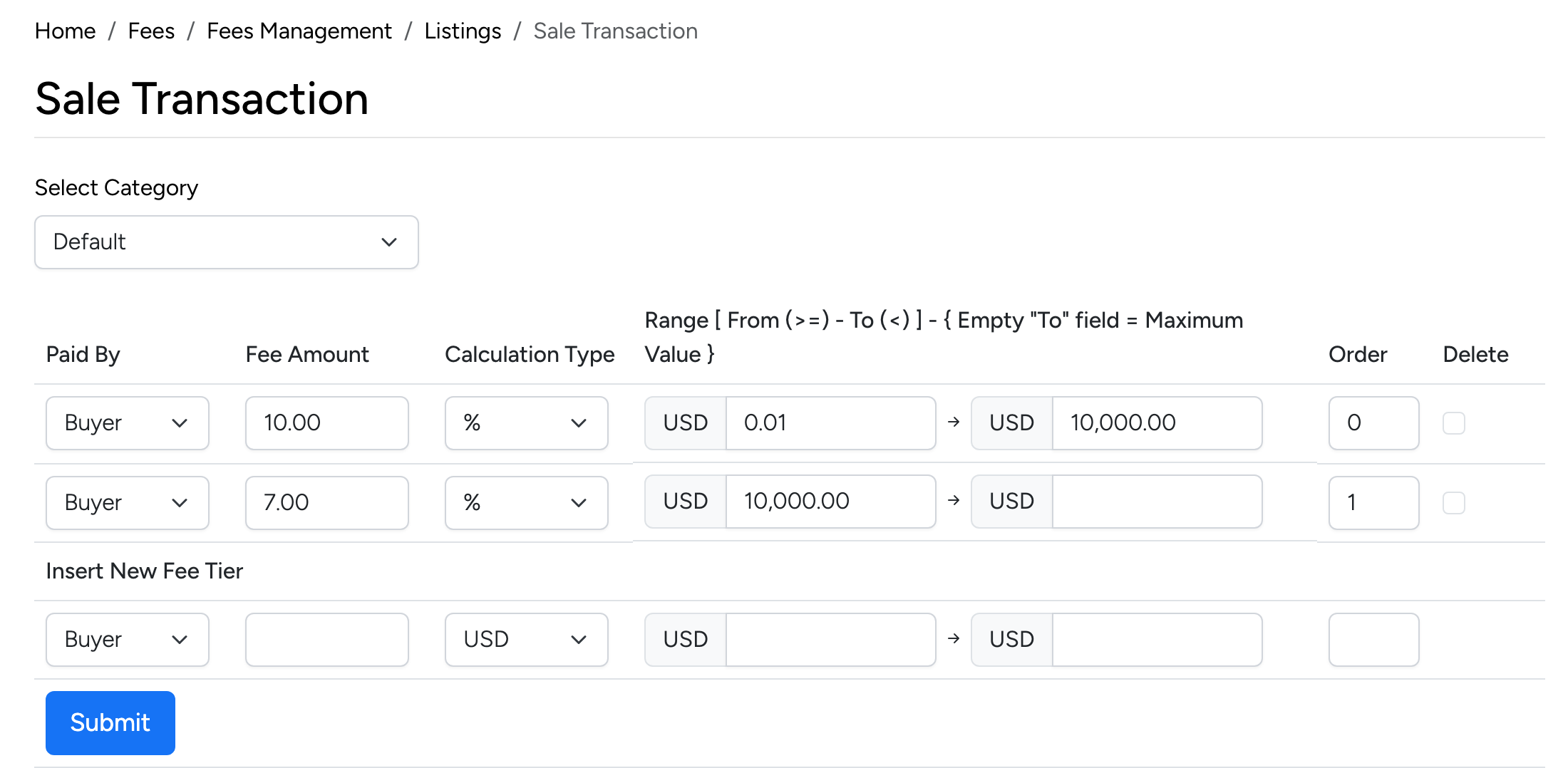
- Sale Transaction — a percentage or flat fee charged when a sale is completed.
Sellers can preview the fees that apply to their listing before publishing using the Fees Calculator.
Listing Setup Fees
Found at Fees → Fees Management → Listings → Listing Setup. This is the base fee charged every time a seller creates a new listing.
Listing Features Fees
Found at Fees → Fees Management → Listings → Listing Features. Each feature that a seller can add to their listing has its own fee amount. Set a fee to 0 to make the feature free.
Fees can be configured per category using the Select Category dropdown at the top of the page. The Default category applies to all listings unless overridden.
Home Page Featuring

- Fee Amount — the fee charged when a seller chooses to feature their listing on the home page.
Category Pages Featuring

- Fee Amount — the fee charged when a seller chooses to feature their listing at the top of its category page.
Highlighted Listing

- Fee Amount — the fee charged when a seller highlights their listing with a coloured background in browse and search results.
Additional Category Listing

- Fee Amount — the fee charged when a seller lists an item in more than one category.
Short Description

- Fee Amount — the fee charged when a seller adds a short description to their listing.
Images
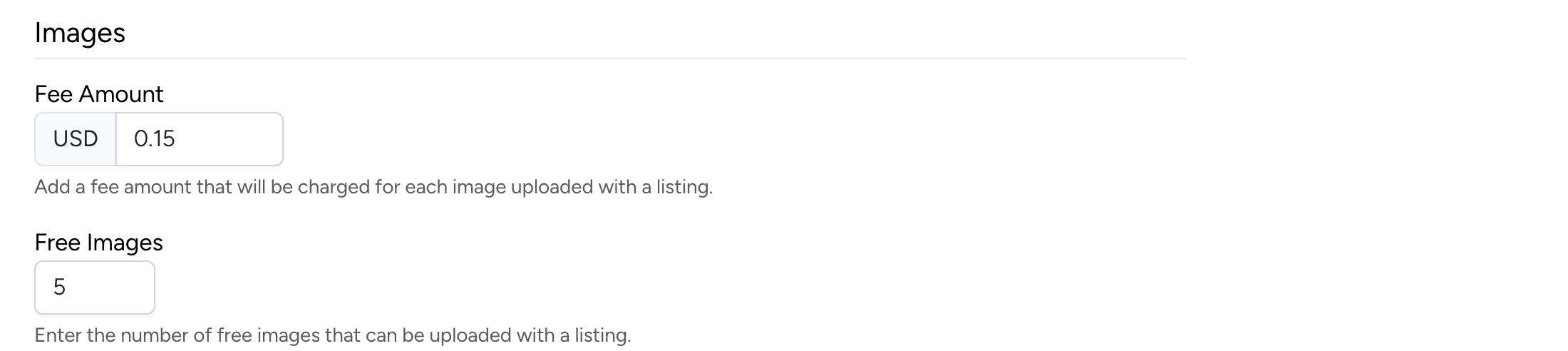
- Fee Amount — the fee charged for each image uploaded with a listing.
- Free Images — the number of images a seller can upload before the per-image fee applies.
Media Upload
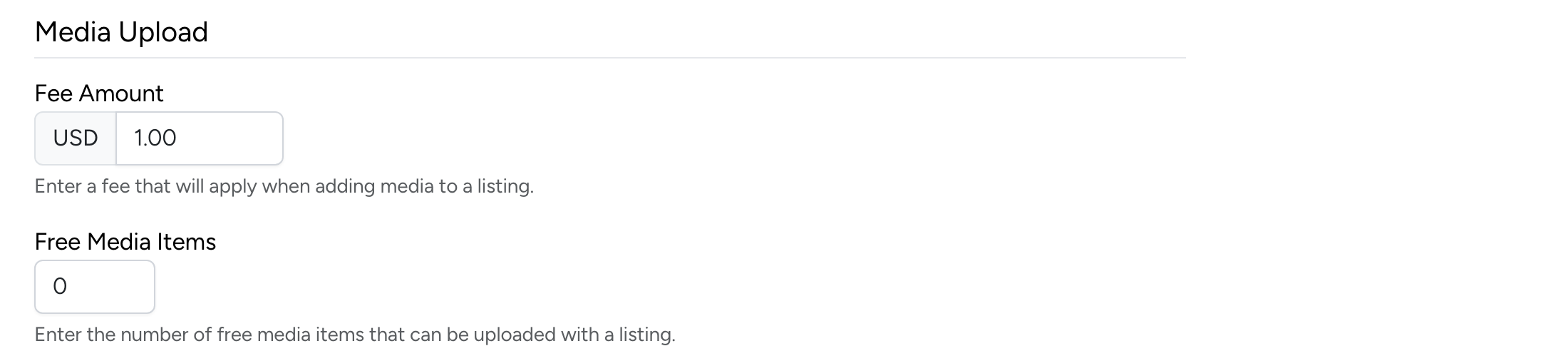
- Fee Amount — the fee charged when adding media (video) to a listing.
- Free Media Items — the number of media items a seller can add before the fee applies.
Digital Downloads
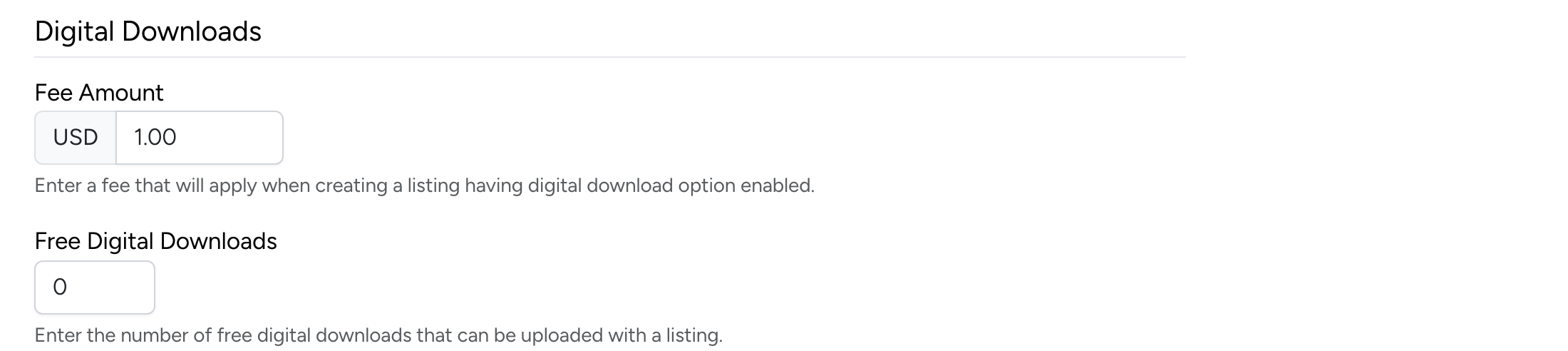
- Fee Amount — the fee charged when creating a listing with the digital download option enabled.
- Free Digital Downloads — the number of digital downloads that can be uploaded before the fee applies.
Buy Out

- Fee Amount — the fee charged when a seller enables the buy out option on an auction listing.
Reserve Price

- Fee Amount — the fee charged when a seller sets a reserve price on an auction.
Make Offer
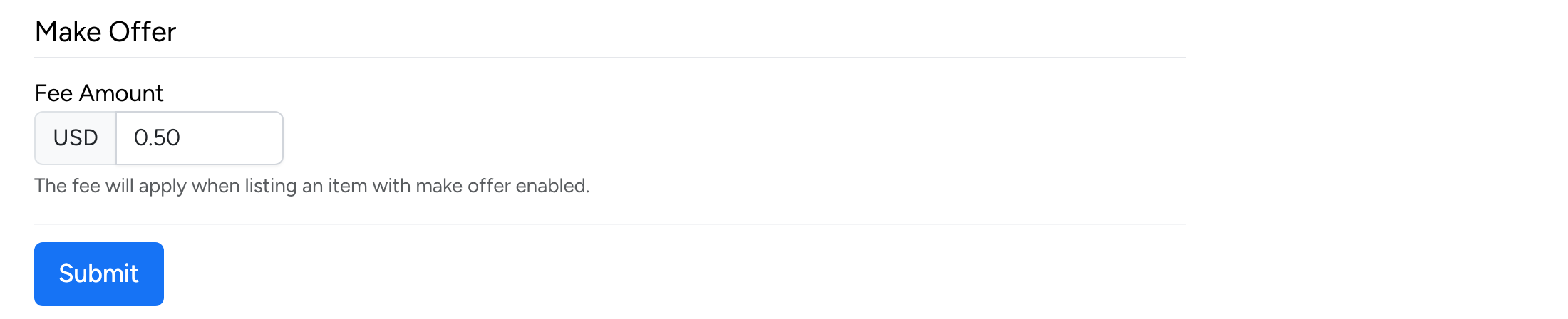
- Fee Amount — the fee charged when a seller enables the make offer option on a listing.
Sale Transaction Fees
Found at Fees → Fees Management → Listings → Sale Transaction. This fee is charged when a listing results in a completed sale.