
Locations
Locations define the list of countries available across the site — in registration forms, shipping address fields, and location-based filters. Manage them at Admin → Tables → Locations.
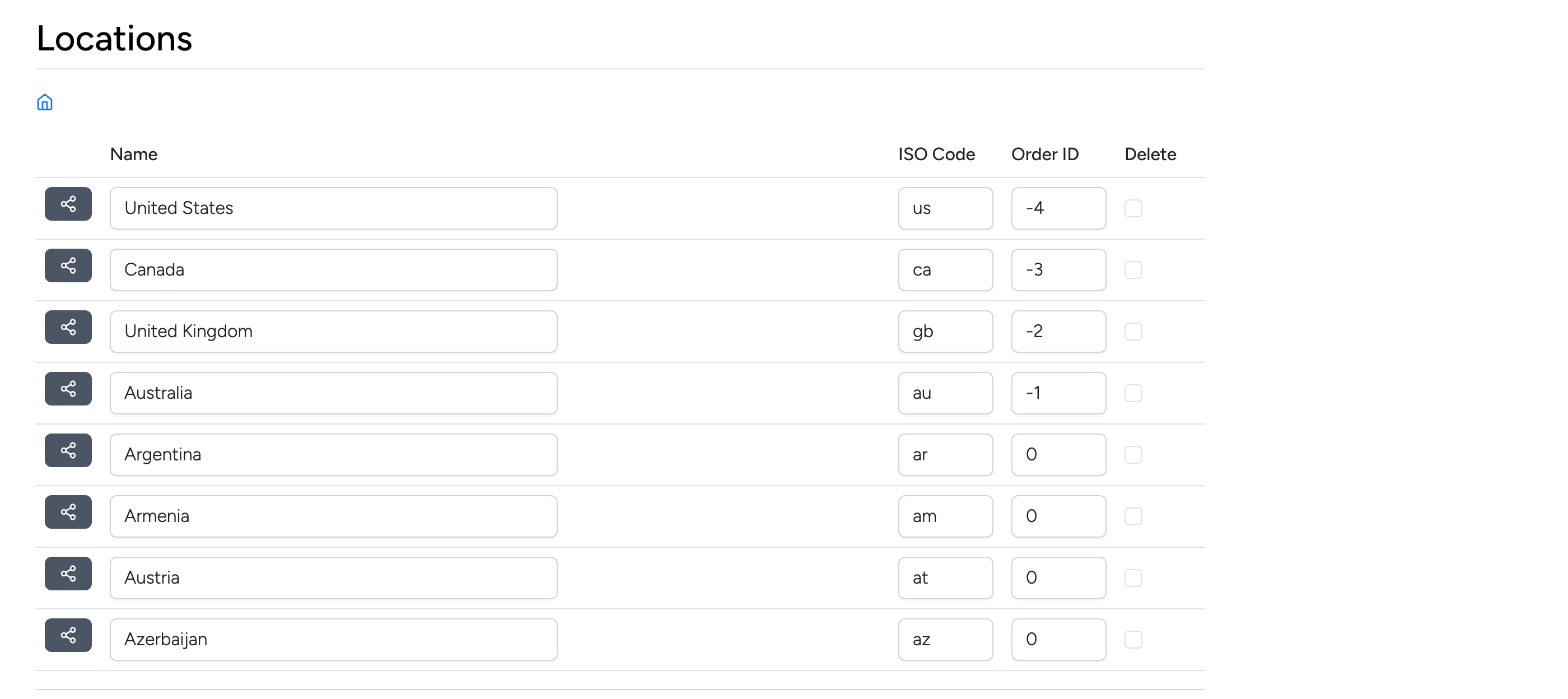
Each row represents a country:
- Name — the country name displayed to users.
- ISO Code — two-letter country code (e.g.
us,gb,au). - Order ID — controls display order. Lower (or negative) numbers appear first. Use this to pin frequently used countries to the top of dropdown lists.
- Delete — check the box and click Update to remove a country.
Click the arrow button on the left of a country row to drill into its states or regions. Use Insert New Data at the bottom of the list to add a new country.