
Listings Settings
These settings control how listings behave across the site. All options are found under Admin → Listings → Settings.
Listings Approval
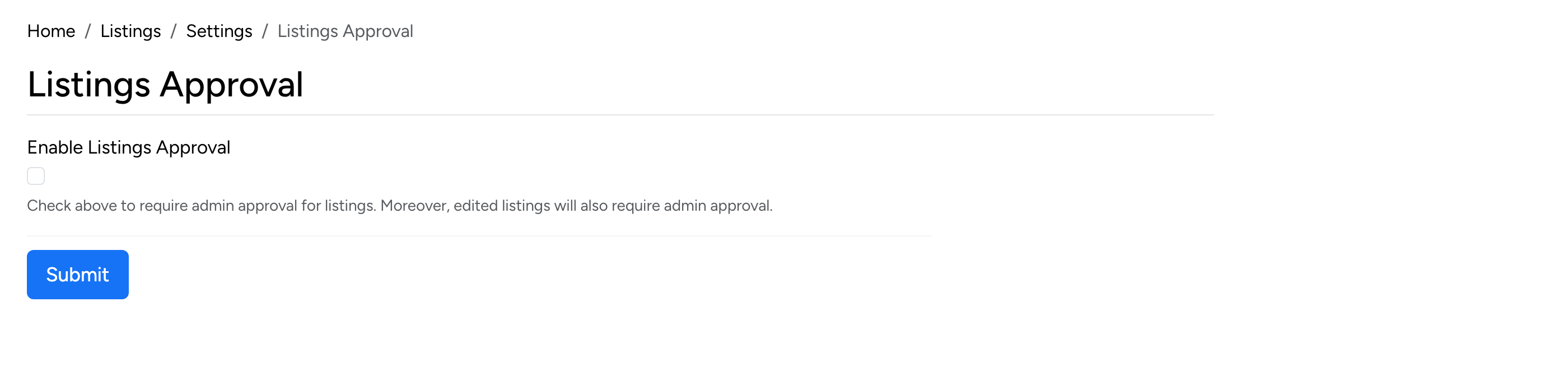
- Enable Listings Approval — when checked, all new and edited listings require admin approval before they go live. Useful for moderated marketplaces.
Listing Updates
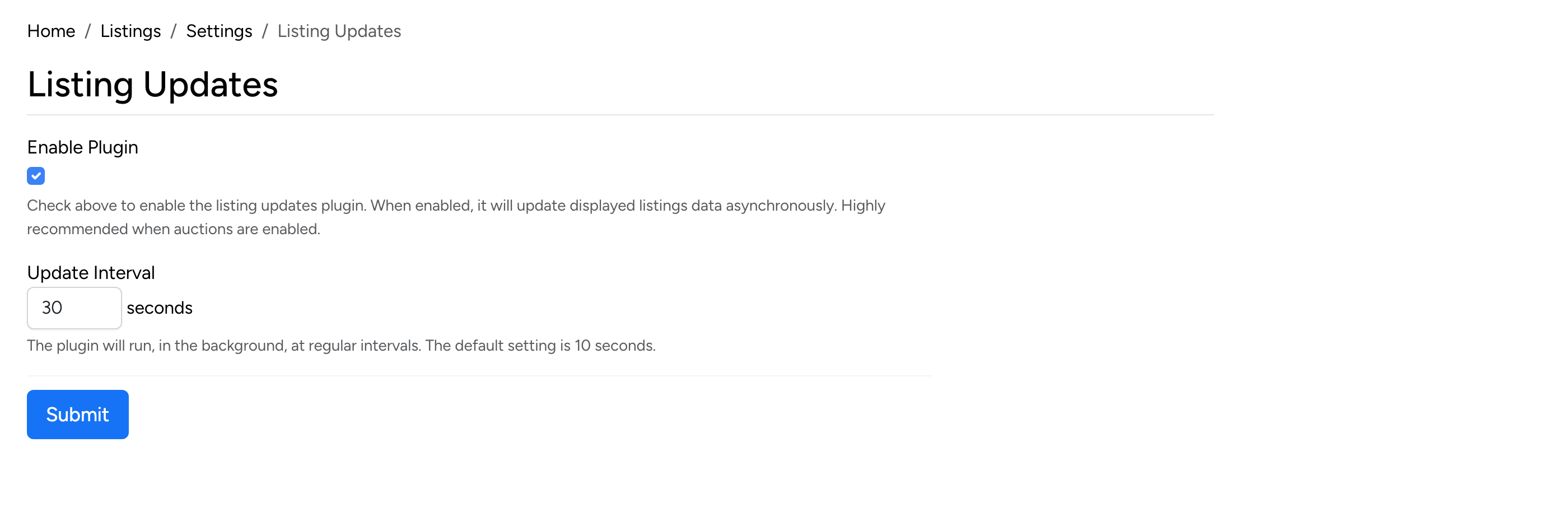
- Enable Plugin — enables asynchronous updates of listing data displayed on the front end. Highly recommended when auctions are enabled, so buyers always see up-to-date bid counts and prices.
- Update Interval — how often the plugin refreshes listing data, in seconds. The default is 10 seconds.
Listings Counters
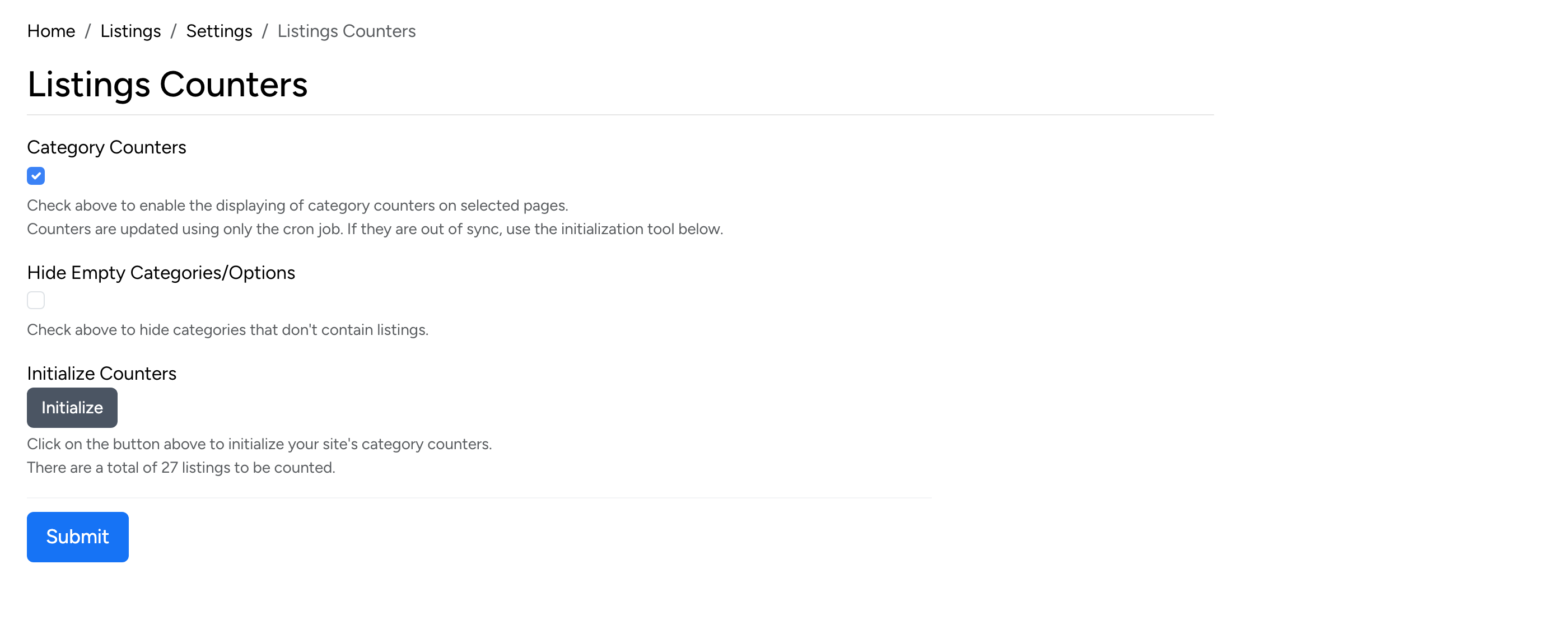
- Category Counters — when checked, the number of active listings is shown next to each category name. Counters are updated by the cron job.
- Hide Empty Categories/Options — when checked, categories and custom field options that have no active listings are hidden from the browse pages.
- Initialize Counters — click to manually recalculate all category counters. Use this if the counters appear out of sync.
Scheduled Listings Display
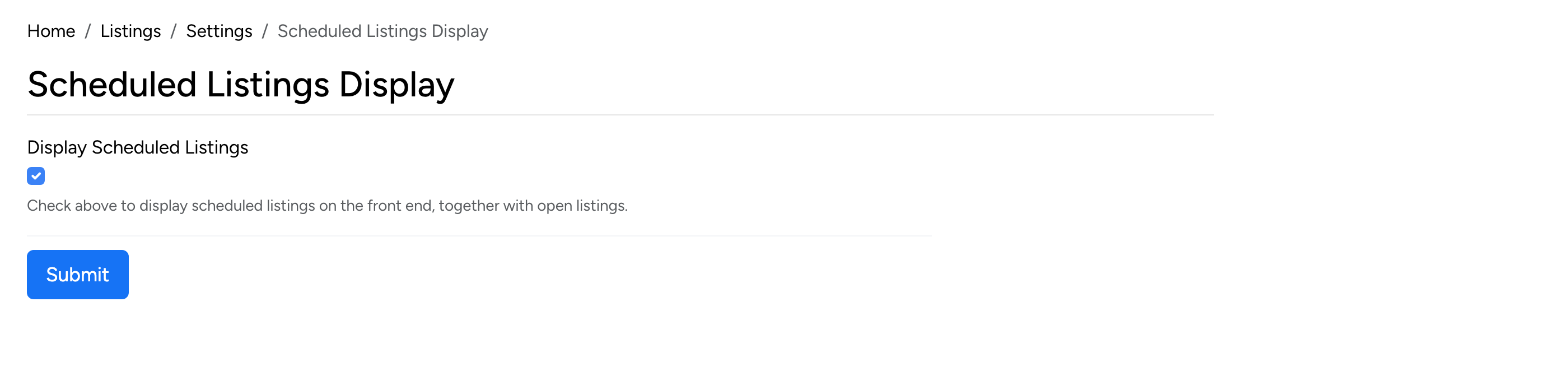
- Display Scheduled Listings — when checked, listings with a future start date are visible on the front end alongside open listings. Buyers can see them but cannot bid or purchase until the start date.
Listings Sharing
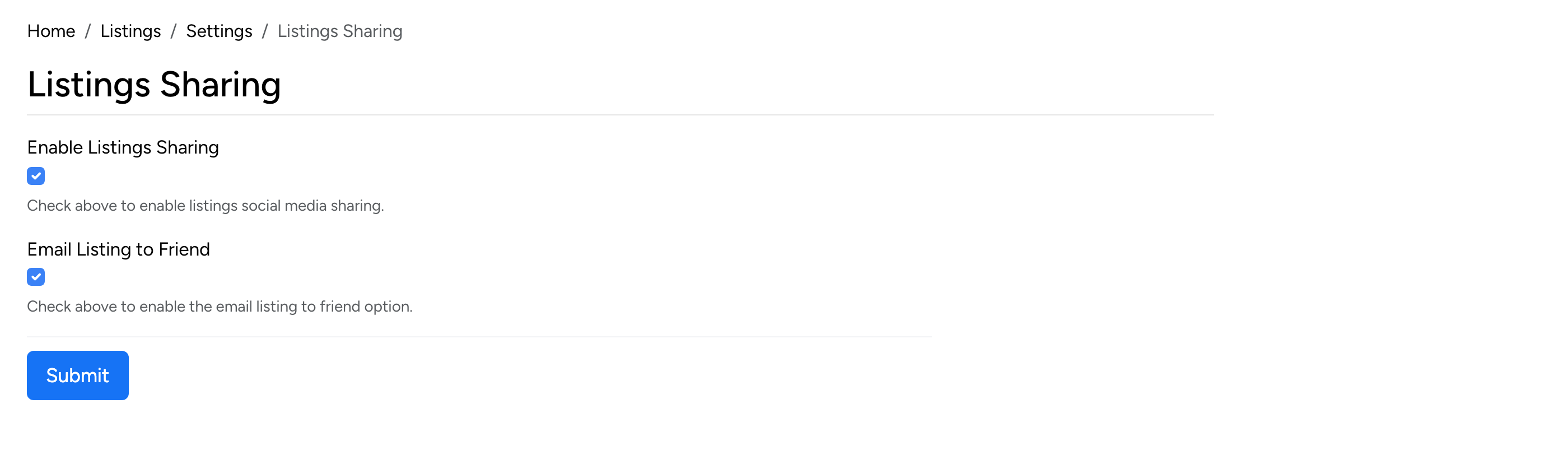
- Enable Listings Sharing — when checked, social media sharing buttons are displayed on listing detail pages.
- Email Listing to Friend — when checked, an “email to friend” option is available on listing pages, letting users share listings via email.
Closed Listings Deletion
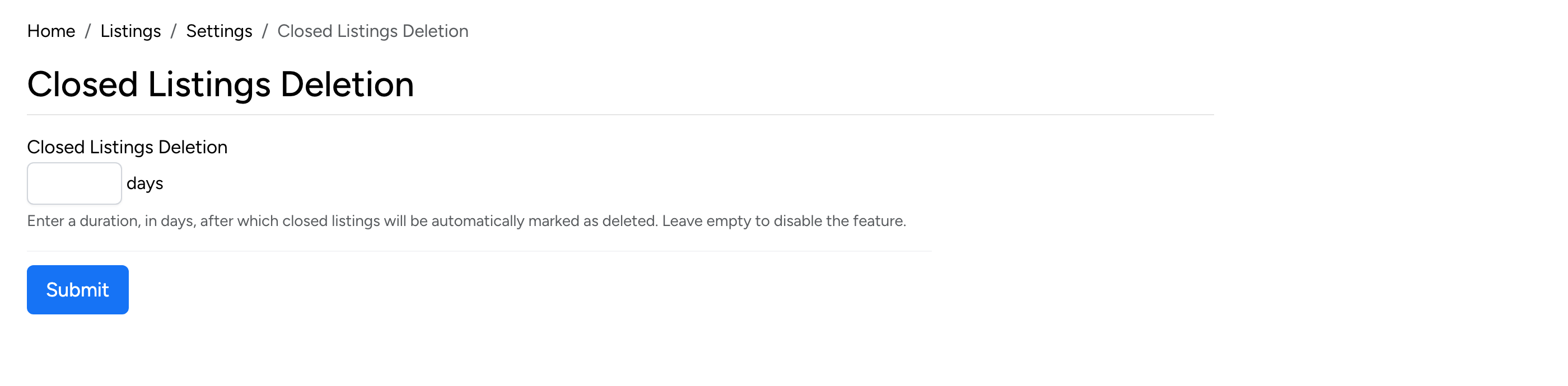
- Closed Listings Deletion — enter the number of days after which closed listings are automatically marked as deleted. Leave empty to keep closed listings indefinitely.
Marked Deleted Removal
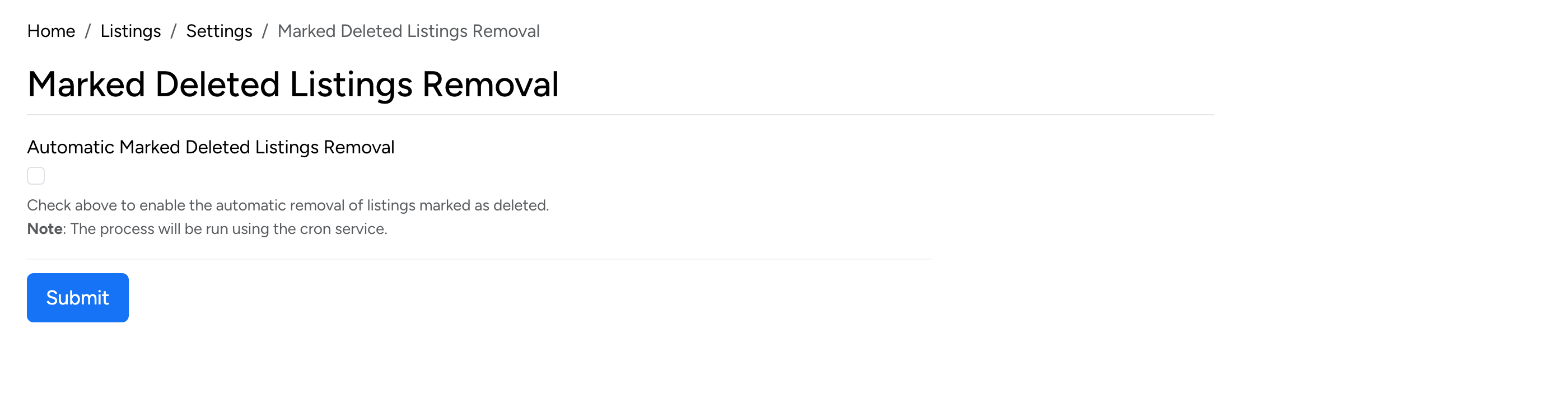
- Automatic Marked Deleted Listings Removal — when checked, listings that have been marked as deleted are permanently removed from the database by the cron service.
RSS Feeds
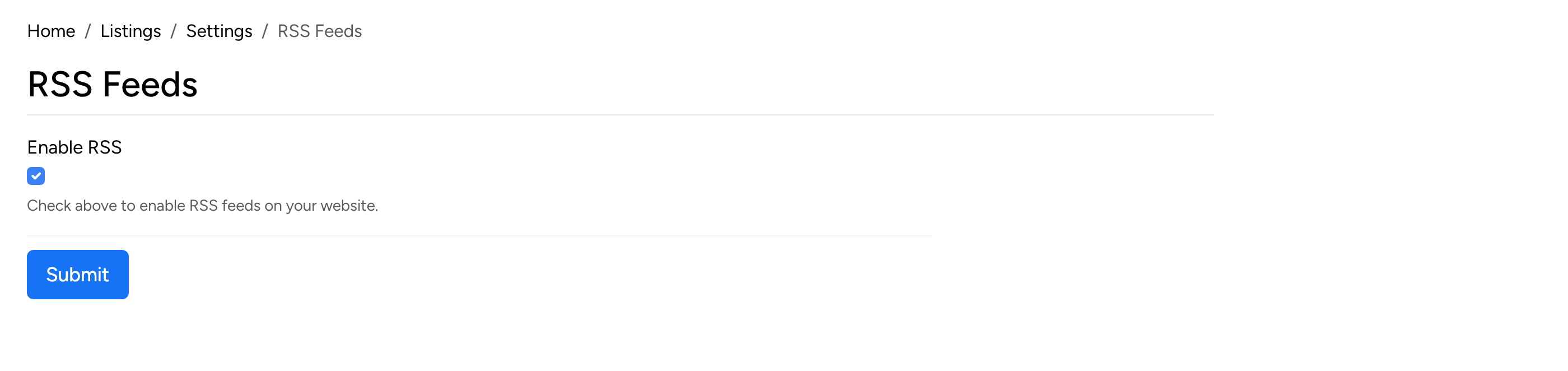
- Enable RSS — when checked, RSS feeds are available for listings on the site. Visitors and external services can subscribe to listing feeds.