
Blocked Users
Overview
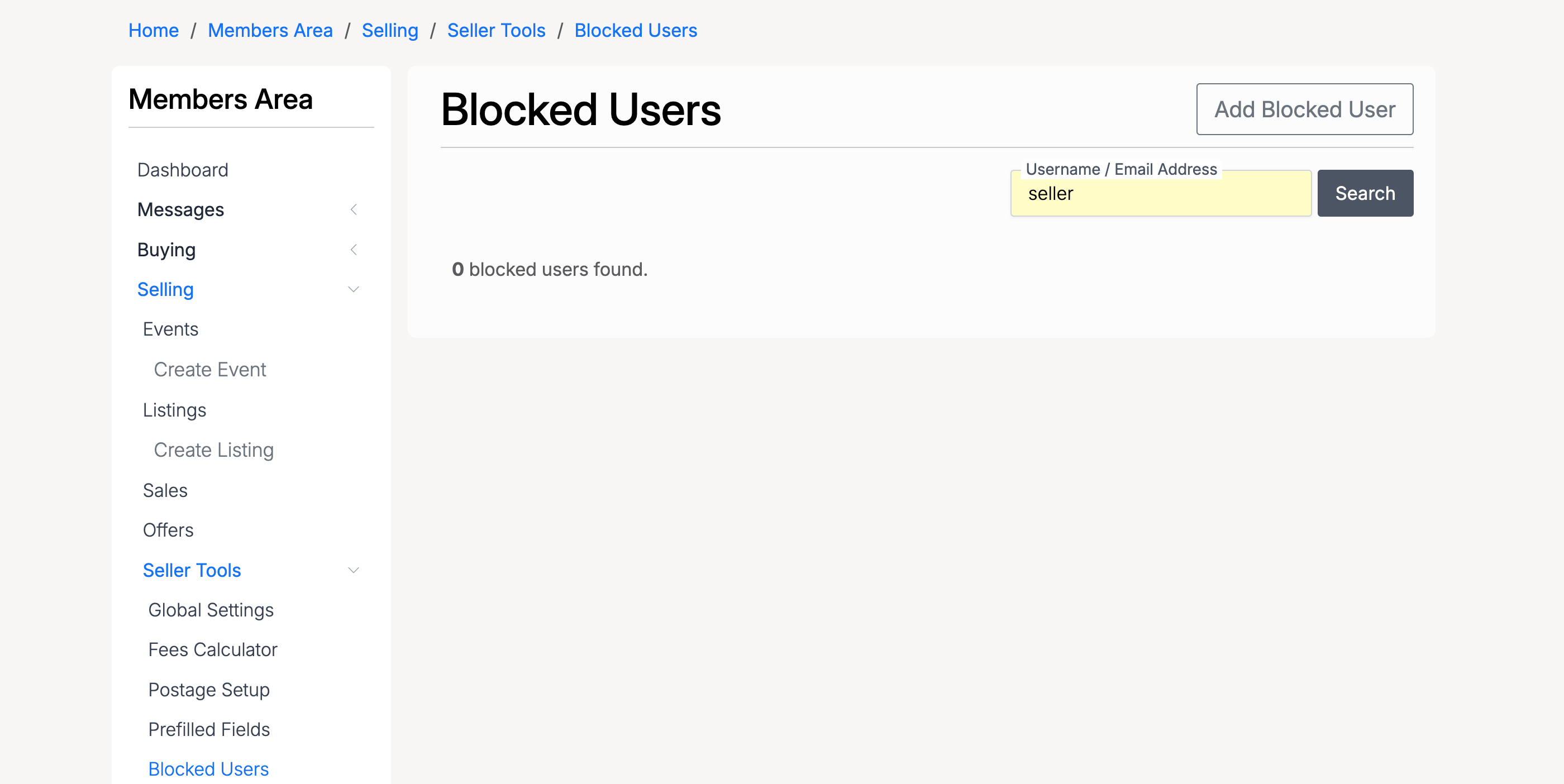
Blocked Users lets sellers and site administrators prevent specific users from interacting with their listings. Sellers can block users from purchasing and messaging, while administrators can additionally block users from registering and logging in. Access the seller tool at Selling → Seller Tools → Blocked Users.
Add Blocked User
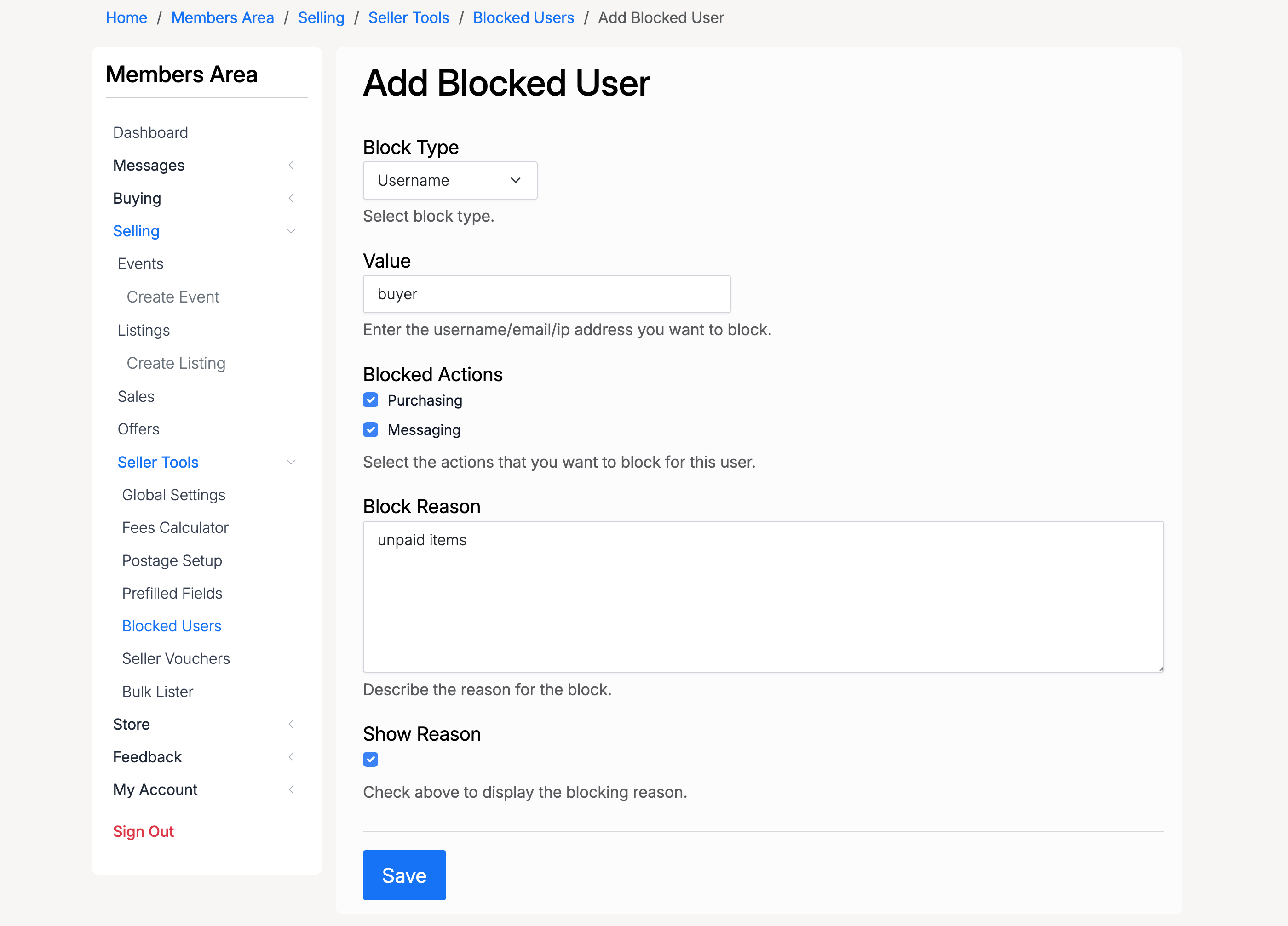
- Block Type — how to identify the user to block: by Username, Email, or IP Address
- Value — the username, email address, or IP address to block
- Blocked Actions — select which actions to block. Sellers can block Purchasing and Messaging
- Block Reason — a description of why the user is being blocked
- Show Reason — when checked, the block reason is displayed to the blocked user
Blocked Users List
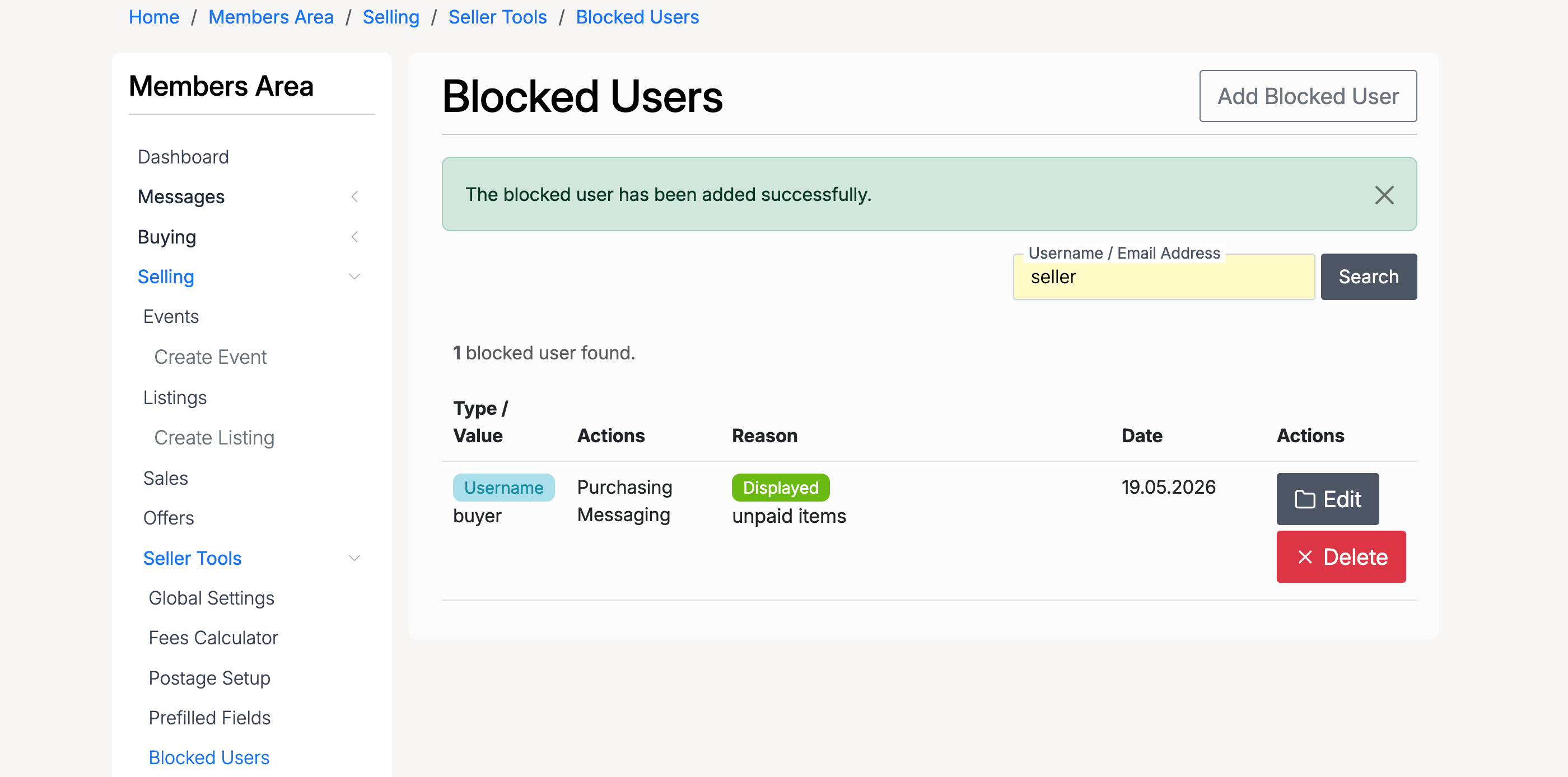
After adding a blocked user, the list shows all active blocks with the following details:
- Type / Value — the block type (Username, Email, or IP Address) and the blocked value
- Actions — which actions are blocked for this user
- Reason — the block reason, with a badge indicating whether it is displayed to the user
- Date — when the block was created
- Edit — modify the block settings
- Delete — remove the block
Admin — Add Blocked User
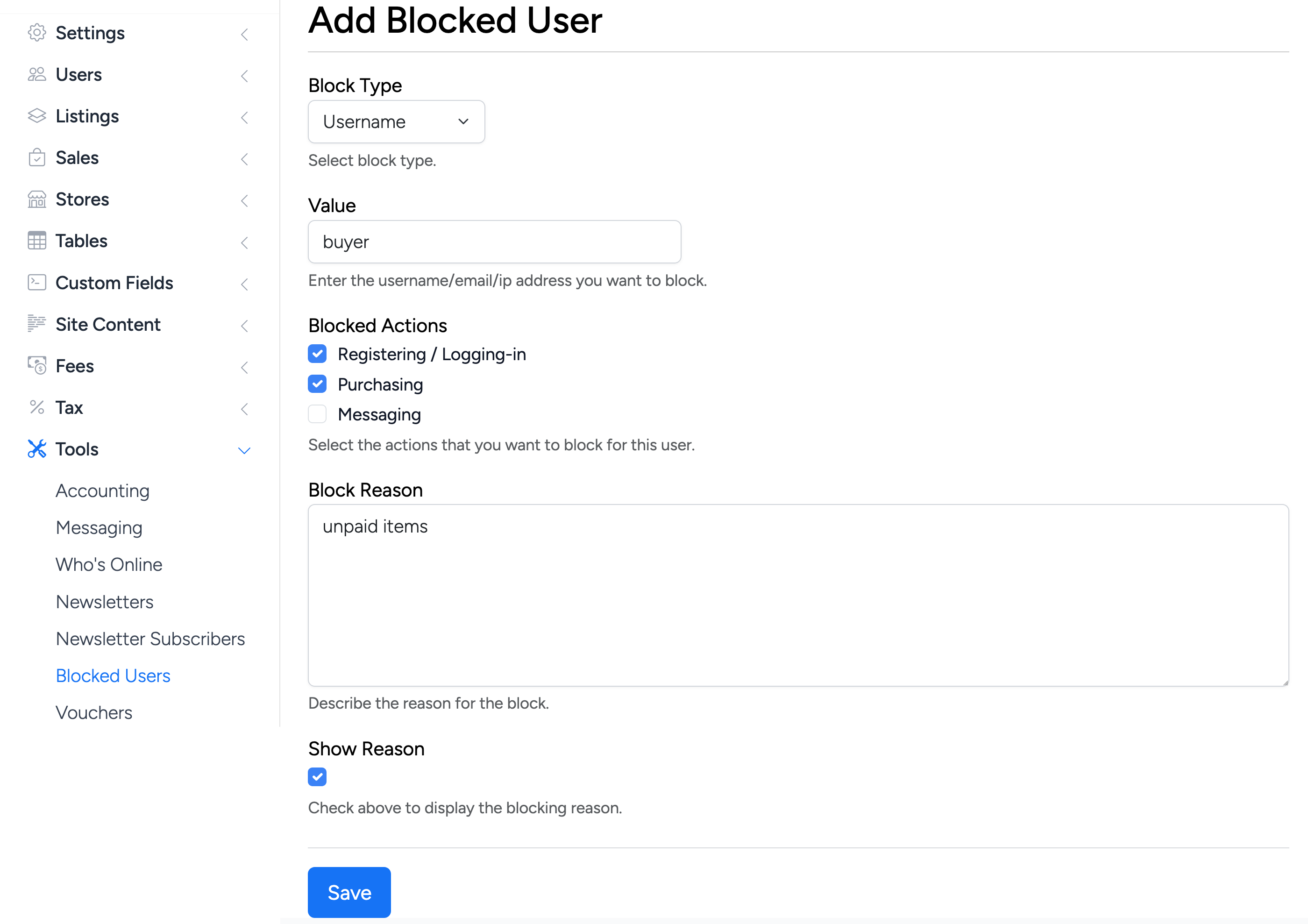
Administrators can block users from the admin panel at Tools → Blocked Users. The admin form includes the same fields as the seller form, with one additional blocked action:
- Registering / Logging-in — prevents the user from registering a new account or logging into the site. This option is only available to administrators
Admin — Blocked Users List
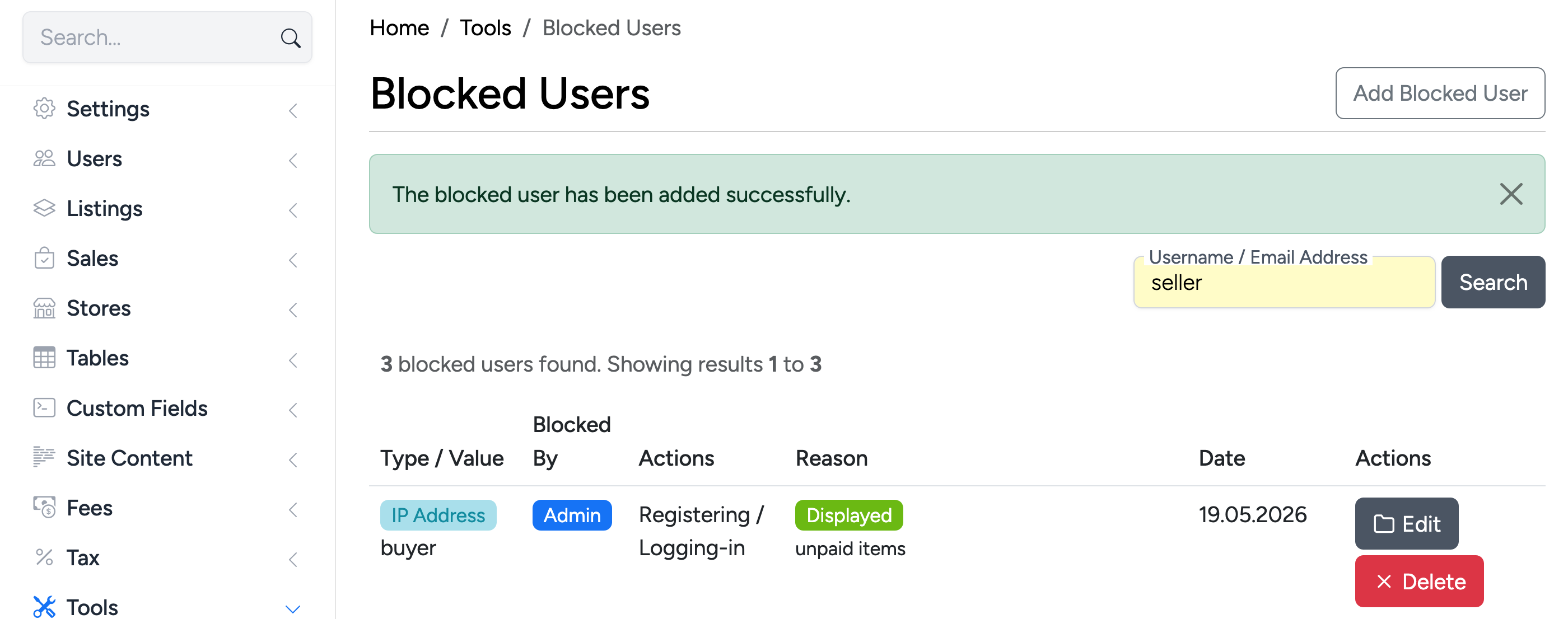
The admin blocked users list includes an additional Blocked By column that shows whether the block was created by an administrator or a seller.
Block Notification
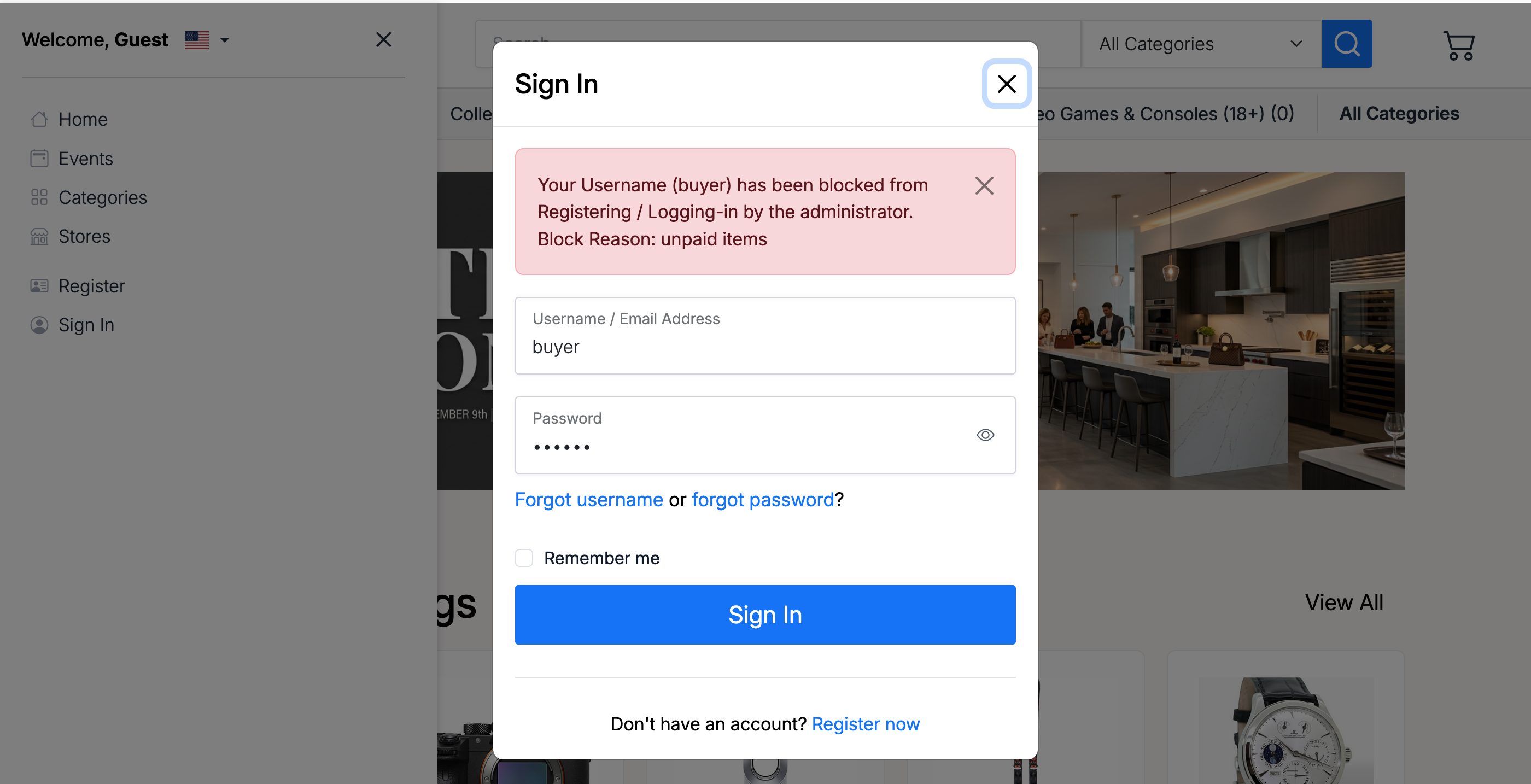
When a blocked user attempts a restricted action, they see a notification explaining the block. If Show Reason was enabled, the block reason is included in the message.
Delete a Blocked User
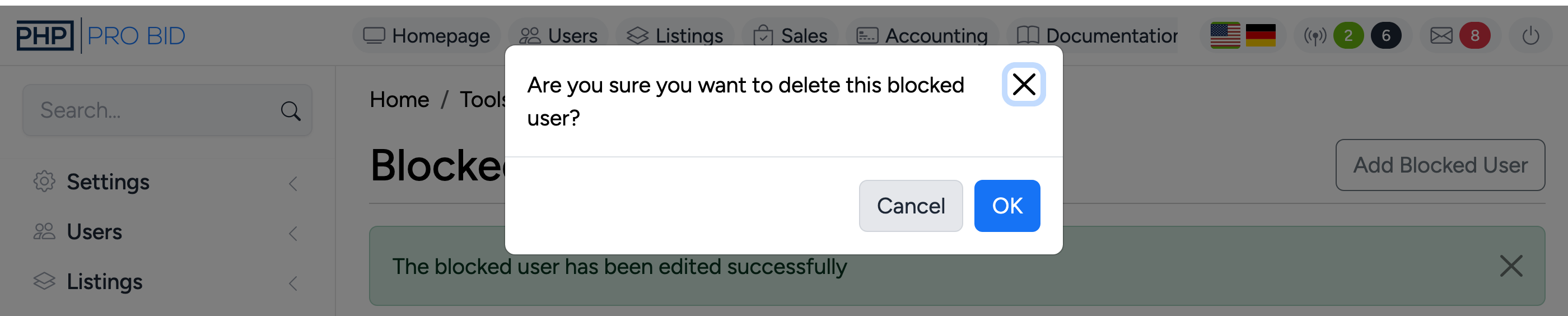
To remove a block, click Delete on the blocked users list. A confirmation dialog appears before the block is removed. Once deleted, the user can immediately resume the previously blocked actions.