Documentation [V9.2]
Configuration
Documentation [V9.2]
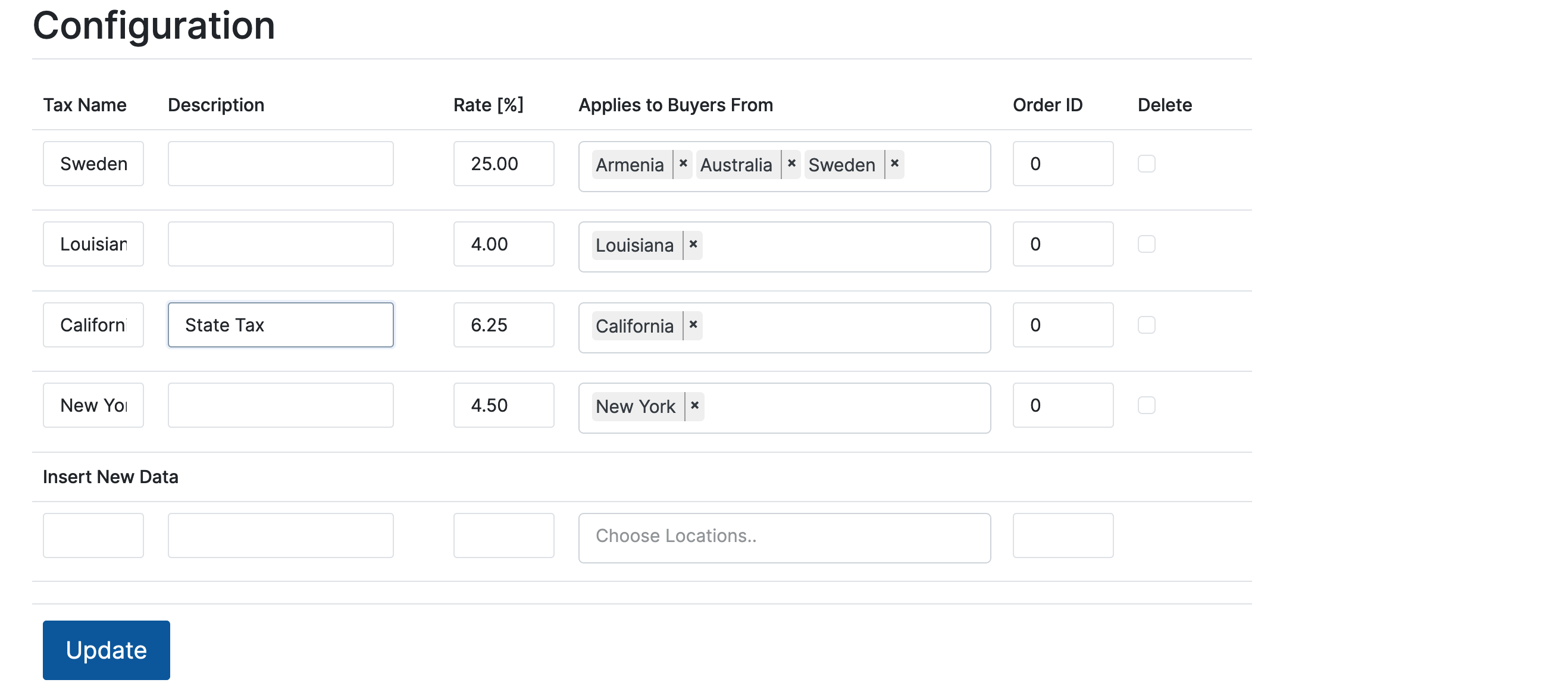
From the Configuration (Admin Control Panel -> Taxes -> Configuration) menu, add (or delete) and describe a particular tax to be applied to site fees:
- Tax Name Enter the tax name.
- Description Add tax info.
- Rate Enter the tax rate (always a percentage).
- Applies to Buyers from Select the location(s) (country or state) where the tax will apply.
- Delete Delete a tax.
Example: The admin added a 6.25% State Tax for all buyers from California.