Documentation [V9.2]
Email Notifications
Documentation [V9.2]
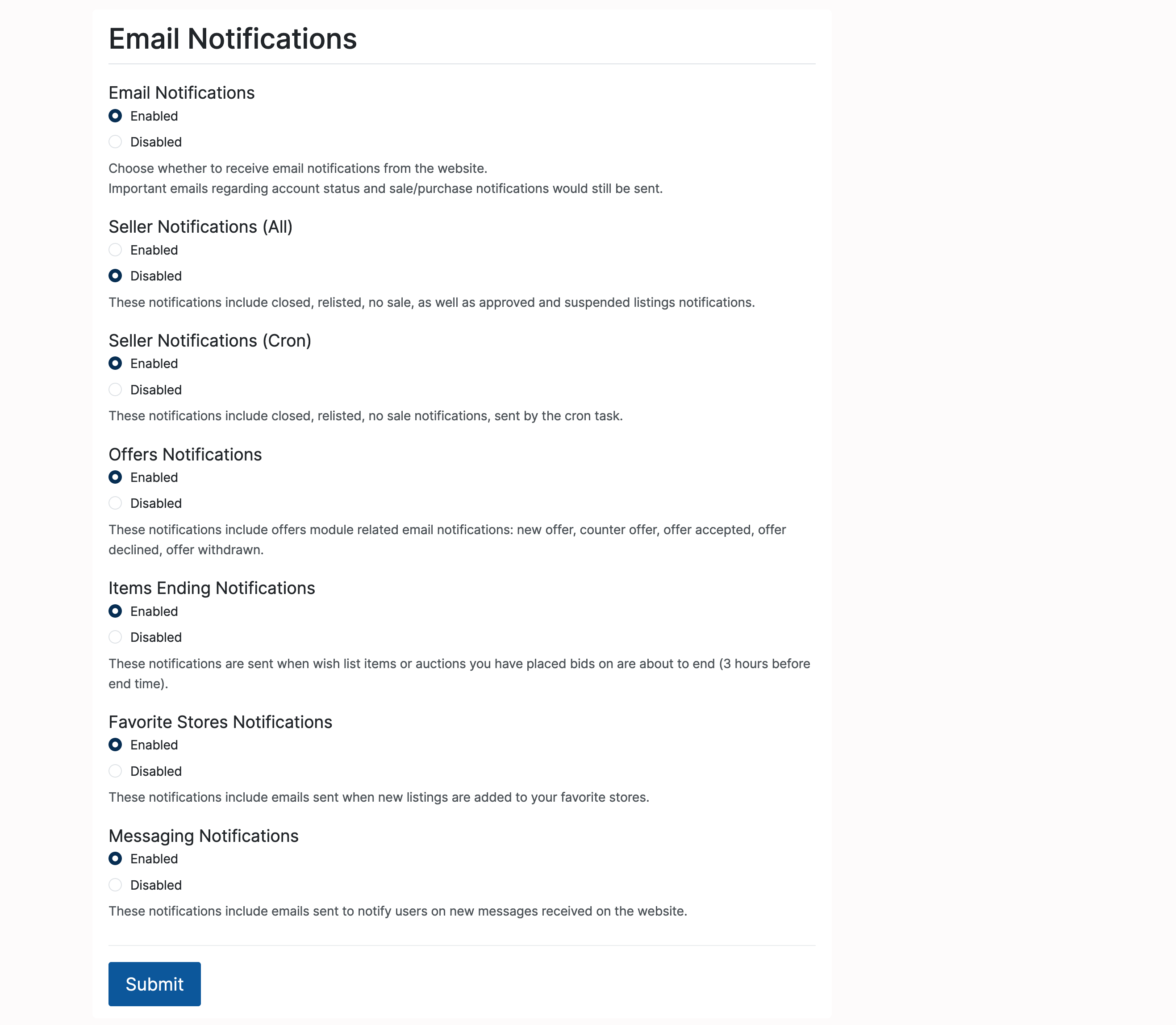
From the Email Notifications (Home -> Members Area -> My Account -> Email Notifications) menu, enable / disable:
Email Notifications
Select whether to receive email notifications from the website.
Note: Important emails regarding account status and sale/purchase notifications will still be sent.
Seller Notifications (All)
Include closed, relisted, no sale, as well as approved and suspended listings notifications.
Seller Notifications (Cron)
Include closed, relisted, no sale notifications, sent by the cron task.
Offers Notifications
Include offers module-related email notifications: new offer, counter offer, offer accepted, offer declined, offer withdrawn.
Items Ending Notifications
Notifications are sent when wish list items or auctions you have placed bids on are about to end (3 hours before end time).
Favorite Stores Notifications
Notifications include emails sent when new listings are added to your favorite stores.
Messaging Notifications
Notifications include emails sent to notify users of new messages received on the website.