
Documentation [V8.4]
Star System
Documentation [V8.4]
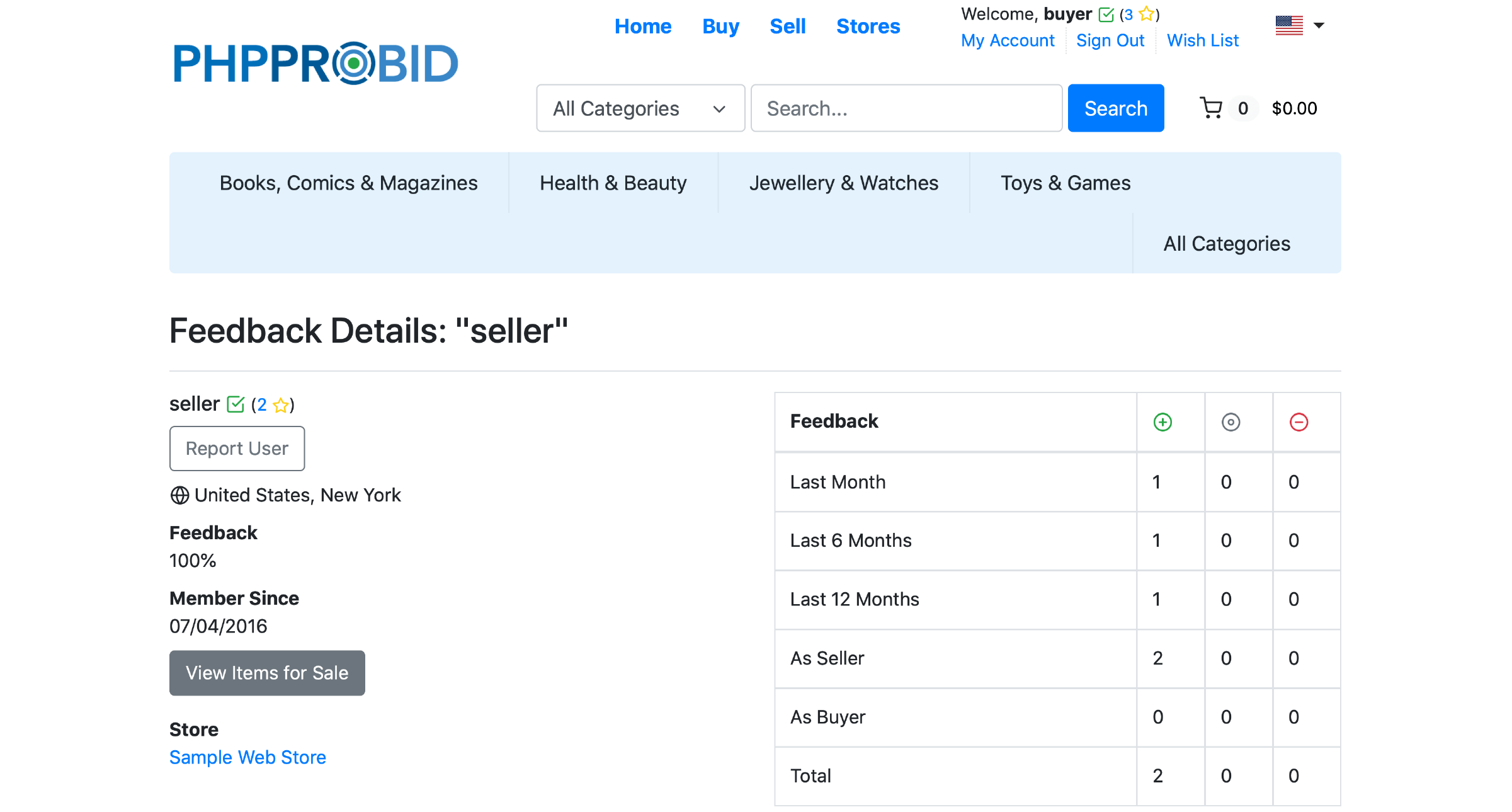
To check feedback, buyers or sellers must access the reputation management (history) page by clicking the star rating associated to the username.
The Feedback Details page displays the following info:
User Details
One can report users, see their location, feedback (percentage of positive ratings), type of site membership, items available for sale and access their webstores.
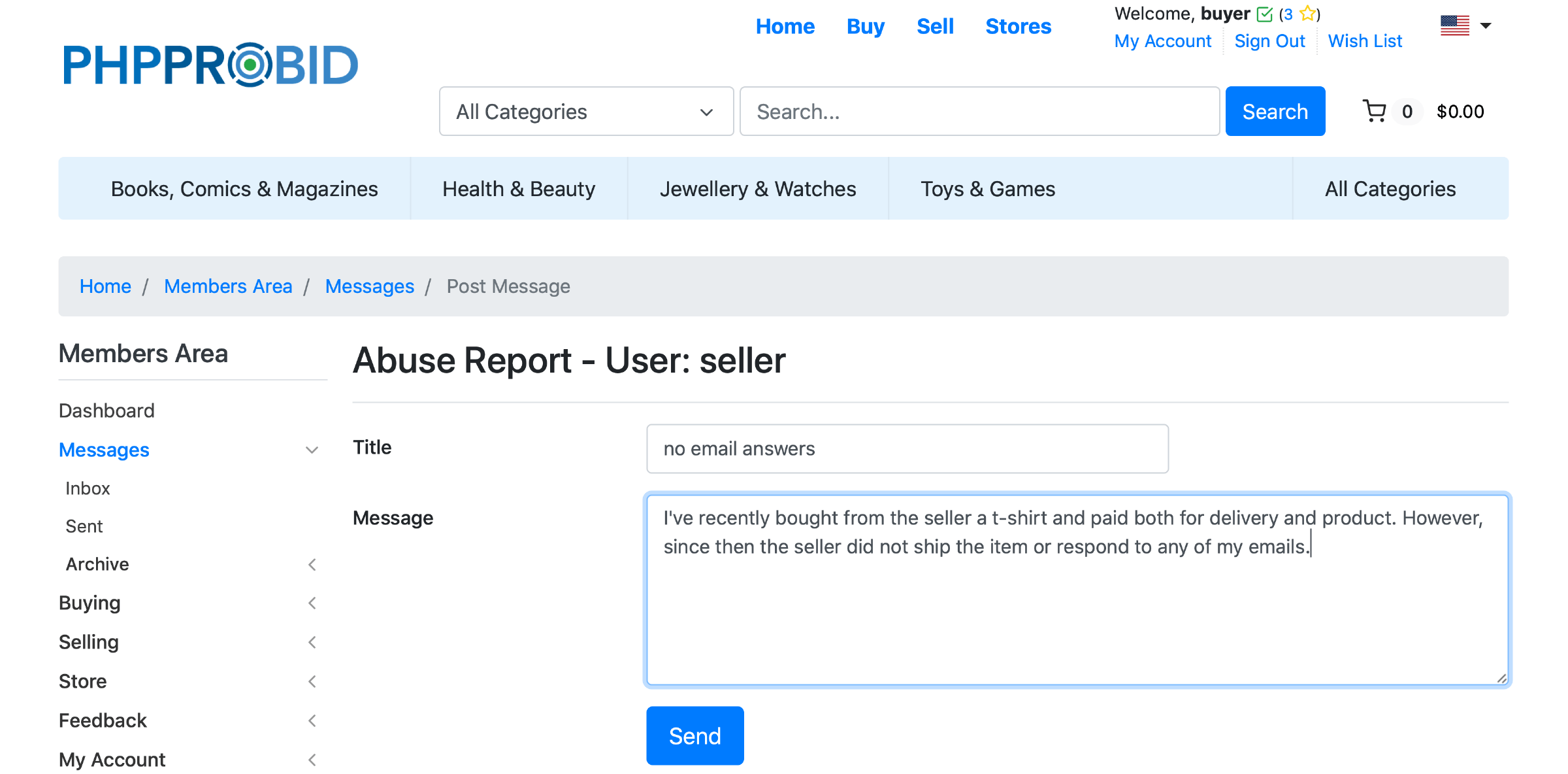
Important: When deciding to Report User, the seller/buyer will be asked to send a message stating the reasons for the report.
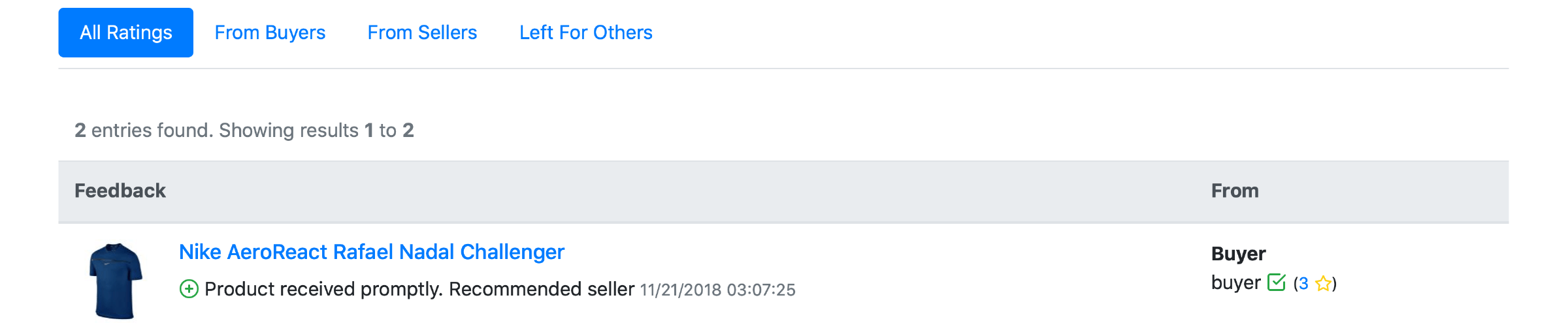
Ratings
See reasons for the feedback left / received.
Star System
Successfully completed transactions earn buyers/sellers a higher trust status. The software translates the level of trustworthiness into a star rating. There are five types of stars:
- 1 to 9 –> Yellow
- 10 to 49 –> Green
- 50 to 99 –> Blue
- 100 to 199 –> Red
- 200 and above –> Golden