
Tools for keeping user accounts safe. Enable one (or all) of the password strength options that provide users increased online protection.
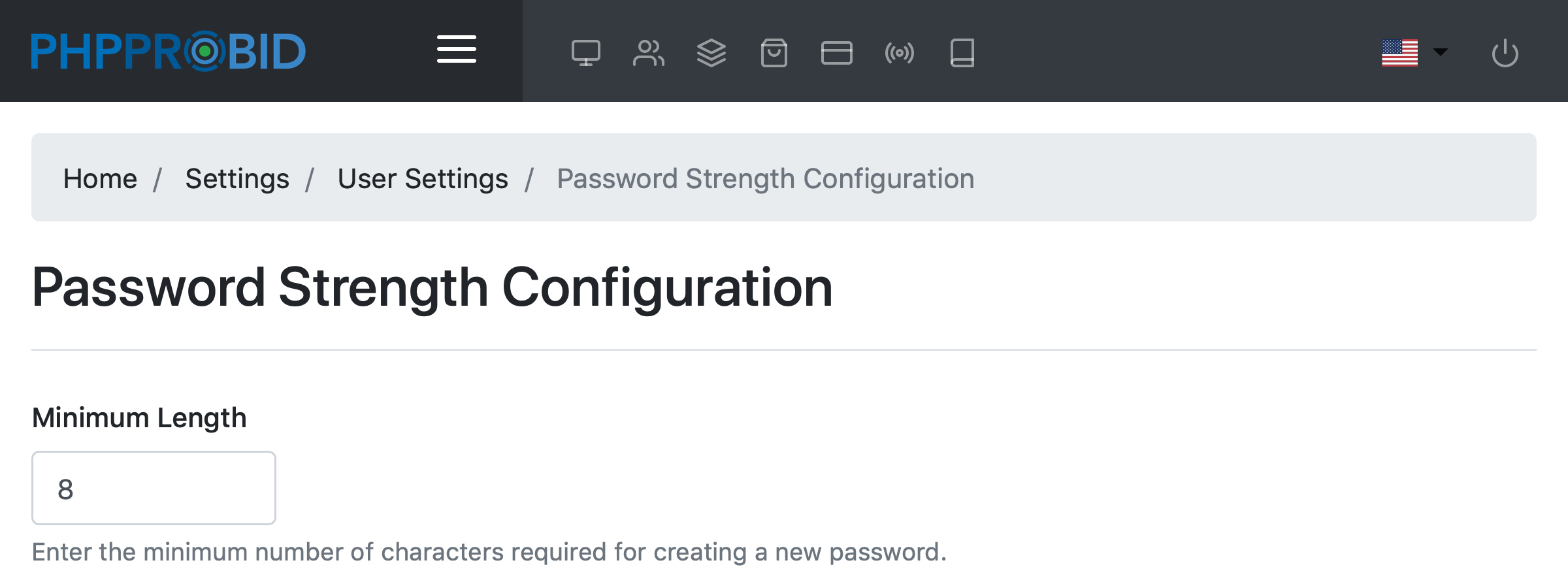
From the Password Strength Configuration (Admin Control Panel -> Settings -> User Settings -> Password Strength Configuration) menu you can enable one (or all) options:
Select the minimum number of characters required when creating a new password
Check one or all of the available security enhancements for a more powerful password:
