Auction Software Features

60+ features, one install.
Everything you need, nothing you don't.

Every feature listed here is included on every plan — no locked modules, no premium add-ons, no per-transaction fees to us. Whether you're running timed auctions, live events, a marketplace, or all three, it's all in one install.

60+
Built-in features
3
Auction formats
8+
Languages
0%
Fees to us on your sales
V10
Current version
See it in action

The features that change how you sell

Auction Events

Hundreds of lots, closing in sequence.

Group your whole catalog into one named event. Lots close minutes apart — so bidding stays hot across the entire sale, not just the final second.

Staggered closingSoft-close anti-snipingAuto per-buyer invoicing
See how auction events work →
yourauctions.com/event
PHP Pro Bid auction event page listing multiple lots closing in sequence, each with its current bid and countdown timer
Marketplace & Cart

A real shopping cart, built in.

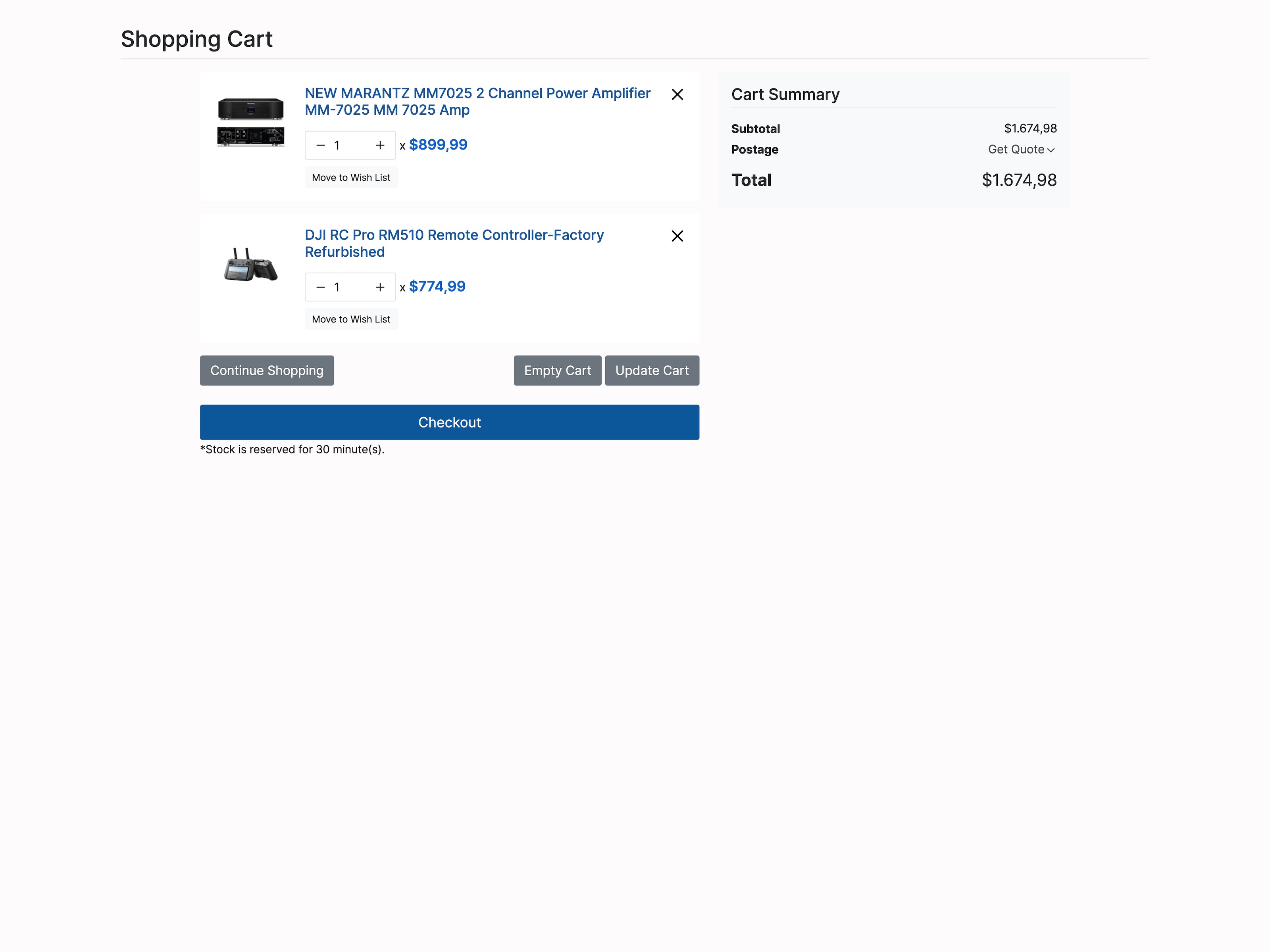
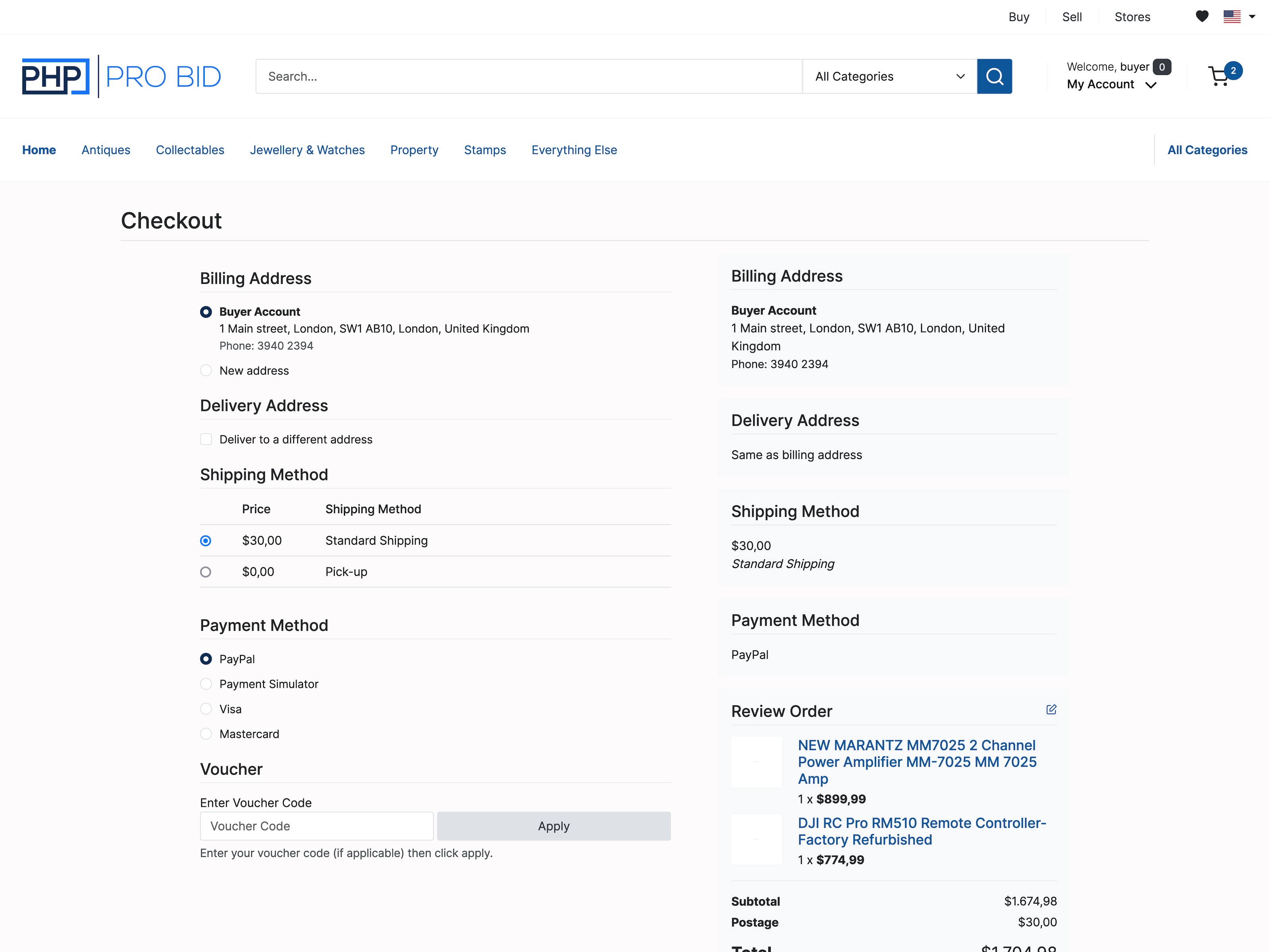
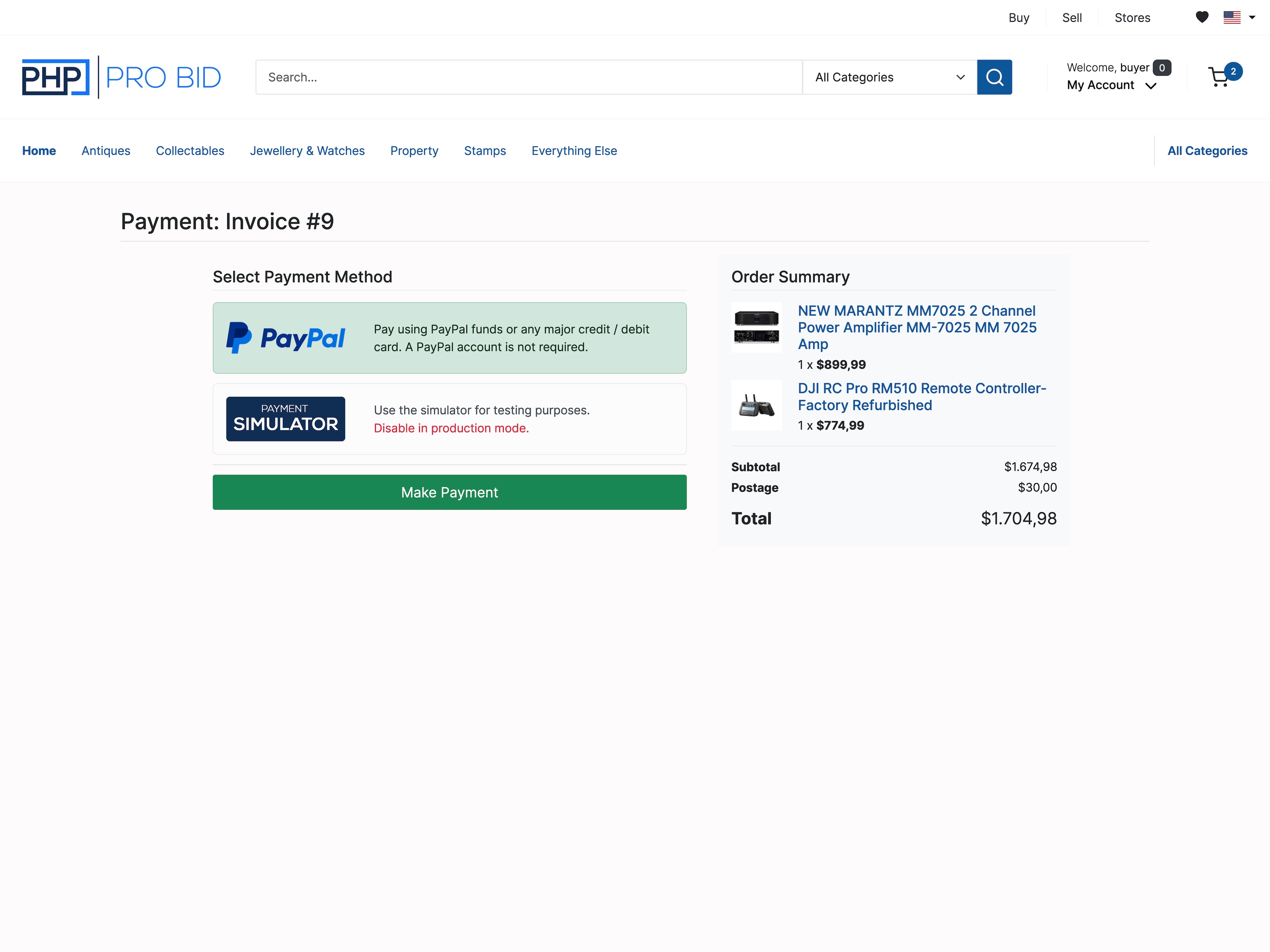
Buyers add multiple items and check out in one flow, paying through your own gateway. No plugin, no per-sale cut, no second system.

One-page checkoutVoucher codesMulti-vendor
Marketplace & webstore →
yourauctions.com/checkout
PHP Pro Bid one-page shopping cart checkout with multiple auction items, paying through the seller's own payment gateway
Bidding

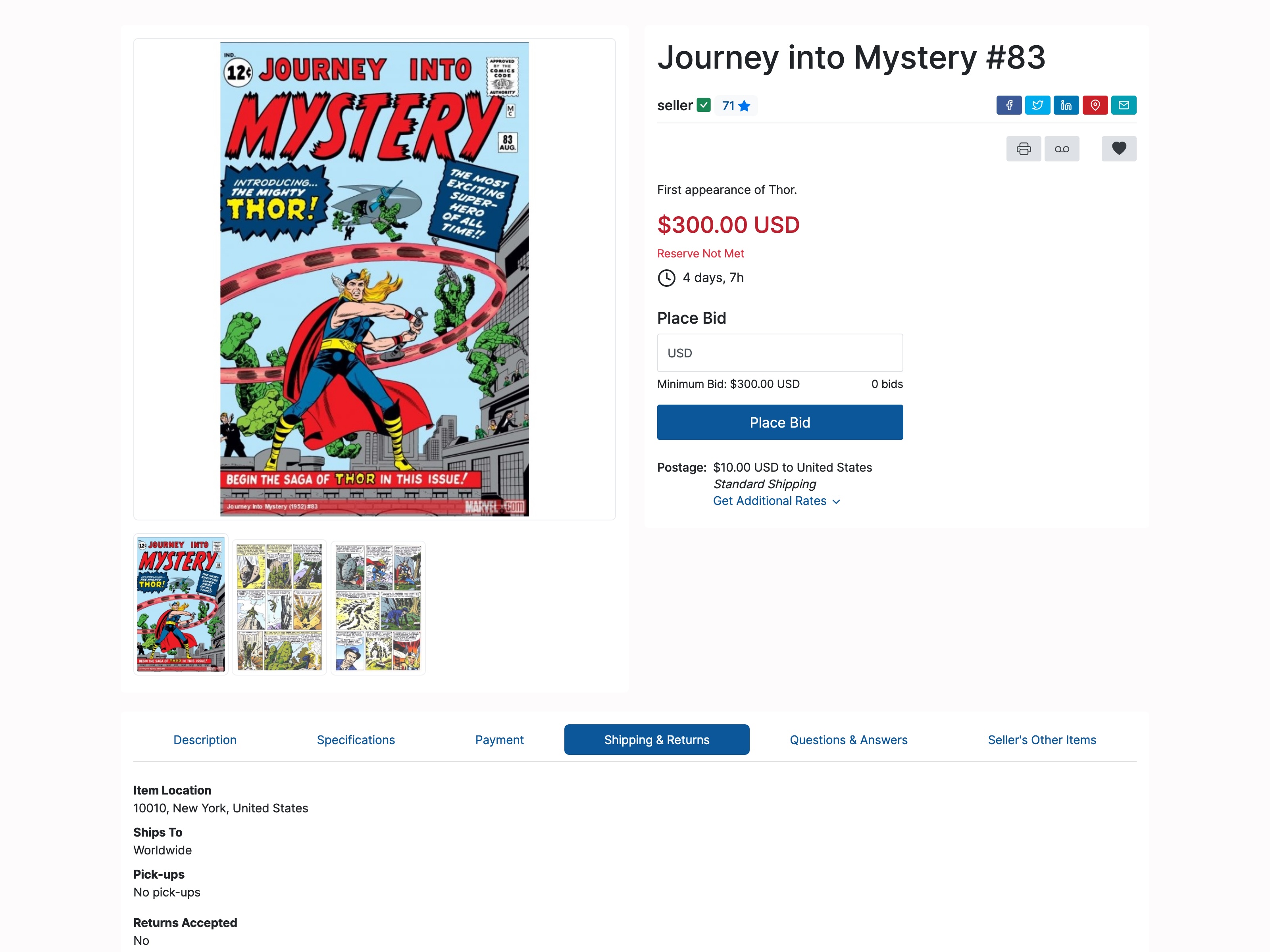
Set a max. The platform does the rest.

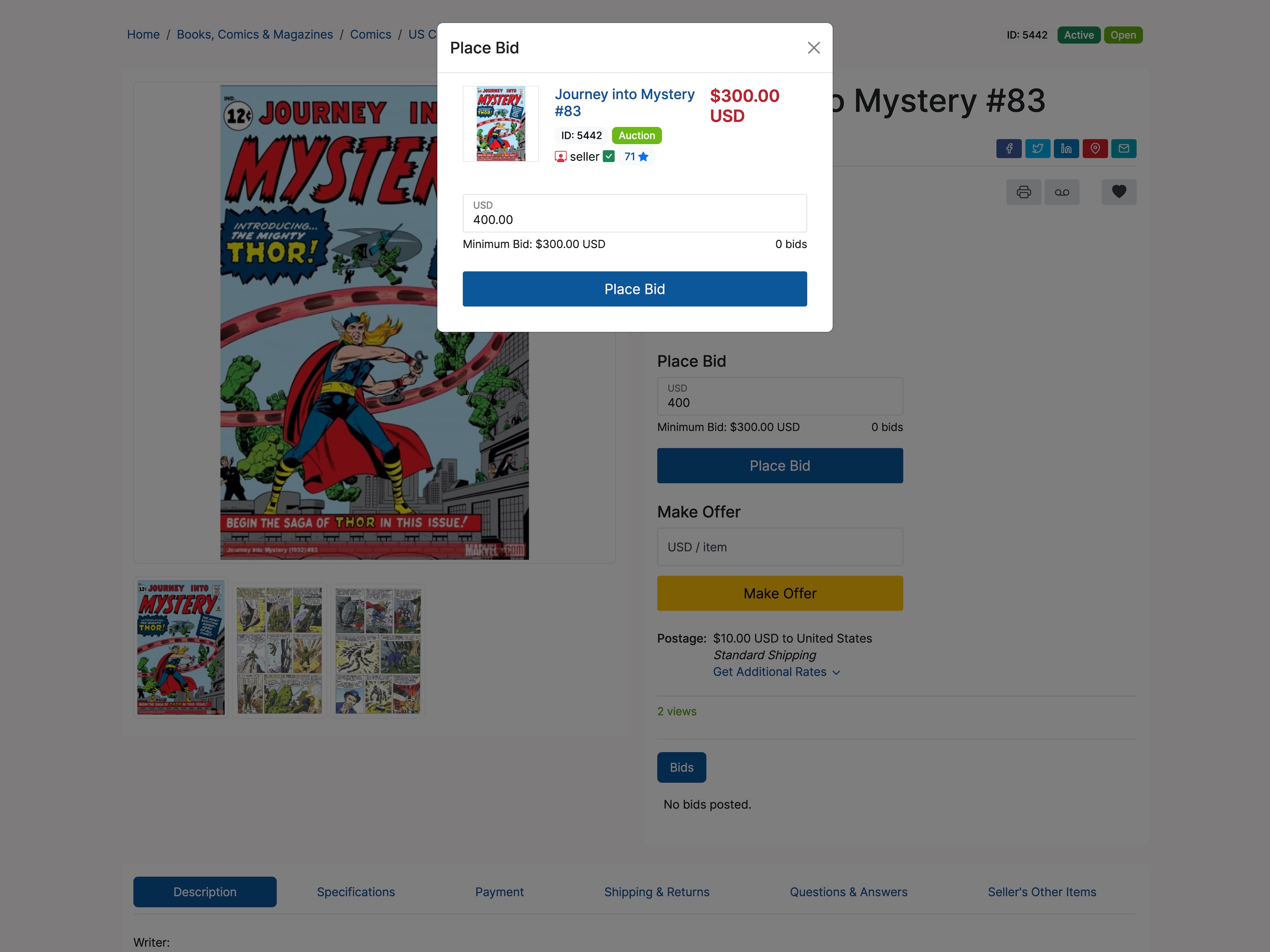
Proxy bidding places the lowest winning increment for a buyer automatically, right up to their limit — and soft-close stops last-second snipes.

Auto-incrementAnti-snipingIncrement tables
Online bidding software →
yourauctions.com/lot
PHP Pro Bid lot page showing proxy bidding, where a bidder sets a maximum and the platform auto-increments to the lowest winning bid
Lot Management

200 lots listed in minutes.

Upload an entire catalog from one CSV — titles, prices, categories, images. What takes hours by hand takes minutes.

CSV importDraftsOne-click relist
Bulk lot tools →
yourauctions.com/admin/bulk-lister
PHP Pro Bid admin bulk lot lister importing an entire auction catalog from a CSV file with titles, prices, categories, and images
Payments & Fees

Your fees, your rules. Our cut: £0.

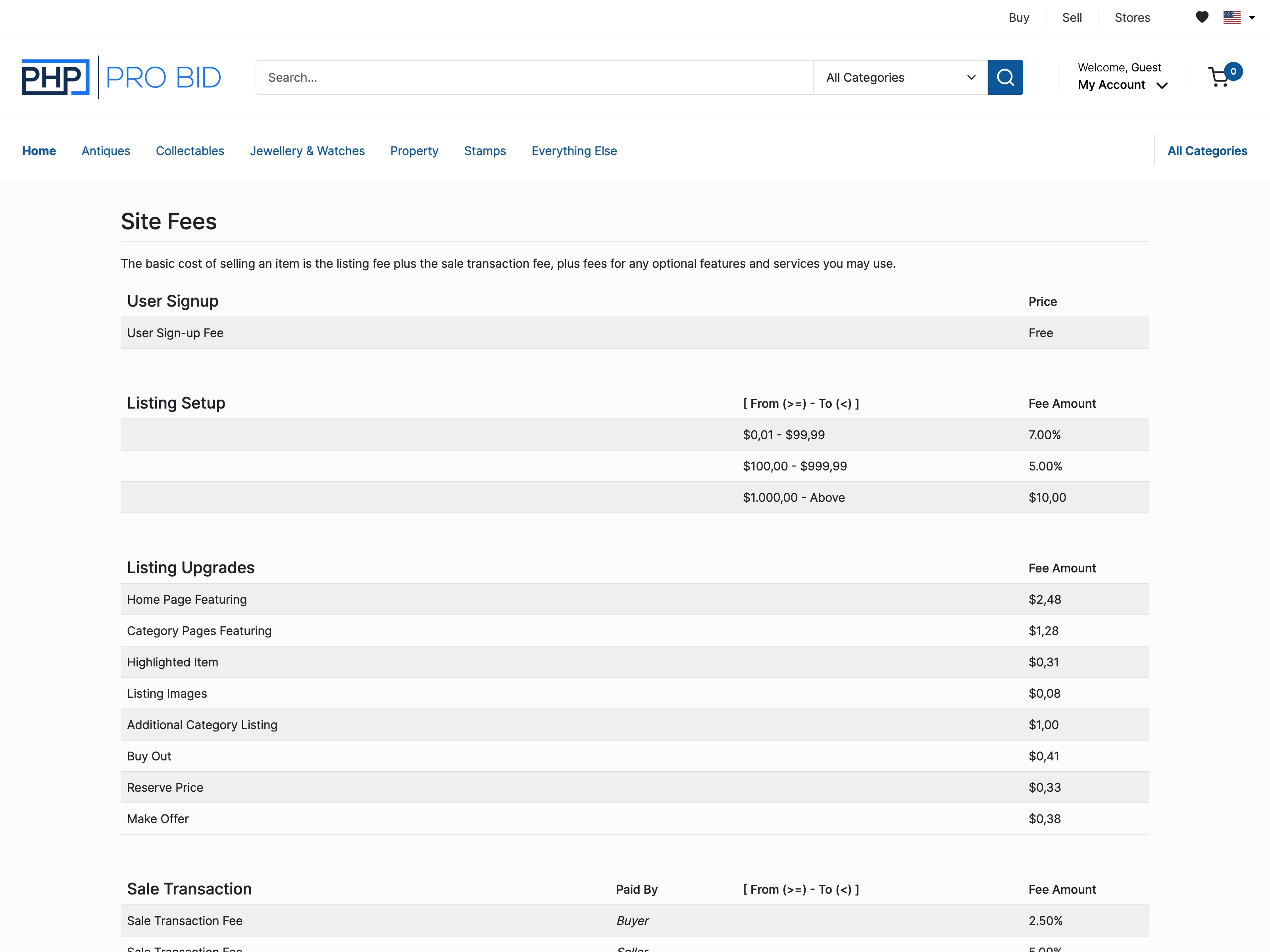
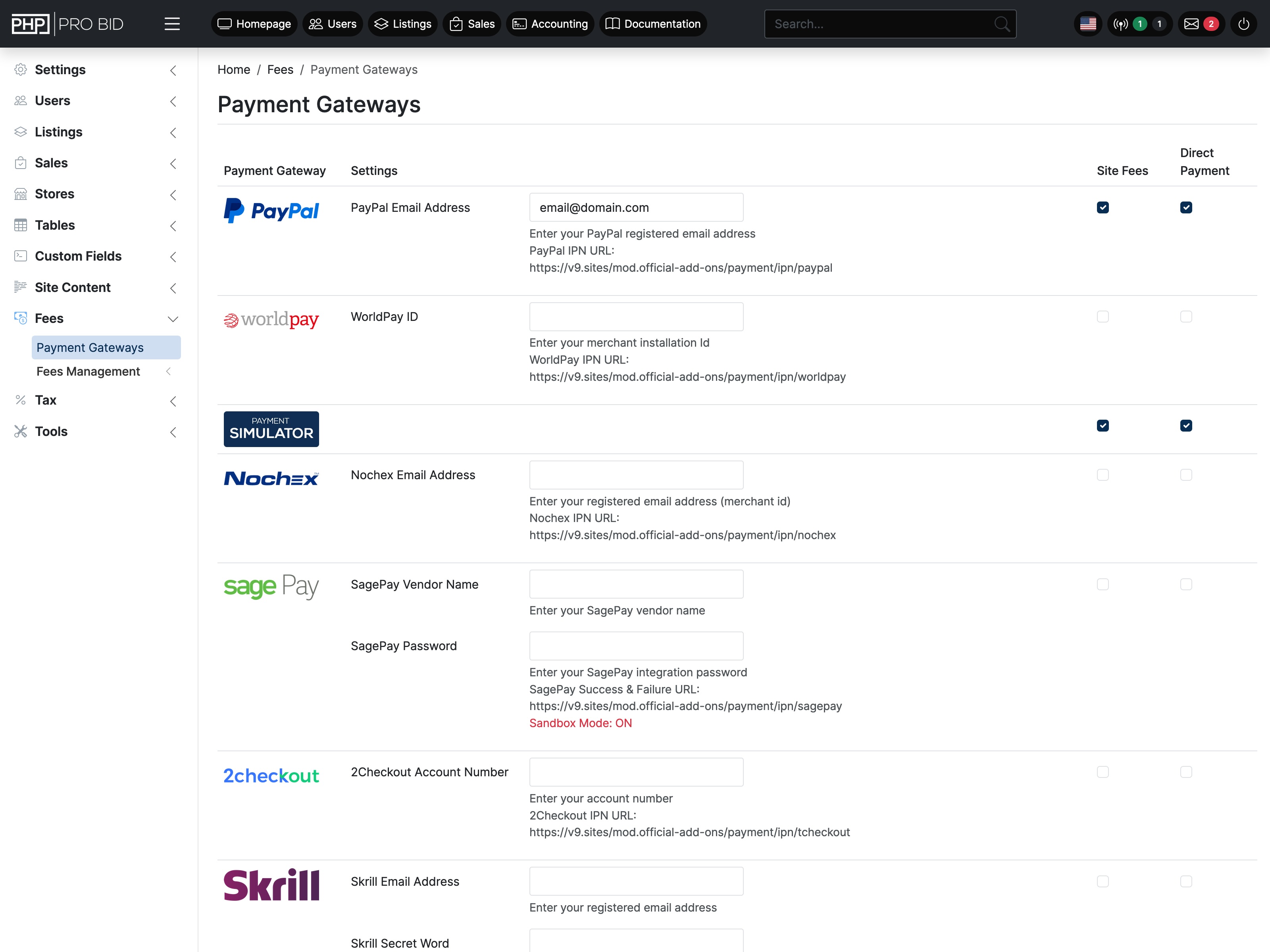
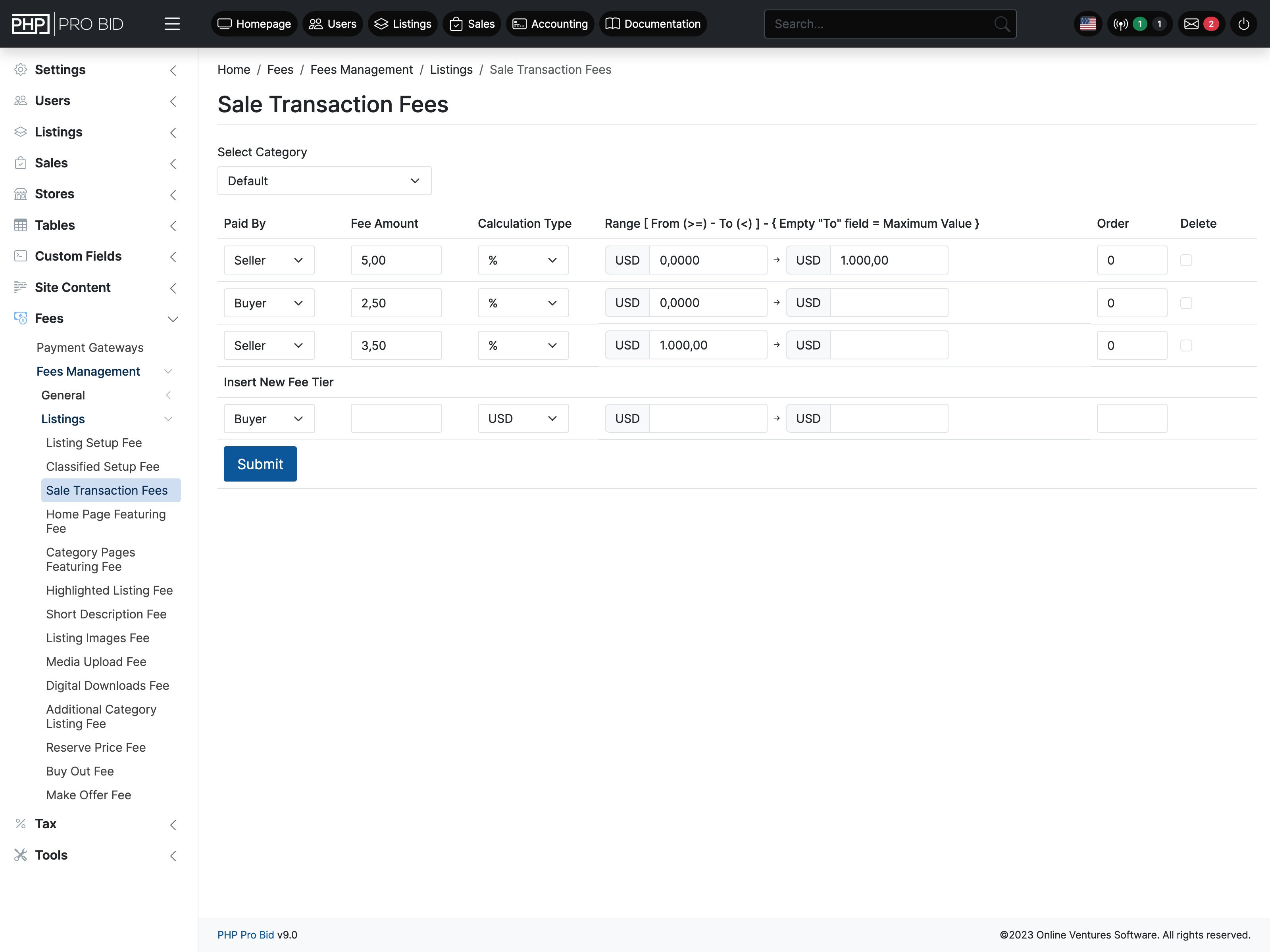
Set listing fees, transaction percentages and buyer premiums, then track every penny in the built-in ledger. We never take a slice of your sales.

Zero transaction feesFull ledger9 gateways
See pricing →
yourauctions.com/admin/accounting
PHP Pro Bid admin accounting ledger tracking listing fees, transaction percentages, and buyer premiums with zero transaction fees
Anywhere

Bid from any phone. No app.

The bidder front end is fully responsive — browse, bid, and pay from mobile with nothing to install.

ResponsiveNo app neededOutbid alerts
Try the live demo →
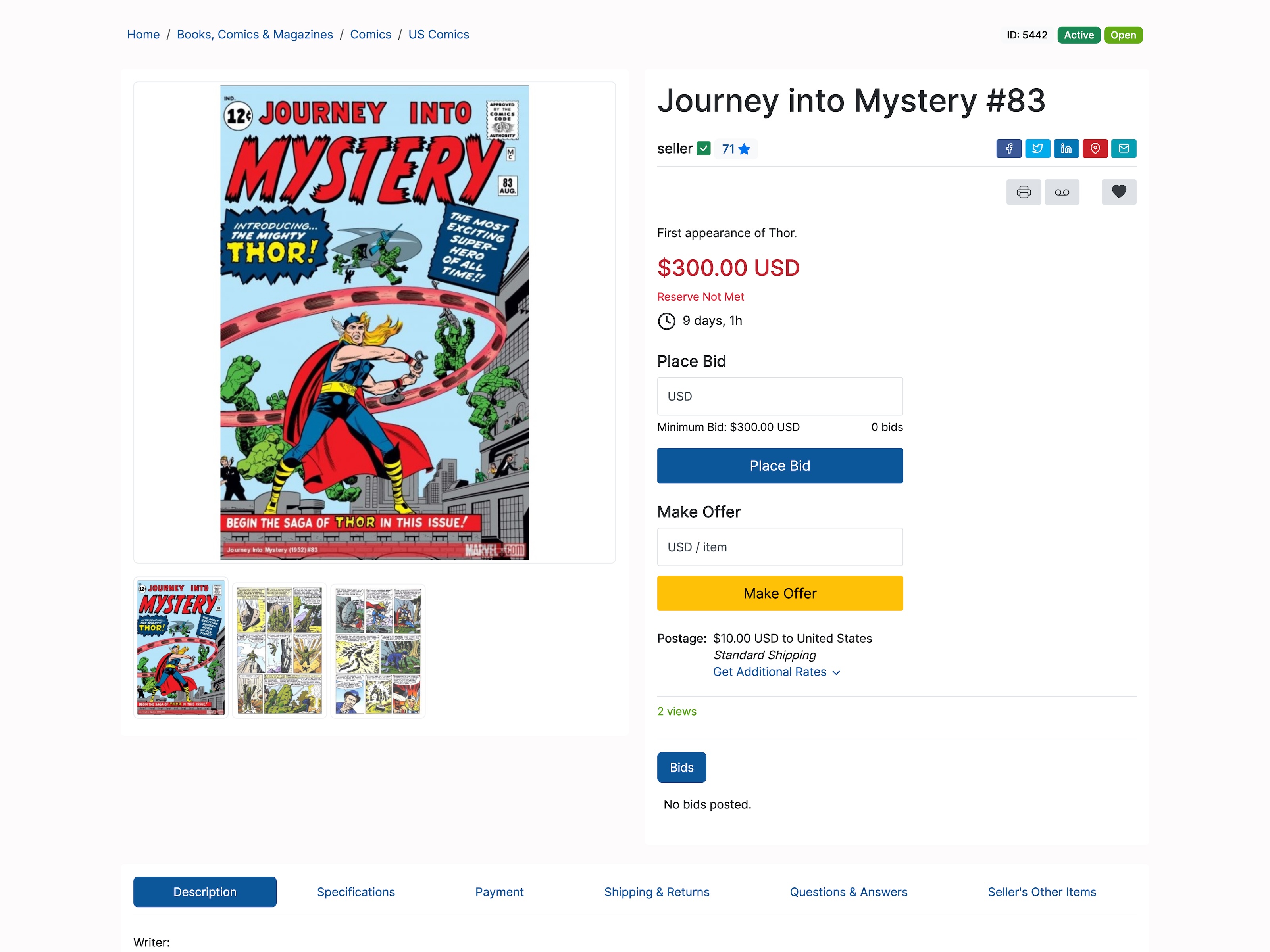
PHP Pro Bid mobile bidding on a phone — auction listing with current price, countdown timer, and Place Bid form
Show me features for
Proxy Bidding Essential

Buyers set a maximum bid — the system places the lowest winning increment on their behalf automatically, right up to that limit.

Keeps buyers competitive without watching the clock. Drives higher final prices with less effort from the bidder.

Proxy Bidding documentation →
Bid Sniping Protection Essential

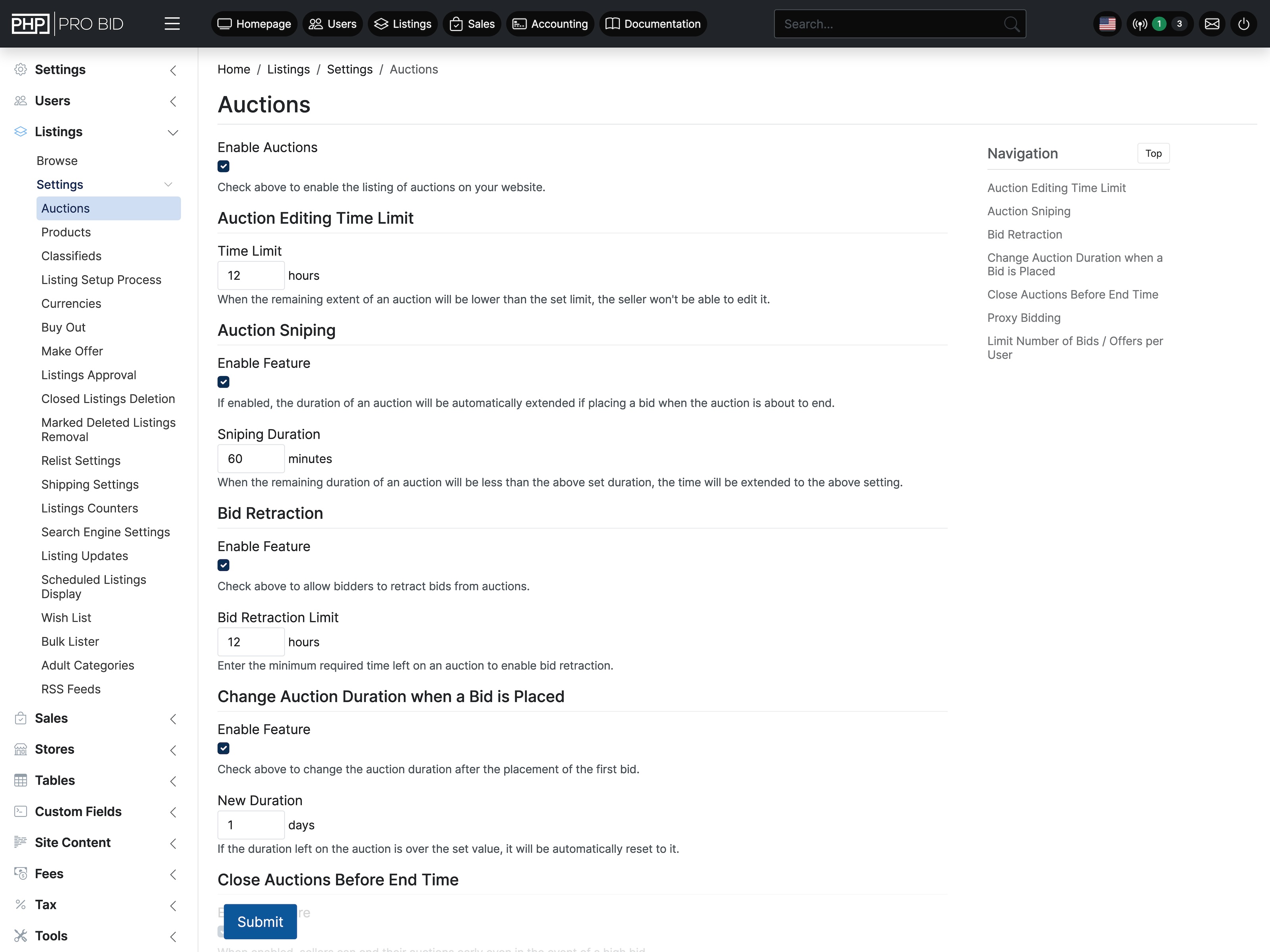
A bid in the final seconds automatically extends the closing time by a preset period — giving others a fair chance to respond.

Prevents last-second grabs. Fairer outcomes for sellers, less frustration for losing bidders.

Bid Sniping Protection documentation →
Bid Increments Core

Set a flat increment per bid, or define a tiered table where increments scale automatically with the current bid price (e.g. £1 under £50, £10 over £500).

Matches how professional live auctions work — increments feel natural, not arbitrary.

Bid Increments documentation →
Buy Out Core

Sellers set a fixed Buy Out price. Buyers skip the auction and purchase instantly. The "Always Show" option keeps the button live even after bids exceed the price.

Converts impatient buyers who don't want to wait days for an auction to close.

Buy Out documentation →
Make Offer Core

Buyers submit a private price below asking. Sellers accept, decline, or counter. Works on both auctions and fixed-price products.

Opens negotiation where buyers aren't sure on value — reduces abandoned listings.

Make Offer documentation →
Reserve Price Core

A hidden minimum price. The auction runs freely and attracts bidders, but won't complete unless the reserve is met.

Protects sellers from undervalue sales — essential for high-value or consignment lots.

Reserve Price documentation →
Bid Retraction Core

Only the current highest bidder can retract, and only after a minimum time set by the admin. Prevents tactical retractions.

Provides an escape valve for genuine errors while protecting sellers from bad-faith bidding.

Bid Retraction documentation →
Custom Start & End Times Core

Schedule any listing to go live and close at a specific date and time — hours, days, or weeks in advance.

Essential for coordinating batches of lots in event-style sales.

Custom Start & End Times documentation →
Bid Limit Per User Core

Cap how many bids a single participant can place per auction. Proxy bids always count as one regardless of auto-increments.

Useful for charity events and specialist formats where equal participation matters.

Bid Limit Per User documentation →
Close Auction Early Core

Sellers can end an auction ahead of schedule. Configurable to allow early close only when there are no bids, or also when below reserve.

Gives sellers an exit — without allowing arbitrary cancellation of winning bids.

Close Auction Early documentation →
Duration Change on First Bid Core

Auction duration can reset or extend when the first bid is placed — useful for "activates on interest" sale formats.

Creates urgency exactly when interest is confirmed — not before.

Duration Change on First Bid documentation →
Edit Lock Before Close Core

Within a preset window before closing, sellers can no longer edit the listing. Prevents last-minute manipulation of what bidders are buying.

Buyers bid with confidence knowing the item won't change under them.

Edit Lock Before Close documentation →
Running timed auctions?
The full step-by-step guide — how every bidding setting works, how to set up your first auction, and what separates PHP Pro Bid from SaaS alternatives.
Timed Auctions Guide →
Staggered Lot Closings Standout

Lots close in sequence — every 3 minutes, for example — rather than all simultaneously. Buyers browse and bid across the entire event without a chaotic finish.

This is how professional estate and liquidation auctions work. No other platform at this price point does it natively.

Staggered Lot Closings documentation →
Bulk Lot Upload (CSV) Essential

Upload hundreds of lots via a single CSV file. Include titles, descriptions, start prices, categories, and image references in one pass.

A 200-lot estate sale that takes hours to list manually takes minutes with bulk upload.

Bulk Lot Upload (CSV) documentation →
Combine Invoices Essential

When the event closes, one consolidated invoice is generated per buyer — covering everything they've won across all lots. No manual assembly.

The most time-consuming post-sale task, done automatically. One buyer, one invoice, regardless of lot count.

Combine Invoices documentation →
Listing Drafts Core

Save any listing as a draft and return later. All fields — images, pricing, description — are preserved until you publish.

Lets catalogers prepare lots ahead of an event without going live prematurely.

Listing Drafts documentation →
Relist Core

One-click relist for unsold lots — all original details, images, and descriptions carried over automatically.

Saves significant time at repeat or multi-day events where carry-over lots are common.

Relist documentation →
Listing Approval Workflow Core

All new lots queue for admin review before going live. Nothing appears in the catalog until you approve it.

Essential for multi-consignor events where quality control before buyer visibility matters.

Listing Approval Workflow documentation →
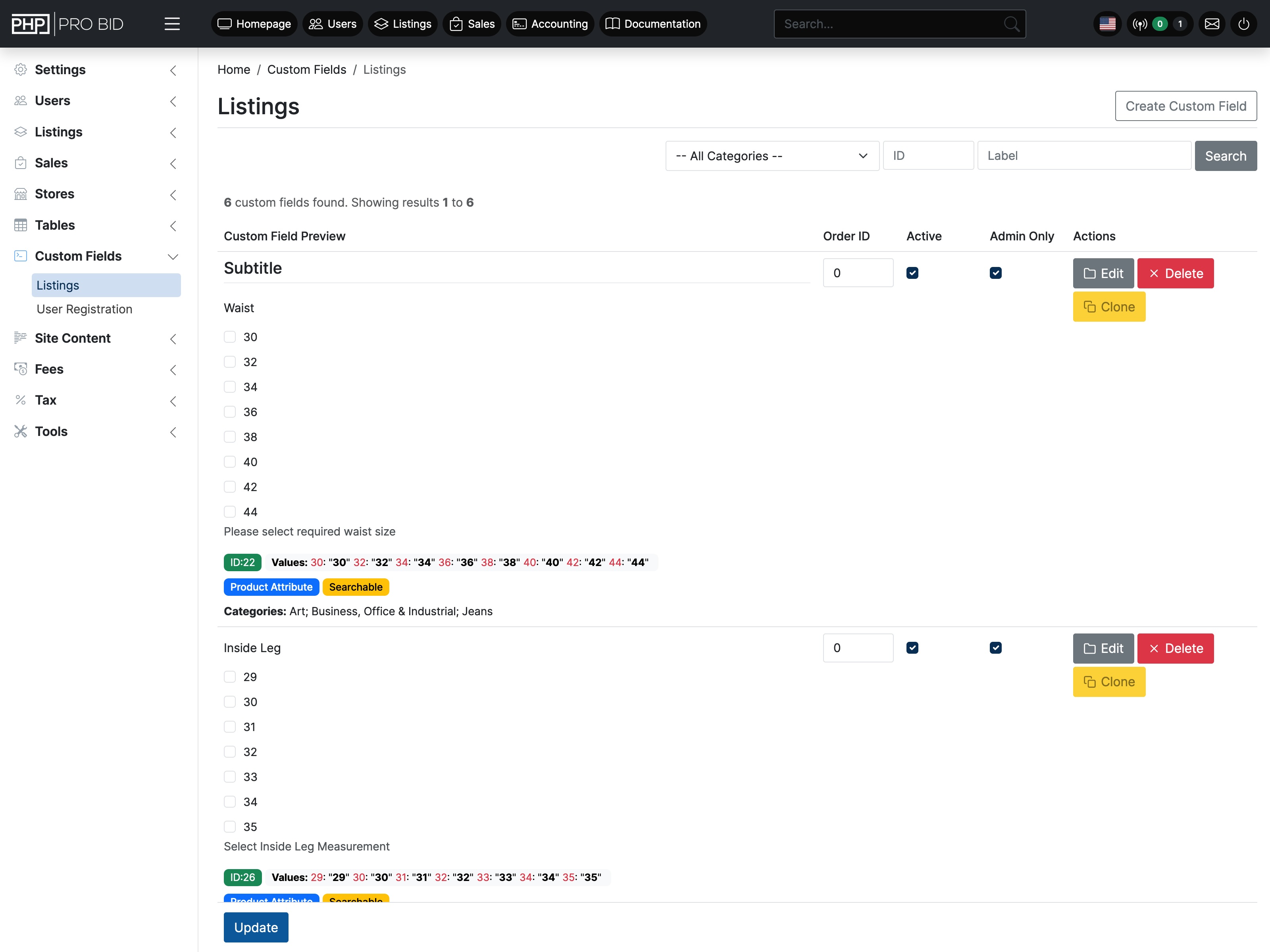
Custom Fields Core

Add specific fields to each category — Make/Model/Year for vehicles, Hallmark/Weight for jewellery, Artist/Period for art. Buyers filter by these values.

Better catalog data = better buyer experience = higher bids.

Custom Fields documentation →
Multi-Image & Video per Lot Core

Upload multiple photos per lot. Videos can be embedded or uploaded. Images are automatically resized and optimised for fast loading.

Buyers who can see an item clearly bid more confidently — more images directly correlates with higher final prices.

Multi-Image & Video per Lot documentation →
Digital Downloads Core

Auction or sell digital files — certificates, prints, PDFs, software licenses. Delivered automatically to the buyer on payment confirmation.

Opens the platform to digital collectibles, art prints, and document sales without any extra setup.

Digital Downloads documentation →
Running estate sales, liquidations, or charity events?
See how the Auction Events format works end-to-end — from bulk upload and staggered closings to per-buyer invoicing and post-sale collection.
Auction Events Guide →
Shopping Cart & Checkout Unique to PHP Pro Bid

Full fixed-price cart with one-page checkout: billing address, delivery selection, voucher code, and payment gateway — all in a single clean flow.

Buyers add to cart and purchase without leaving your platform. No other commercial auction software includes a native shopping cart.

Shopping Cart & Checkout documentation →
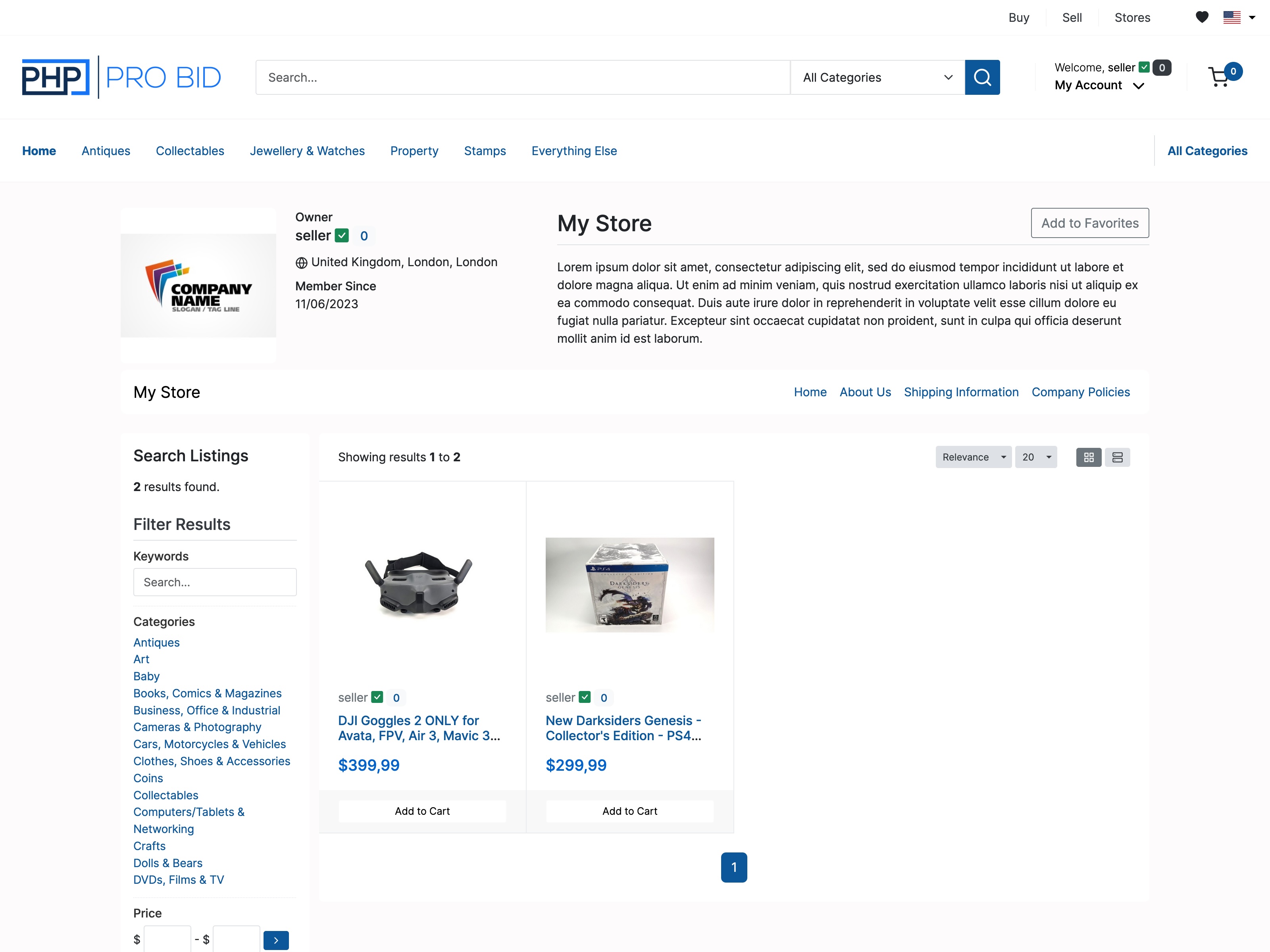
Seller Stores Unique to PHP Pro Bid

Every seller gets a branded storefront — custom name, logo, description, and policies. Buyers browse a seller's full inventory in one place.

Enables a true multi-seller marketplace. Sellers build their own audience within your platform.

Seller Stores documentation →
Store Subscriptions Revenue

Charge sellers a recurring fee — monthly or yearly, at whatever price you set. Sellers subscribe; you earn recurring income.

Turns your marketplace into a subscription business without building anything extra.

Store Subscriptions documentation →
Product Attributes Core

Add structured attributes to products — size, color, material, condition — as dropdown or text fields. Buyers filter search results by these values.

Makes your store browsable. Buyers who can filter find what they want and buy faster.

Product Attributes documentation →
Force Payment (Inventory Lock) Core

Stock is held for a buyer once they add to cart. If they don't complete payment within the hold window, the item is released back to general availability.

Prevents overselling and creates gentle urgency without annoying buyers.

Force Payment (Inventory Lock) documentation →
Voucher Codes Core

Create discount codes — fixed amount or percentage — with expiry dates and usage limits. Buyers apply them at checkout.

Run promotions and reward repeat buyers without any third-party tools.

Voucher Codes documentation →
Preferred Seller Badging Core

Admins badge selected sellers as "Preferred" — highlighted in search results and on their store to signal credibility.

Incentivises your best sellers and helps buyers find reliable sources quickly.

Preferred Seller Badging documentation →
Listing Share Buttons Core

Built-in social sharing on every listing. Sellers and buyers share directly to Facebook, X, and other platforms.

Your sellers promote their listings for you — free organic reach on every item posted.

Listing Share Buttons documentation →
Recently Viewed Listings Core

A "recently viewed" widget follows buyers through the site, reminding them of items they showed interest in.

Brings buyers back to listings they almost bought — one of the simplest conversion boosters available.

Recently Viewed Listings documentation →
Building a marketplace or webstore alongside your auctions?
See how the shopping cart and multi-seller marketplace share buyer accounts, a single admin, and zero fees — on the same platform as your auctions.
Marketplace & Webstore →
Classified Listings Core

Single-page static listings with description, images, location, contact details, and custom fields. Buyers inquire directly — no bidding, no cart.

Adds a services and rentals section to your platform without a second system.

Classified Listings documentation →
Featured Placement Revenue

Sellers pay to feature their listing at the top of category pages or on the homepage. Duration and price are fully configurable.

Another revenue stream — sellers pay for visibility, you earn without any extra work.

Zero Fees to PHP Pro Bid Key advantage

PHP Pro Bid takes nothing from your sales — ever. The entire fees engine charges your buyers and sellers, and you keep 100% of the proceeds.

Every SaaS competitor either takes a %, charges per event, or both. You don't. Ever.

Listing Fees Core

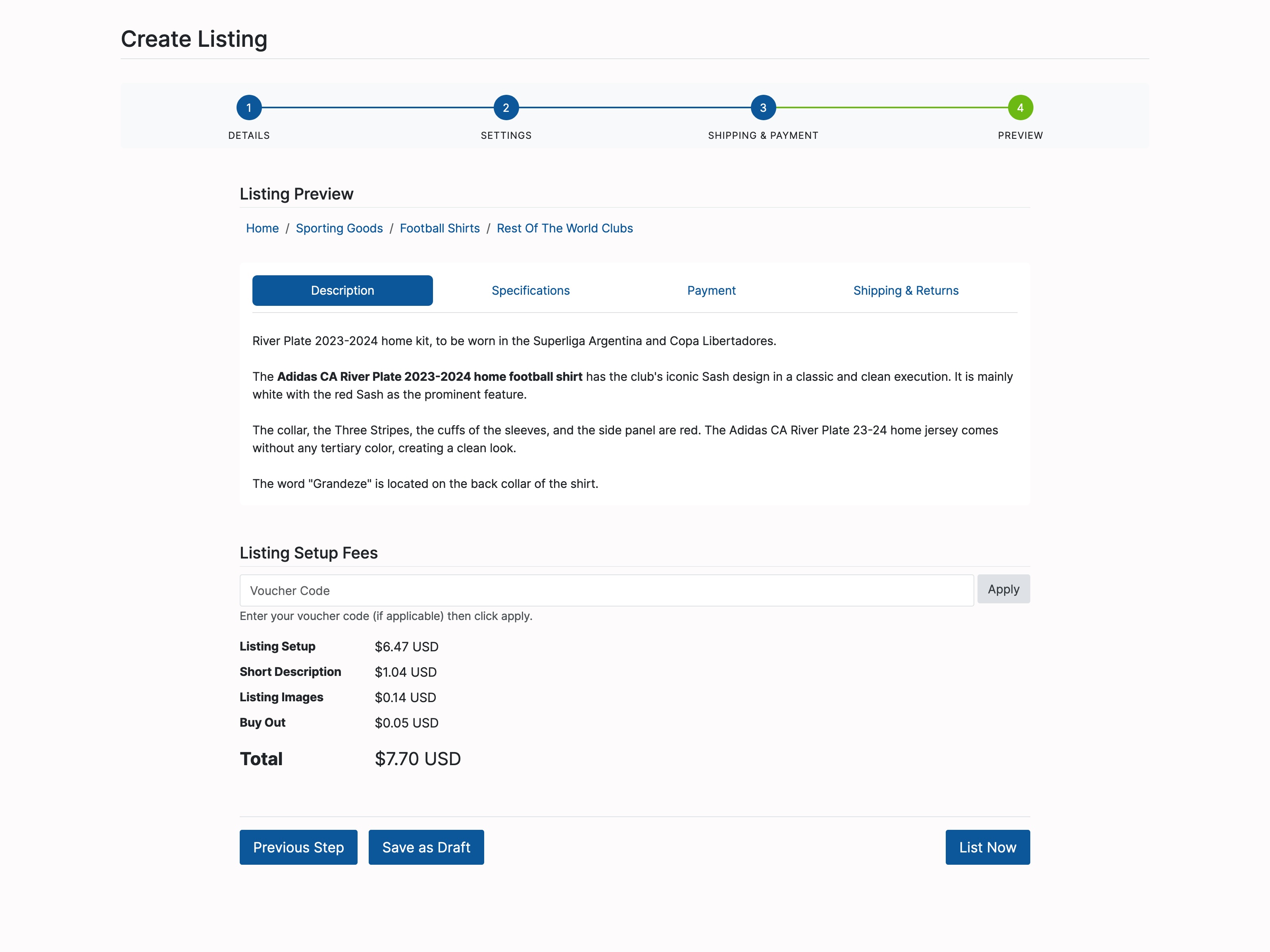
Charge sellers to list. Configure by type: flat fee, percentage, or tiered by price range. Apply separately to images, reserve price, Make Offer, digital downloads, and more.

Earn income before a single sale is made.

Listing Fees documentation →
Sale Transaction Fees Core

Take a percentage or fixed amount from each sale. Payable by seller, buyer, or split. Fully tiered by price range.

Your primary income stream on a marketplace model — completely configurable without touching code.

Sale Transaction Fees documentation →
Payment Gateways Essential

PayPal, Stripe, WorldPay, SagePay, Authorize.net, Skrill, 2Checkout, Nochex, and Paymate — all included. Run multiple gateways simultaneously.

Buyers pay with whichever gateway they trust. No gateway lock-in.

Payment Gateways documentation →
Accounting Essential

Full income and expense ledger — all fees collected, payments received, refunds issued, and outstanding balances. Refund requests queue for admin review.

Replaces a third-party accounting tool for day-to-day platform bookkeeping.

Accounting documentation →
Direct Payment Essential

Accept payment recorded centrally — useful when buyers pay via bank transfer or on account, without redirecting through a gateway page.

Essential for high-value trade buyers and B2B invoice-based purchasing.

Direct Payment documentation →
Fees Calculator Core

Buyers and sellers see a complete fee breakdown before listing or purchasing. All applicable fees shown upfront — no surprises at checkout.

Transparency at the fee stage reduces abandoned listings and checkout drop-off significantly.

Fees Calculator documentation →
Custom Invoice Branding Core

Add your logo, business address, VAT number, payment terms, and footer text to every auto-generated invoice.

Professional invoices satisfy accounting requirements and build buyer confidence.

Custom Invoice Branding documentation →
User Signup Fees Revenue

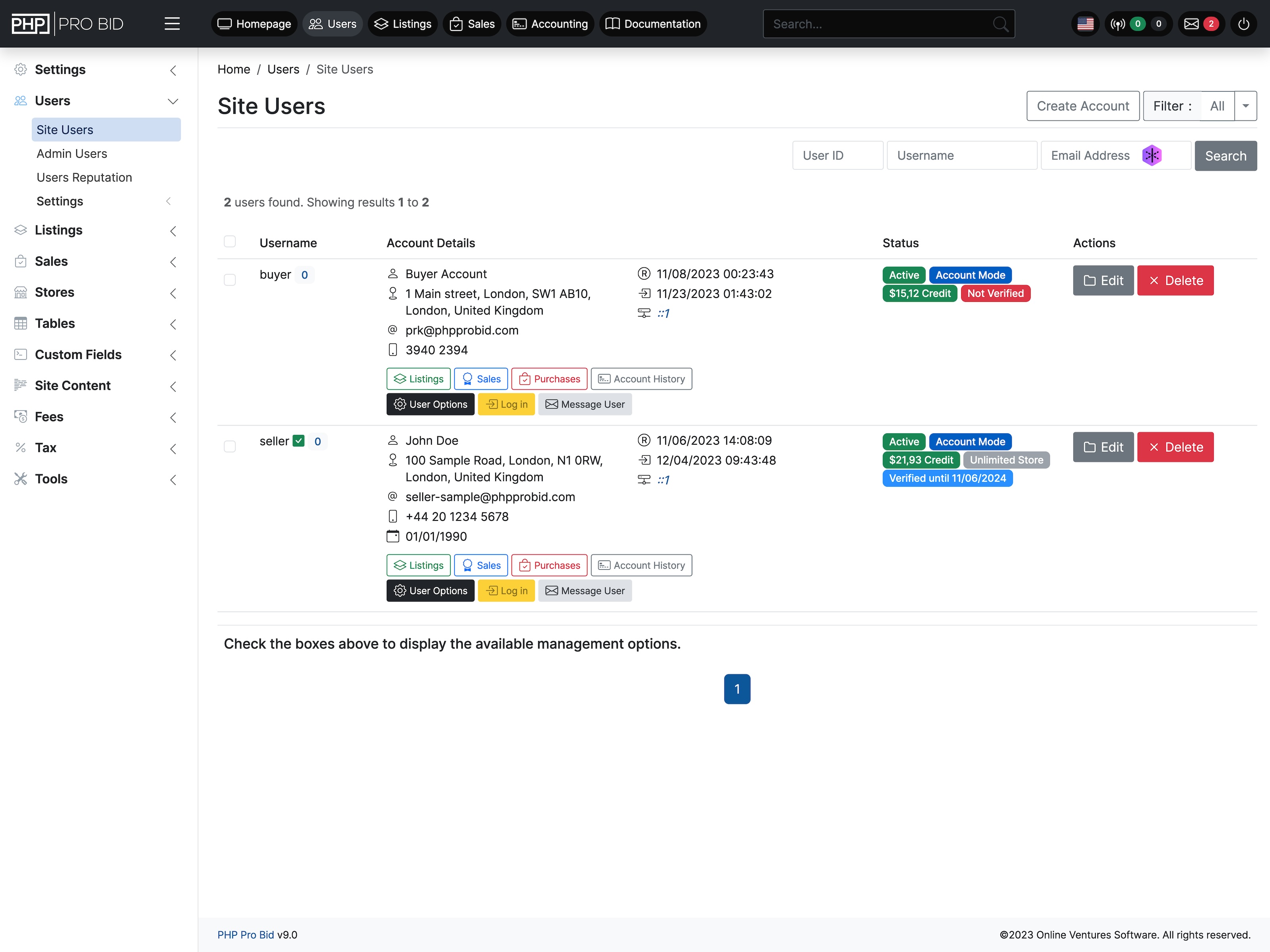
Charge a one-time fee to join as a buyer, seller, or both. Collect payment through any active gateway before the account is activated.

Creates a premium member model — especially useful for trade platforms and B2B marketplaces.

User Signup Fees documentation →
Unlimited Categories

Unlimited categories and subcategories, each with its own SEO title, description, and image.

Unlimited Categories documentation →
Listing View Counters

View counts and watch counts visible per listing — shows sellers and buyers how much interest an item has.

Listing View Counters documentation →
Advanced Search & Filters

Search by keyword, title, category, price range, location, and custom fields simultaneously.

Advanced Search & Filters documentation →
Listing Update Alerts

Buyers opt in to receive a notification when a watched listing is updated — price drop, new images, or extended time.

Listing Update Alerts documentation →
Locations

Assign a pickup or origin location per listing. Buyers filter search results by location.

Locations documentation →
Seller Settings Per Listing

Sellers configure shipping, returns, and payment preferences per listing — overriding store defaults where needed.

Seller Settings Per Listing documentation →
Adult Categories

Designate specific categories as adult-only. Buyers must confirm age to access these sections.

Adult Categories documentation →
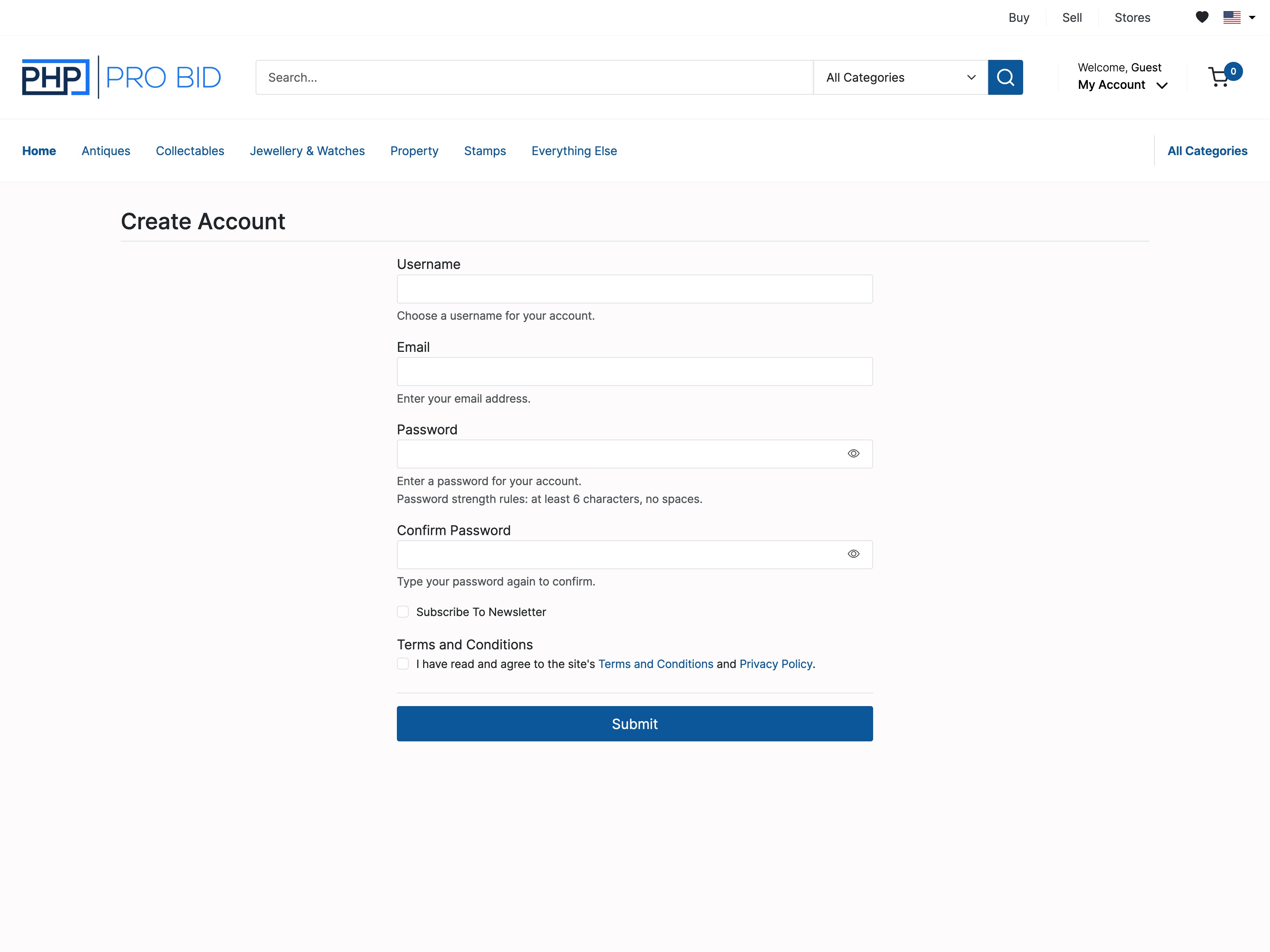
Signup Confirmation Core

Three modes: admin manual approval, email activation link, or instant automatic approval. Switch at any time.

Control who joins your platform from day one — critical for trade-only or private auctions.

Signup Confirmation documentation →
User Verification Core

Users complete a "Get Verified" step in their Members Area — an extra layer of trust before they can bid or sell.

Reduces fraud. Sellers feel safer accepting bids from verified members on high-value lots.

User Verification documentation →
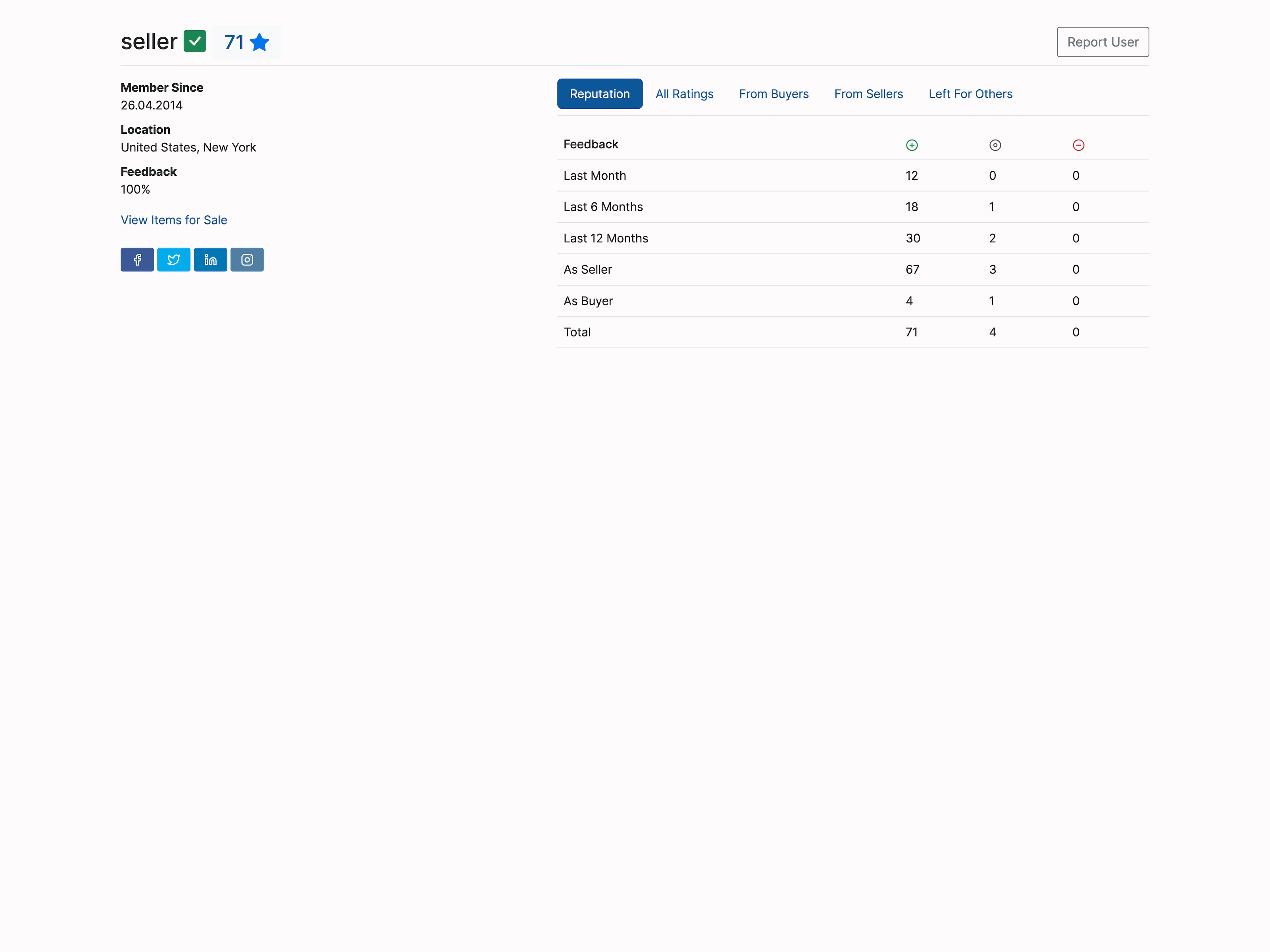
Feedback & Reputation Trust

Buyers and sellers leave star ratings and written reviews after each transaction. Full transaction history visible to all users.

Reputation is the foundation of any marketplace. Without it, buyers won't bid on unknown sellers.

Feedback & Reputation documentation →
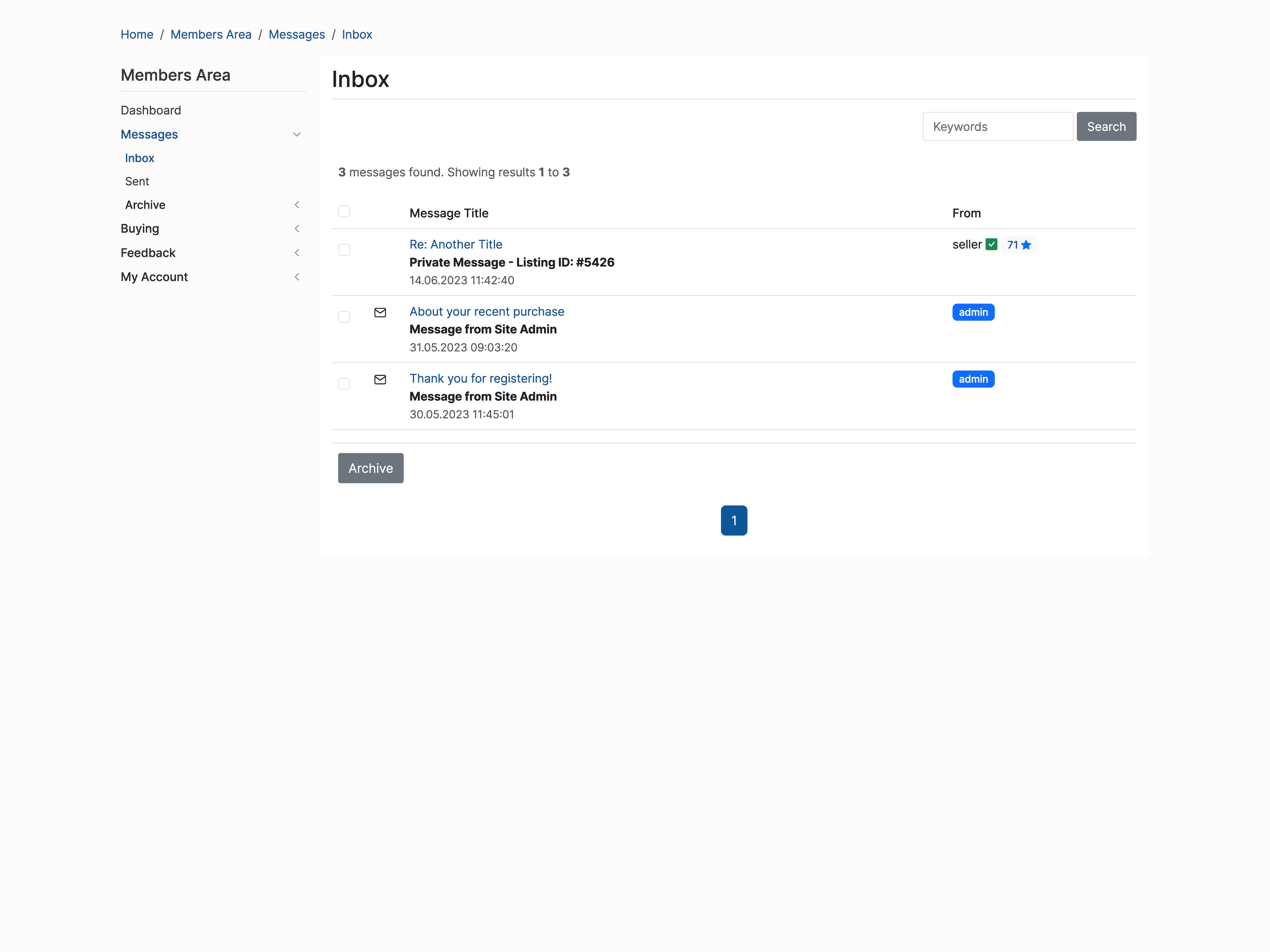
Messaging Core

Built-in message board for buyers, sellers, and admins. Separate threads for bid updates, sale notifications, and general Q&A.

All communication stays within your platform — no email back-and-forth outside the system.

Messaging documentation →
Email Notifications Core

Automated emails for every key event: outbid alerts, auction won, payment received, dispatch confirmed, message received. All templates are editable.

Buyers who get outbid alerts come back and bid again. Automated at the platform level — nothing to configure per auction.

Email Notifications documentation →
Address Book Core

Buyers save multiple delivery addresses and select one at checkout. Reduces friction for repeat buyers who ship to multiple locations.

Especially valuable for B2B buyers ordering to different branches or warehouses.

Address Book documentation →
Blocked Users Core

Sellers block specific buyers from their listings. Admins can suspend or permanently ban users platform-wide.

Essential moderation for managing problem buyers without disrupting the rest of the platform.

Blocked Users documentation →
Private Site Mode Core

Lock the platform to registered users only — non-logged-in visitors can't see any listings. Or restrict to a single seller with no marketplace.

Ideal for trade platforms, closed member communities, and single-seller auction houses.

Private Site Mode documentation →
Password Strength Control Core

Enforce minimum password complexity requirements for all new accounts — length, character types, and strength score.

Reduces account takeovers, which protects both buyers and your platform's reputation.

Password Strength Control documentation →
Item or Flat Rate Shipping

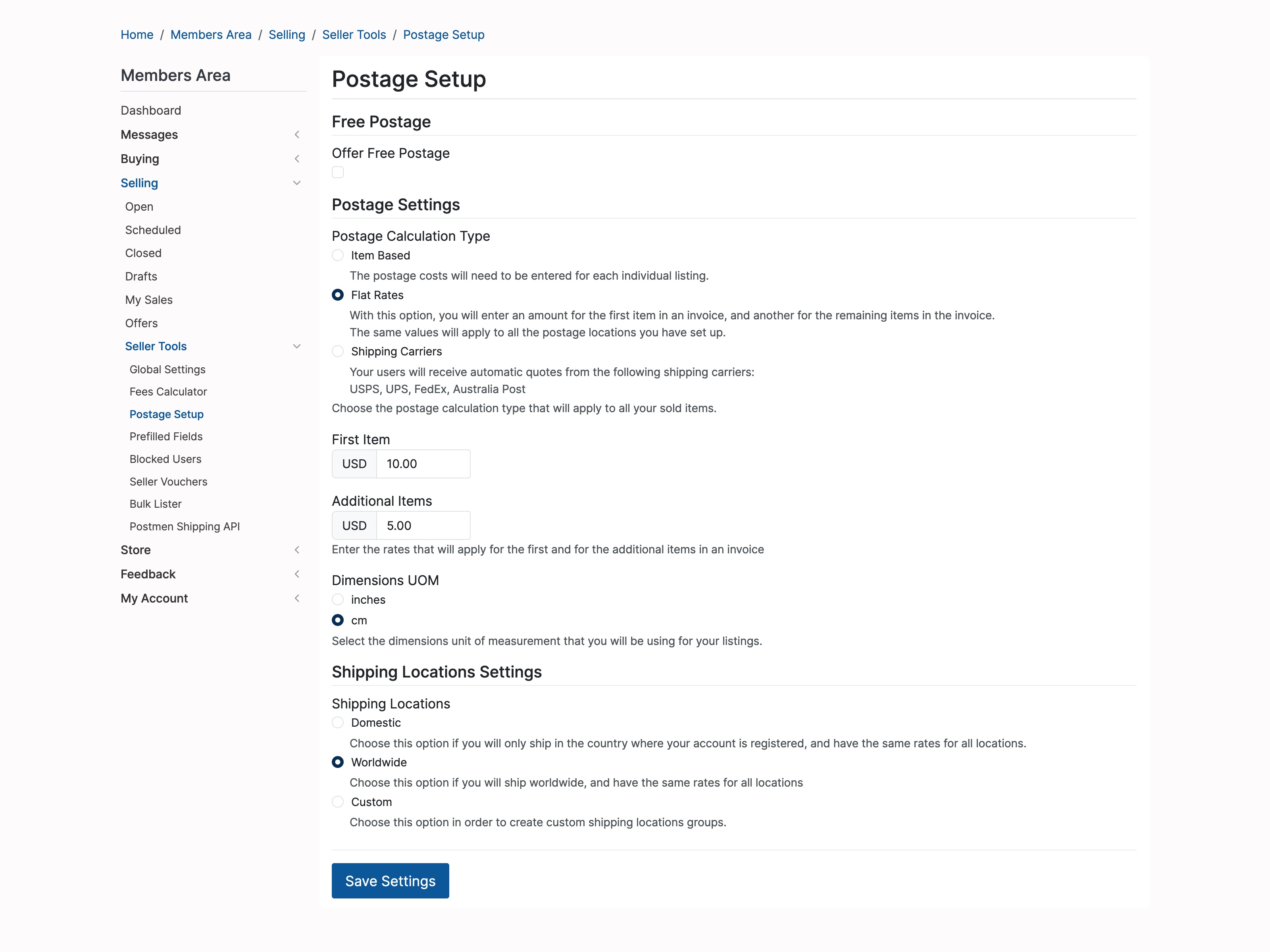
Set shipping per individual item, or use flat rates with different pricing for the first item vs additional items.

Item or Flat Rate Shipping documentation →
Free Postage Threshold

Sellers set a minimum order value above which shipping is automatically waived — encourages buyers to add more.

Free Postage Threshold documentation →
Shipping Carriers

Configure Royal Mail, FedEx, UPS, DHL, and others. Buyers select their preferred service at checkout.

Shipping Carriers documentation →
Shipping Insurance

Optional insurance at checkout — flat fee or percentage of order value, fully configurable.

Shipping Insurance documentation →
Seller-Defined Shipping

Each seller sets their own rates, methods, and regions independently of platform defaults.

Seller-Defined Shipping documentation →
Post-Sale Shipping Updates

After a sale, buyers update shipping preference; sellers confirm dispatch with tracking details.

Post-Sale Shipping Updates documentation →
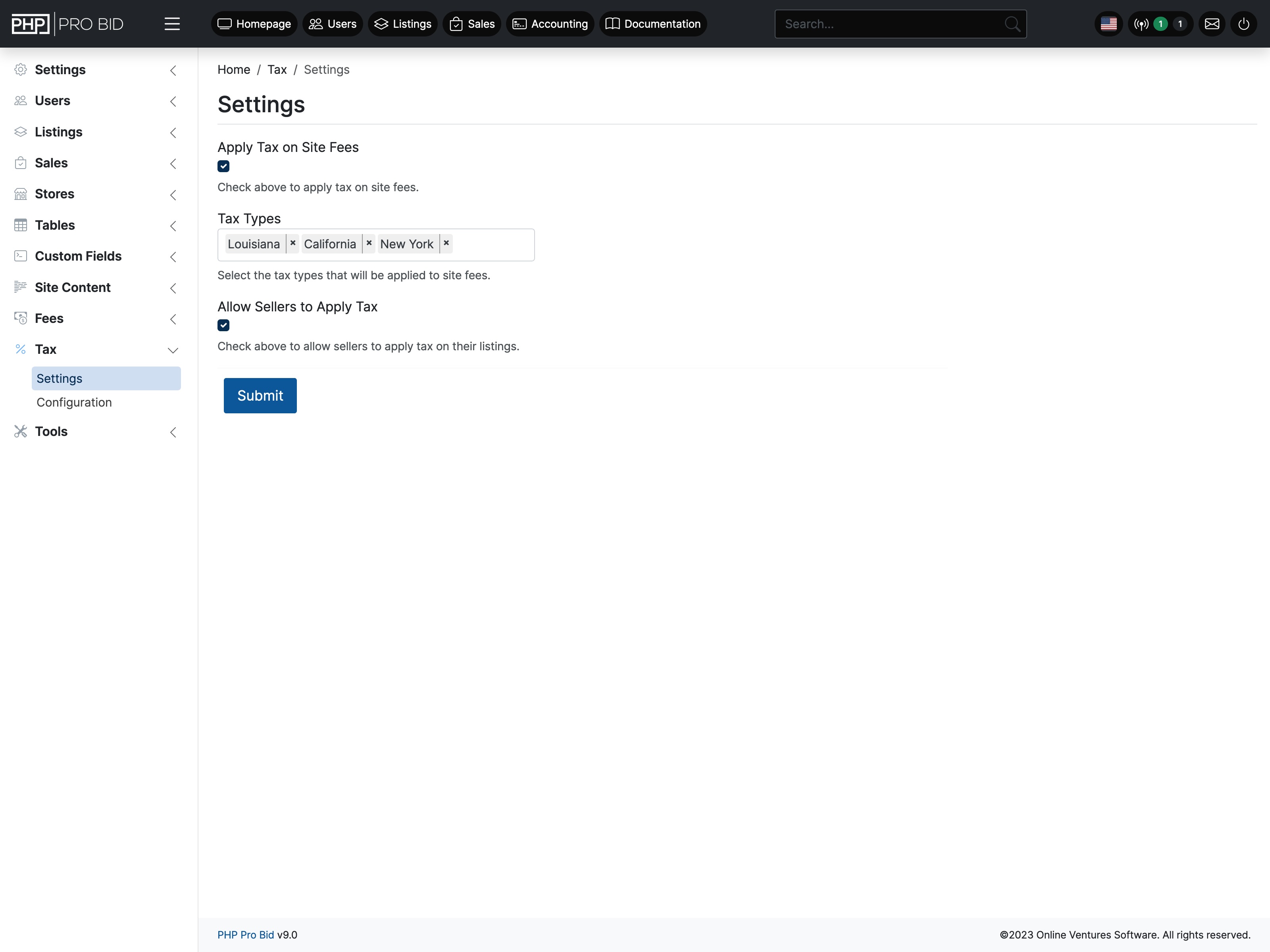
VAT / Sales Tax on Listings

Sellers apply tax to their listings at any rate. Shown clearly at checkout before payment.

VAT / Sales Tax on Listings documentation →
Tax on Platform Fees

Apply VAT to your own site fees — essential for VAT-registered businesses.

Tax on Platform Fees documentation →
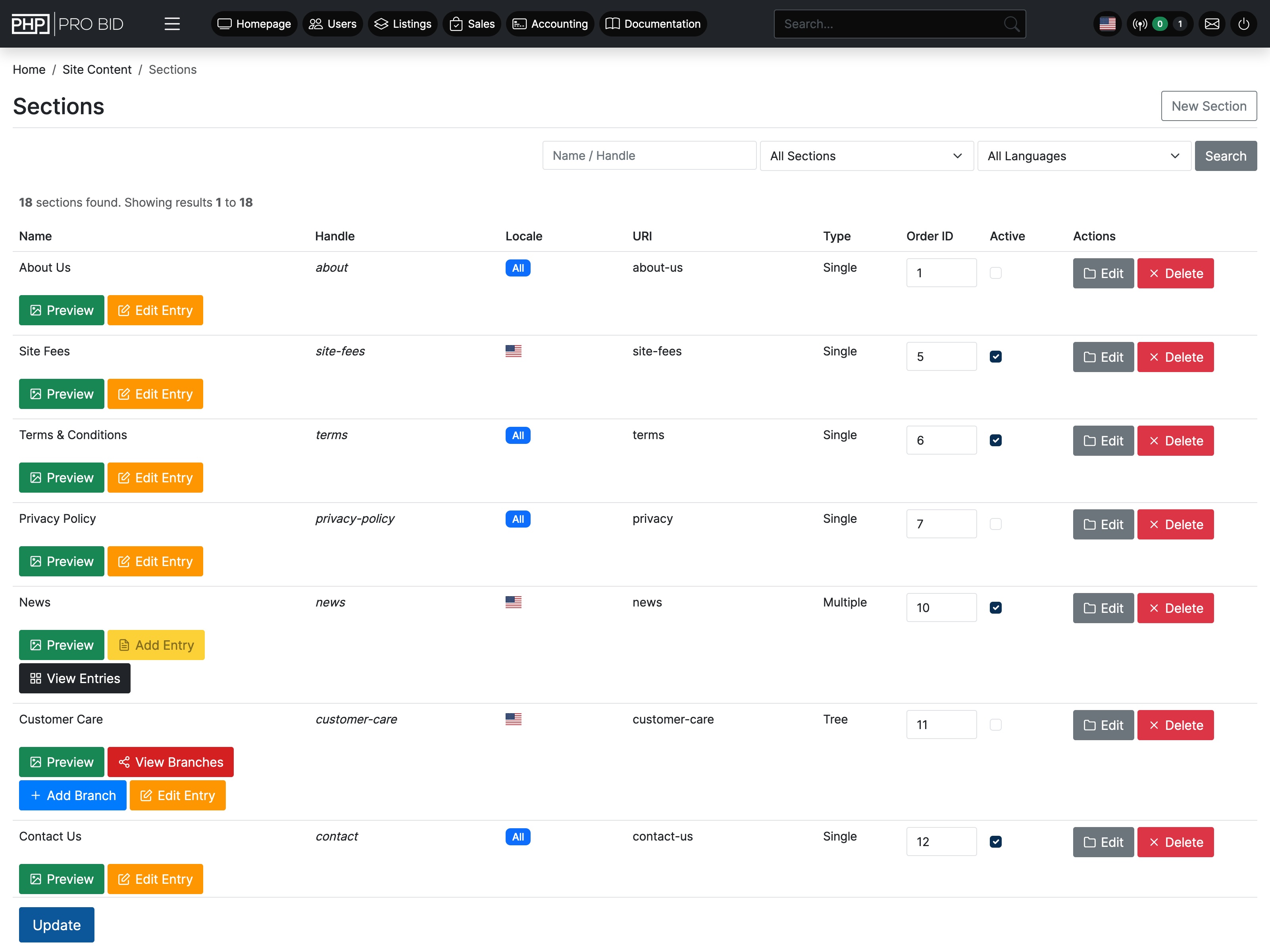
Full CMS Essential

Create and edit pages, articles, menus, sections, and adverts directly from the admin panel. No developer or external CMS needed.

Add an About page, a FAQ, terms and conditions, or a blog — all from within the platform.

Full CMS documentation →
Multilanguage Essential

Full multilanguage support. A free Translations Pack in 8 languages is available. Add any additional language yourself or via the pack.

Expands your buyer base to non-English speakers without a separate build.

Multilanguage documentation →
Editable System Emails Core

All automated platform emails — outbid alerts, invoices, welcome emails — are editable from the admin panel. Customise copy, branding, and layout.

Your emails look like your brand, not a generic platform.

Editable System Emails documentation →
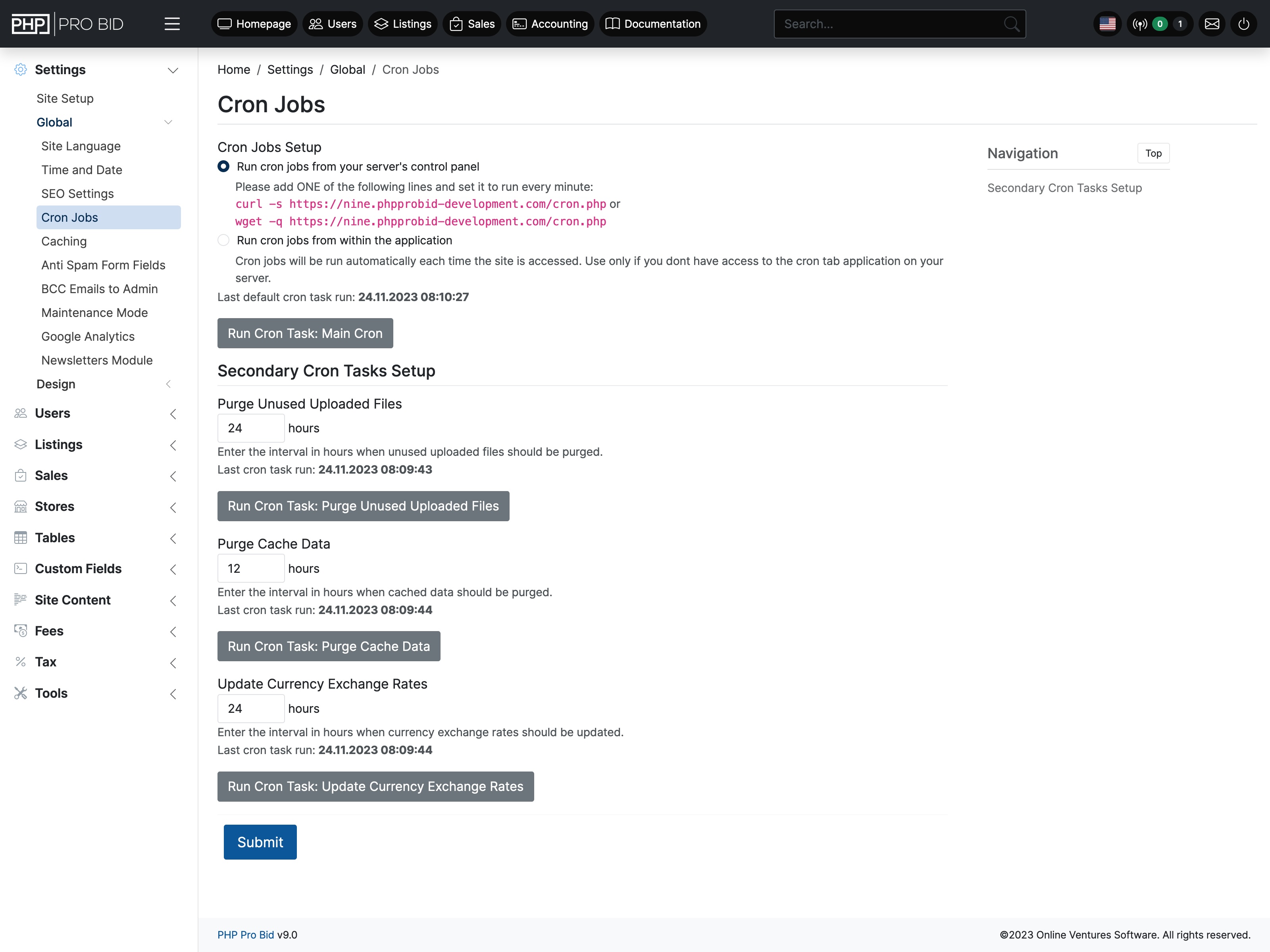
Cron Jobs & Caching Core

Automate scheduled tasks — expiring listings, sending reminders, clearing cache. The caching module reduces load times through compiled code and optimised image delivery.

Keeps the platform fast and running cleanly without manual admin intervention.

Cron Jobs & Caching documentation →
Google Analytics & reCAPTCHA Core

Connect your Google Analytics account from the admin panel. reCAPTCHA integration protects registration and contact forms from bots.

Traffic data and spam protection — both configured in minutes, no code needed.

Google Analytics & reCAPTCHA documentation →
Maintenance Mode Core

Take the site offline for maintenance with a single toggle. Custom message displayed to visitors. Admins can still log in and work.

Safely run updates or changes without exposing a broken state to buyers.

Maintenance Mode documentation →
Social Media Integration Core

Connect Facebook and other social platforms. Share listing updates and platform news directly from the admin panel.

Keeps your social presence active without separate social media management tools.

Social Media Integration documentation →
User Management Core

Full admin control over every user account — view history, edit details, adjust permissions, suspend, ban, or delete. Bulk actions supported.

Everything you need to manage a community of thousands from one screen.

User Management documentation →
Advert Management Revenue

Create and manage display adverts within your platform. Position banners on key pages to promote featured sellers, listings, or external sponsors.

An additional revenue stream — sell banner placements to sellers or third parties.

Advert Management documentation →
SEO Settings Per Page

Custom meta title, description, and keywords for every page, category, and listing. Full control over how each URL appears in search results.

SEO Settings Per Page documentation →
SEO Link Redirects

Create 301 redirects from the admin panel — no server config needed. Useful when restructuring URLs or after migration.

SEO Link Redirects documentation →
Newsletter Tool

Build and send newsletters to all or segments of your registered users directly from the admin panel.

Newsletter Tool documentation →
Word Filter

Block specific words or phrases from appearing in listings, descriptions, and messages platform-wide.

Word Filter documentation →
Who's Online

Real-time view of active sessions — guests vs registered users, pages being viewed, and session duration.

Who's Online documentation →
Cookie Consent Banner

Built-in GDPR/ePrivacy cookie consent notice. Configurable message and confirmation behavior.

Cookie Consent Banner documentation →
Abuse Reports

Users report listings or messages as abusive. Reports queue in the admin panel for review and action.

Abuse Reports documentation →
FAQ

Common questions about features & plans

Are all features included on every plan?

Yes. Every feature on this page is included on every plan — License, Cloud, and Managed VPS. No locked modules, no premium tiers, nothing to purchase separately.

Can I run multiple auction formats on one installation?

Yes. Timed auctions, auction events, marketplace, classifieds, and shopping cart can all run simultaneously. Enable or disable each format from the admin panel.

Does PHP Pro Bid charge transaction fees on sales?

No. Zero transaction fees on all plans at all volumes. Your auction revenue is yours entirely — your only cost is your chosen plan.

Does the software receive updates?

Yes. PHP Pro Bid is actively maintained, with new releases shipped regularly. On Cloud and Managed VPS we apply updates for you, so your platform is always on the latest release. On a self-hosted license, you (or your developer) apply each release to your install.

See every feature in action

The live demo has everything unlocked — every format, every feature, real bidding. No account needed to explore.

Try the Live Demo View Pricing